
Participant
December 6, 2023
Question

How do i Rotoscope a 360 video?

  • December 6, 2023
  • 2 replies
  • 210 views

Well, first of all, never worked with vr comp before, so sorry for my lack of knowledge on the subject
So, i rotoscoped an actor and made a camera tracking to fix a Text in place while the camera moves
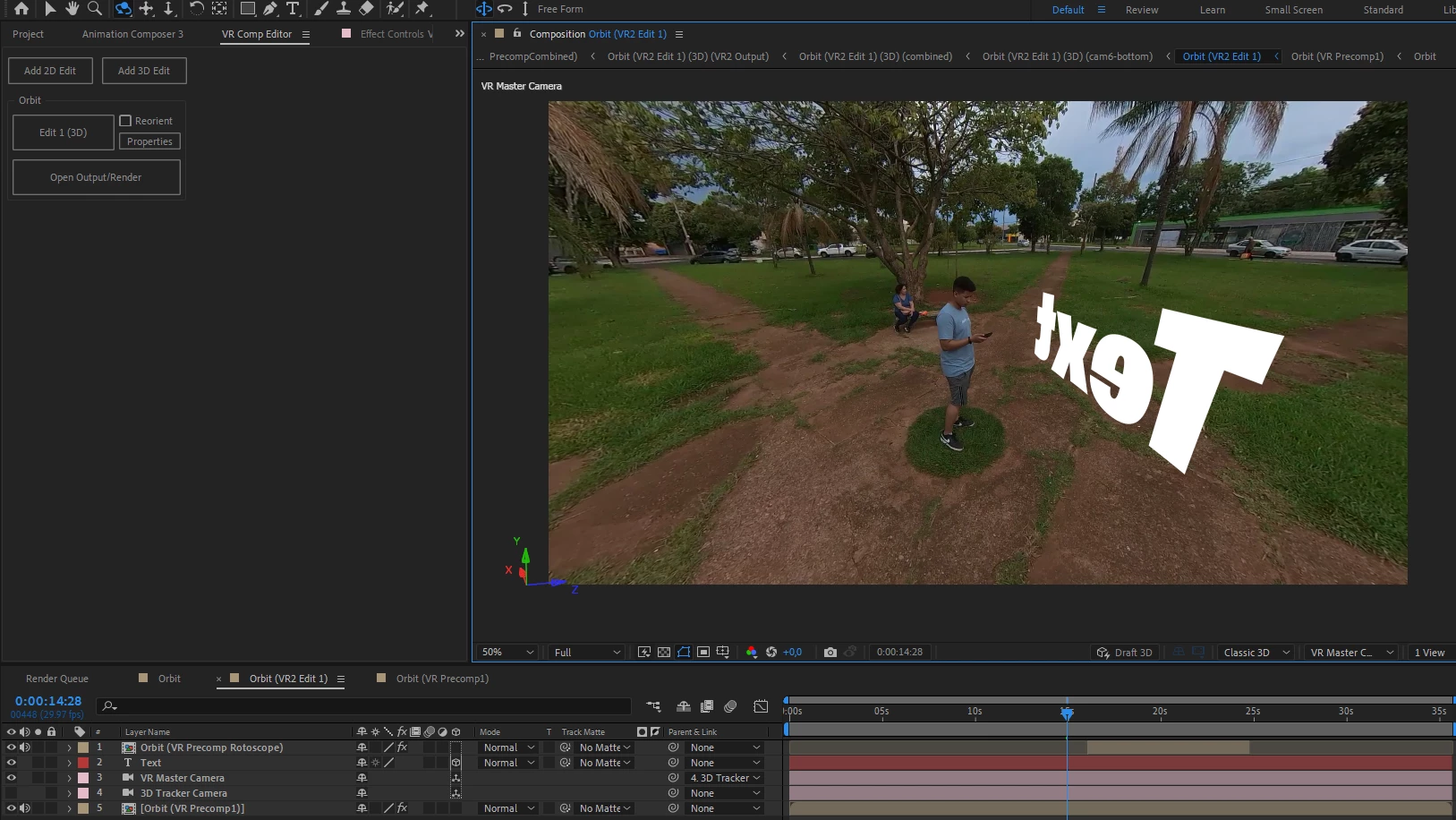
so, as you m ay guess, this is a Orbit video, so eventually, the actor goes in front of the text, so as a regular user of After FX i thought "Just rotoscope him and put it above the text"
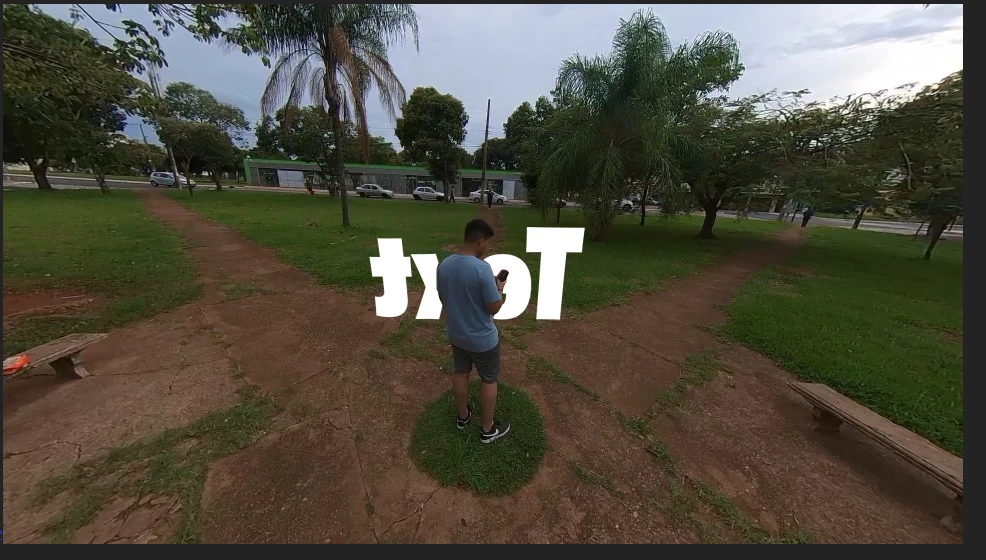
Everything goes as planned, until i try to rotate the camera around...
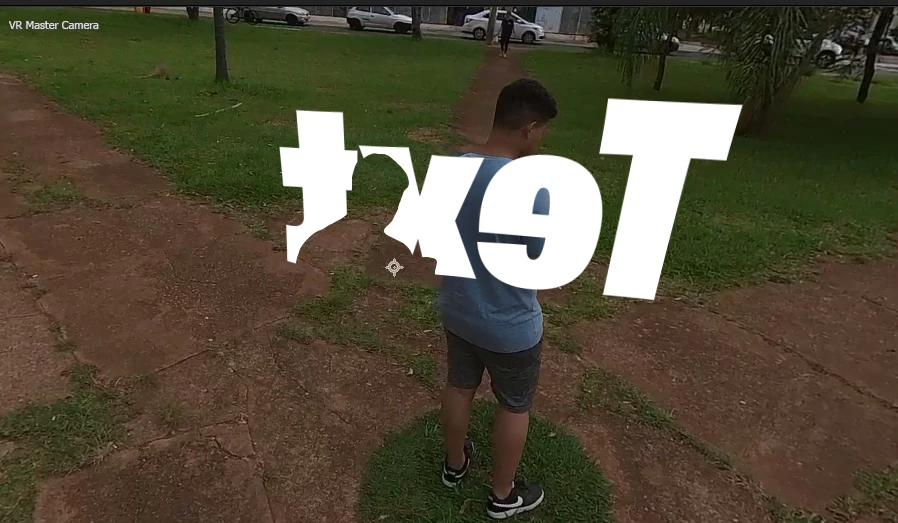
So, my assumption was "well, thats becausee im trying to reorient the VR camera center, so obviously, the rotoscopy will be locked in place, so its just render this and it should work...right?
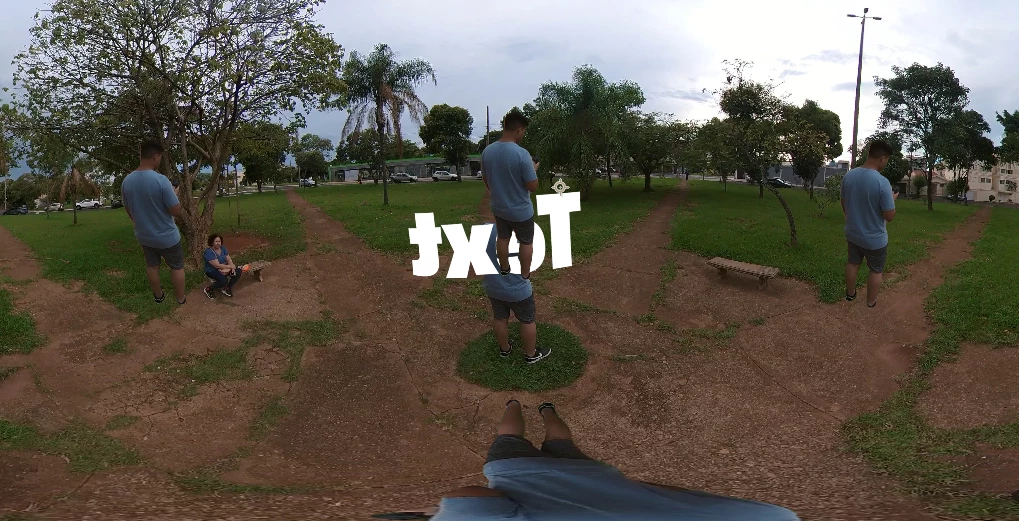
Well, i came to the conclusion i dont know how to do it at all, i appreciate any kind of help

This topic has been closed for replies.

2 replies

Mylenium
Legend
December 7, 2023

That would be impossible. This is not the kind of VR AE does. It really only creates panoramas, not actual 3D environments. For what you want the characters, text and surroundings would have to be separated and mapped and arranged in 3D in a game engine or such.


Mylenium

Mylenium
Legend
December 6, 2023

Unless you have to re-export it as a VR video, simply don't bother with using the VR camera. Simply split the orbiting thing into suitable sub-segments and treat them individually. It's really just about the illusion and strategically placing the cuts so it looks like a seamless shot.


Mylenium

Participant
December 6, 2023

So, the problem is, that his video is goin to be played in a Oculus Quest, so the subject need to be there at all times