Participating Frequently
October 13, 2021
Question

How to add a slow (ease) out to a keyframe without changing the key timings or adding any new keys?

  • October 13, 2021
  • 2 replies
  • 18083 views

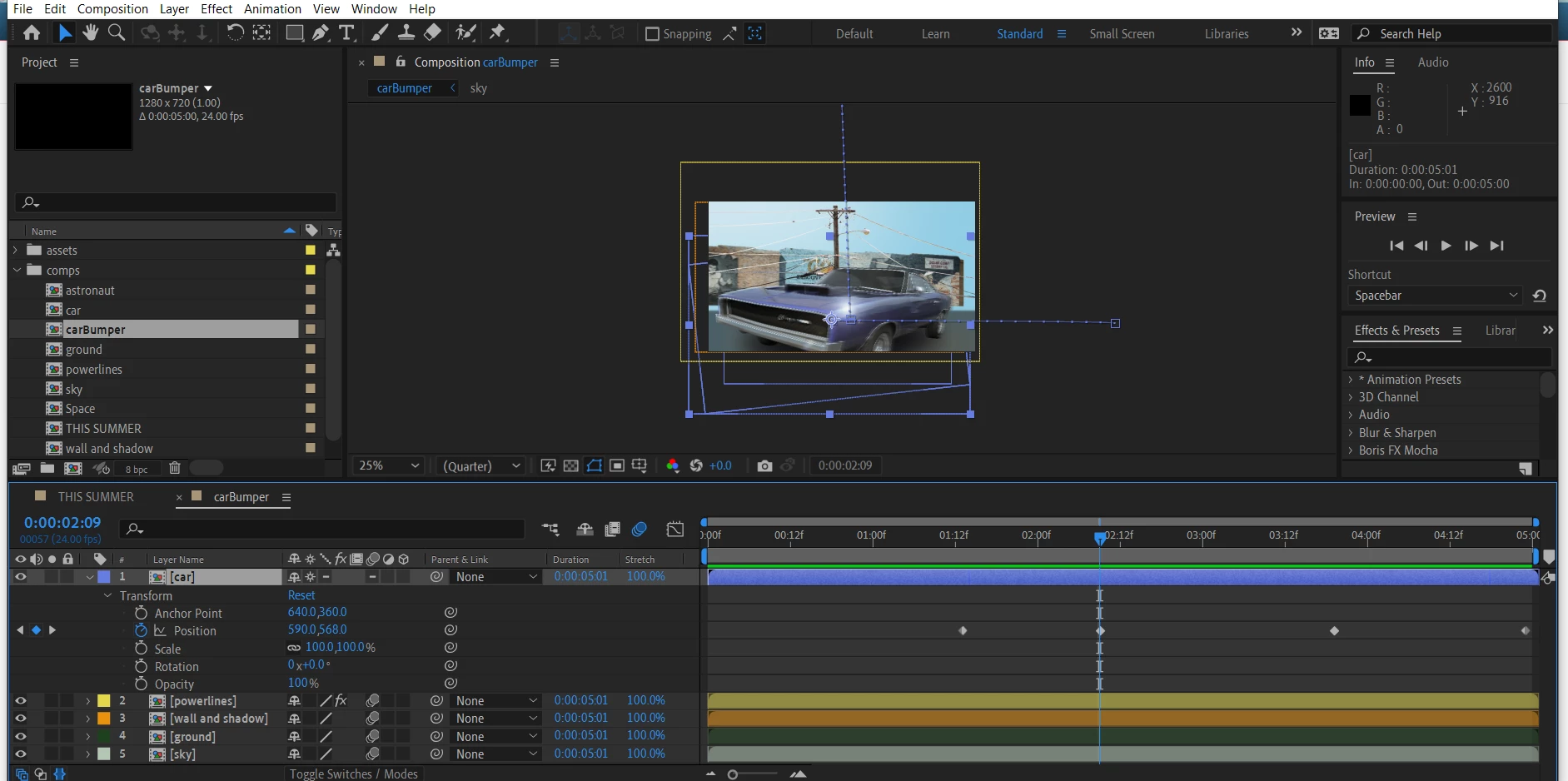
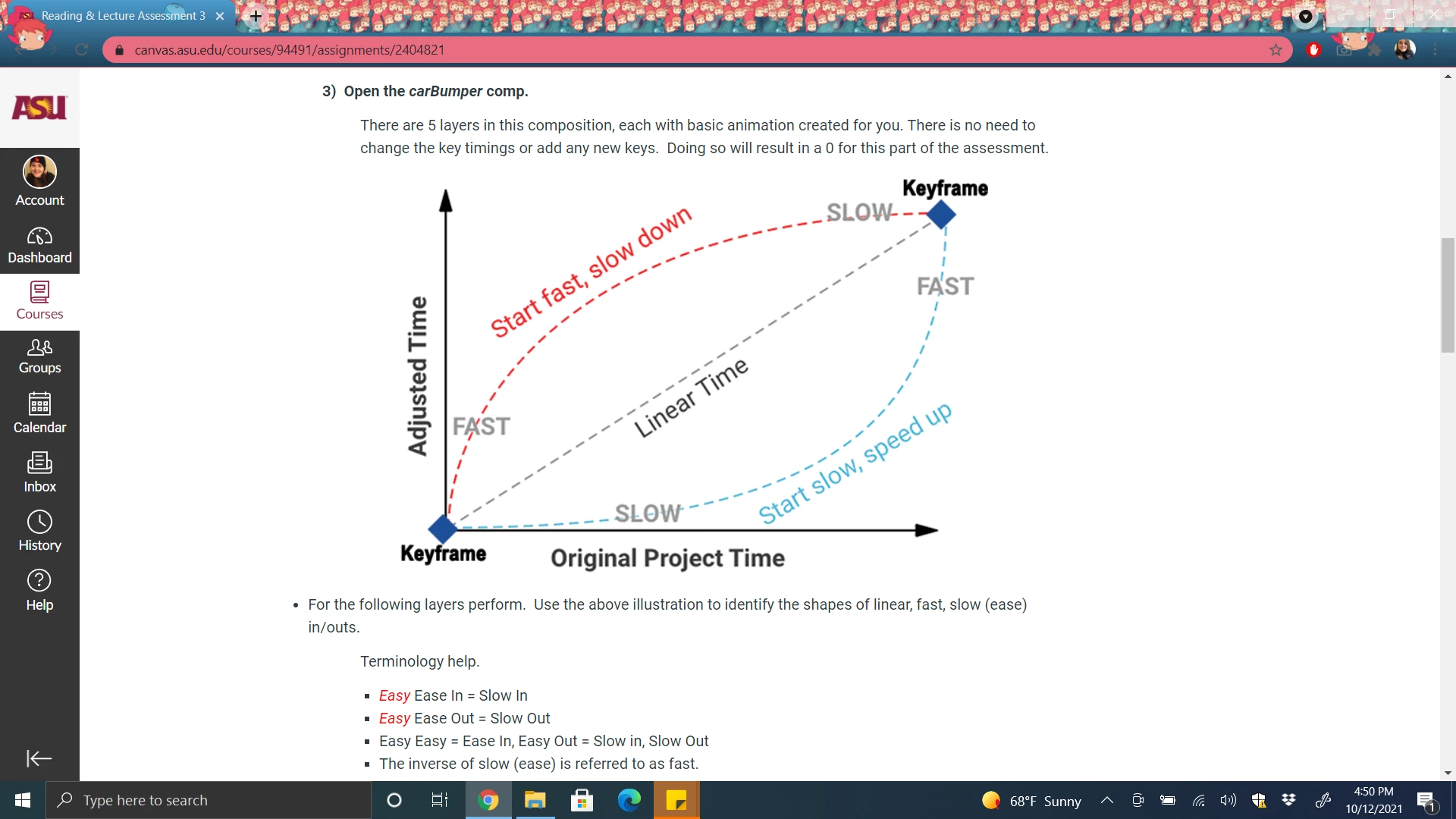
I'm working on an assignment for school and I'm really struggling with this last problem. I'm supposed to be adding slow (ease) outs, fast ins, and fast outs to keyframes but I'm not allow to change the key timings or add any new keys. How would I go about doing this? Here's a picture of my set up, and of the exact problem. Any help would be appreciated!
 

This topic has been closed for replies.

2 replies

Community Expert
October 13, 2021

By far the easiest way to accurately control the speed of an animation is to use the Graph Editor and enable the Speed Graph. Please spend some time looking at this tutorial I produced. It should get you where you need to go in just a few minutes.

thepixelsmith
Community Expert
Community Expert
October 13, 2021

In AE, easy easing can be added by right–clicking (ctrl–click on mac) on a keyframe and choosing the type of ease from the Keyframe Assistant menu, Right–click > Keyframe Assistant > It gives you Easy Ease, Easy Ease In or Easy Ease Out. 
Easing can be modified/customized using the Graph Editor.

This tutorial from Andrew Farmer may help: https://youtu.be/sWzcHXoPbnE

Participating Frequently
October 13, 2021

Thank you so much! Would that count as "changing the key timings" though? My instructions say to add the ease ins and outs without changing them, so I just want to make sure!

Participating Frequently
October 13, 2021

Also "fast out" isn't an option when I go that route, and it's necessary I add that.