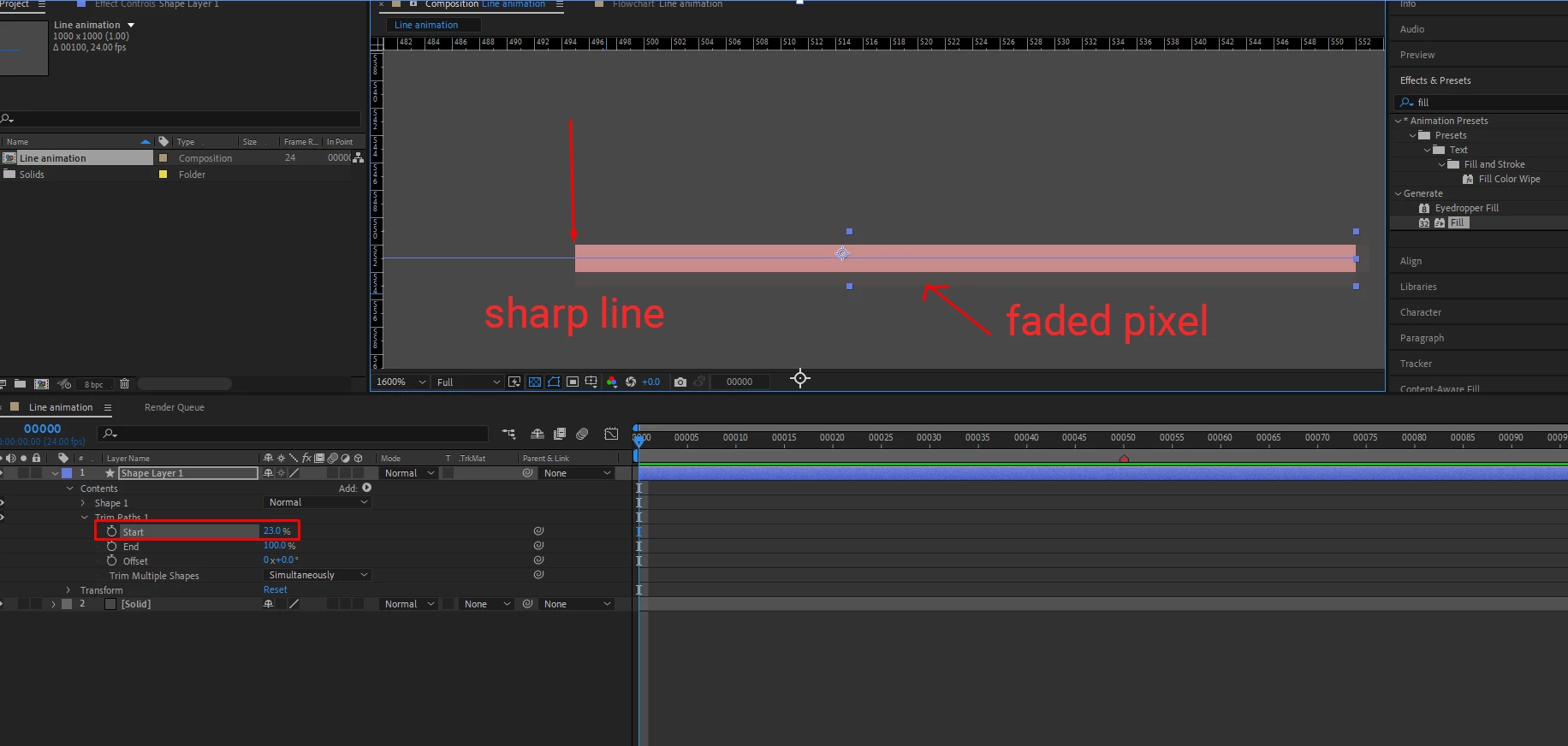
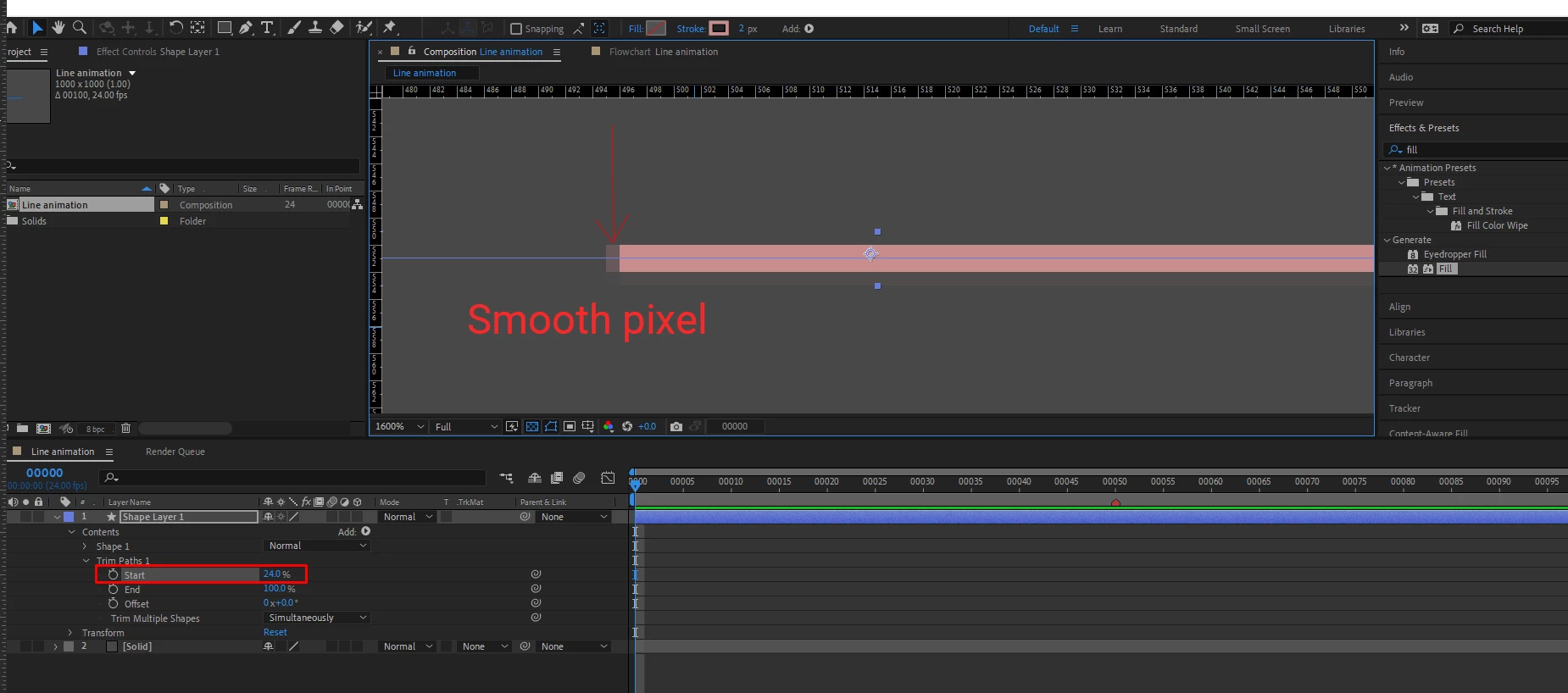
To animate anything in one-pixel increments, you need to use an expression that converts time to frames and then moves precisely one pixel per frame. This only works for horizontal and vertical movement. Thin curved lines or moving at angles will suffer from anti-aliasing, creating a flickering line. Critical speeds also cause horizontal and vertical edges to judder or look like they are moving with a flicker. The juddering effect is especially evident when trying to do credit rolls. Some effects, like trim paths on a shape layer path, work in percentages, so you have to calculate the length, turn that into a percentage, and then ensure that the effects convert the percentage to a whole pixel value. It is also important that you line up thin horizontal and vertical lines with the pixel grid.
That said, your comp uses trim paths on a relatively thick horizontal stroked path. The first step is to select the path, then use the Window menu to launch the Create Nulls From Paths.jsx script and choose Points Follow Nulls. Now check the position of the nulls. If your stroke is an even number of pixels thick, the X and Y positions of the nulls should be whole numbers. If the stroke, the X and Y positions must be precisely on a half (.5) pixels. That is the only way to ensure the stroked line precisely lines up with the pixel grid.
Now, the easiest way to move the line is to animate the position of the nulls with a simple expression instead of using Trim Paths. Apply this expression to the Right null to make the line grow from the Right to the Left at a constant rate of a specific number of pixels. This will make a line start growing on the 10th Frame and reach a length of 1200 pixels while moving 3 pixels every frame.
rNull = thisComp.layer("Shape Layer 1: Path 1 [1.1.0]");
strtPos = rNull.position;
endX = 1200,
spd = 6; // number of pixels to move per frame
StrtTime = 10; // Start on Frame 40;
eTime = endX/spd;
t = timeToFrames();
mov = linear(t, StrtTime, StrtTime + eTime, 0, endX);
[strtPos[0] + mov, strtPos[1]];
If you want to use Trim Paths, divide 100 by the distance between the nulls and multiply that number by the number of frames you want to move. The expression for the End value of trim paths applied to a horizontal line would look like this:
rNull = thisComp.layer("Shape Layer 1: Path 1 [1.1.0]");
lNull= thisComp.layer("Shape Layer 1: Path 1 [1.1.1]");
sPos = lNull.position[0];
ePos = rNull.position[0];
dist = 100/(sPos - ePos);
dly = 10; // delay start by 10 frames
t = timeToFrames() - dly;
n = 3; // number of pixels to move per frame
t * dist * n;
This expression moves the line 3 pixels per frame starting at frame 10 until the line is fully drawn along the X-axis.
I hope that gets you started.

 AdChoices