

Syntax_One
Known Participant
November 2, 2023
Question

How to animate circles rotating along other circles' circumference

  • November 2, 2023
  • 3 replies
  • 1617 views

Hi!

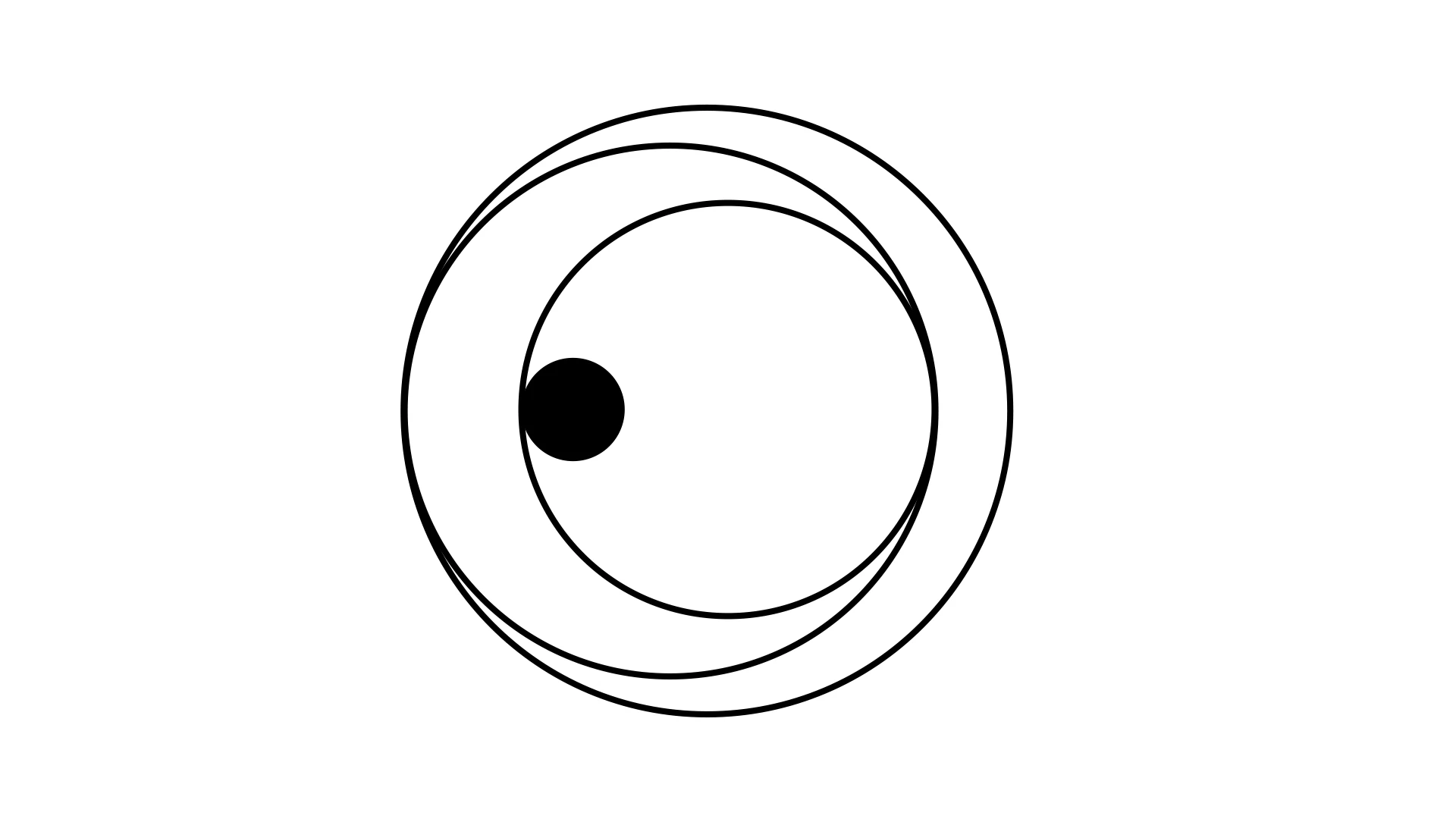
I want the small black circle to follow the path of its surrounding outlined circle, which, in turn, should follow the path of its surrounding outlined circle, and so on.


I've tried everything I know, but nothing works. 😩


Can someone help me, please?


Thank you!


Chris.
This topic has been closed for replies.

3 replies

Syntax_One
Known Participant
November 3, 2023

It's pretty much an optical illusion. Here are the steps:

Syntax_One
Known Participant
November 10, 2023

Honestly, the easiest way is:


  • Positioning all the circles where you want them.
  • Linking all the circles to the largest one.
  • Creating a Rotation animation on the largest circle (the anchor point must be positioned in the center of the largest circle).
Kyle Hamrick
Community Expert
Community Expert
November 10, 2023

Yep, that's what I was trying to explain above. You can find reasons to dive into expressions here, but for the looks you've posted, it's really more complex than what this requires. If you're looking for each circle to have unique movements, you can create a parenting chain (4 parented to 3, 3 parented to 2, 2 parented to 1, etc.) and experiment with different speeds, or even reversing some of them. 

I had a free afternoon after my earlier post, and ended up doodling on this quite a bit. After some precomposing using the thing layered on top of itself, it turned out pretty fun! https://www.instagram.com/p/CzMDECPurE4/ It involves a few expressions for ease of tweaking, but is almost entirely the parenting chain described above. 


Kyle Hamrick
Community Expert
Community Expert
November 2, 2023

In case someone else with a similar question stumbles across this later - I'd just approach this with a series of circles,  using offset positions and parenting. If you have a different approach, I'm sure we'd love to see it!

Red is a bit smaller than blue. Red is parented to blue and has the Position adjusted so it matches up with one of Blue's edges. When Blue rotates, Red goes along for the ride. 


Repeat this setup as many times as needed to get your desired look. You could certainly make this more complicated with expressions and complex math if it needs to be super-dynamic, though you could probably cheat this quite a bit using layer Scale and animating Stroke Width.

Syntax_One
Known Participant
November 2, 2023

I made it work! 😊 Thanks!