luiss55713661
Participant
September 10, 2021
Answered

How to animate Illustrater style Blend in After effects

  • September 10, 2021
  • 2 replies
  • 580 views

Hey Everybody!

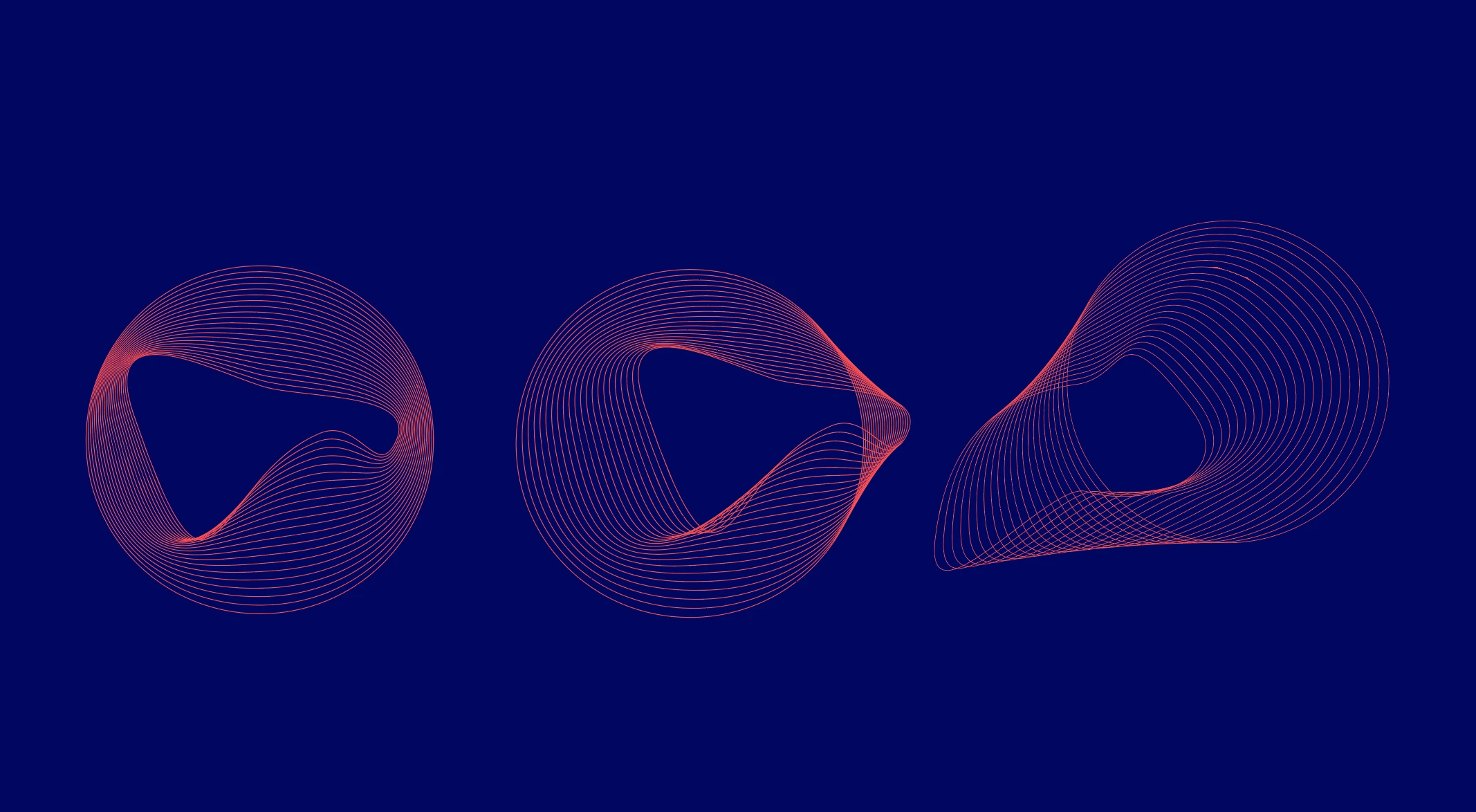
I´ve been trying to do something for a client, but I can't seem to figure it out. I have a illustrater file, with a blend effect that creates a wavy pattern, from an outside circle to a twisted inside shape (as in the image), and the goal is to animate it in after effects, keeping the outside circle intact, and just changing the inside shape to create different patterns. However After effects to my knowledge doesn't have a blend effect like that.


How would you do something like this, or similar to create this wavy pattern in after effects?

Thank you for your help in advance!
This topic has been closed for replies.
Correct answer Rick Gerard

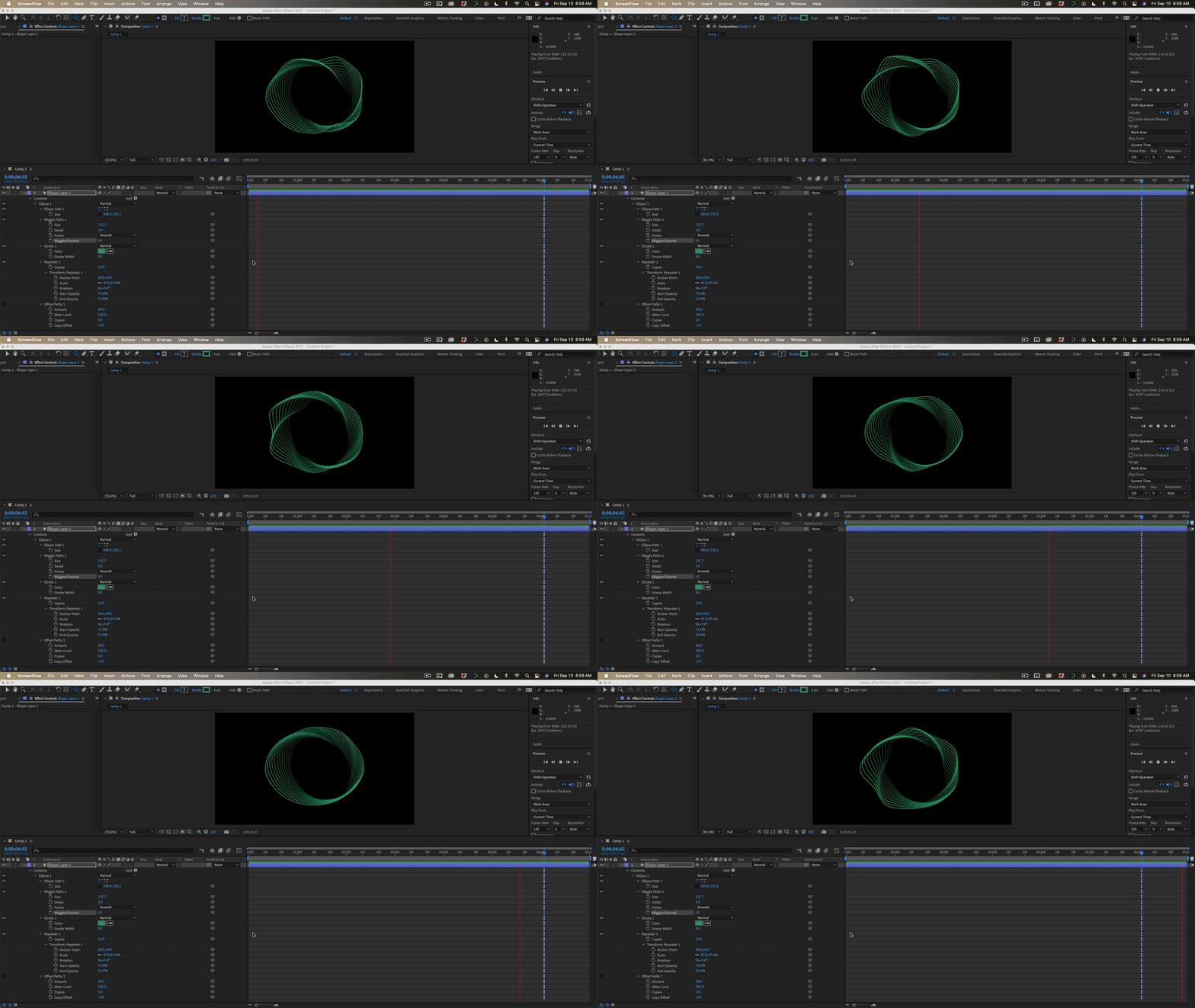
Does this help:

I have used variations on this technique since the late 1990's and it can be very effective. You could just animate the in points to make the layer move and grow.


Another option would be shape animators. I'm showing you everything I did to this shape layer. The only problem with the technique is that you lose precise control of the starting and ending path.

I hope this helps.


2 replies

Mylenium
Legend
September 11, 2021

At the risk of beating this to death: Plexus has such funtionality built-in. If you need this a lot, you may consider buying the plug-in. Otherwise you have to put up with the quirks and limitations, but I think Rick's tried & trusted technique is pretty good unless you care for complex expression-based setups. 😉


Mylenium

Rick GerardCommunity ExpertCorrect answer
Community Expert
September 10, 2021

Does this help:

I have used variations on this technique since the late 1990's and it can be very effective. You could just animate the in points to make the layer move and grow.


Another option would be shape animators. I'm showing you everything I did to this shape layer. The only problem with the technique is that you lose precise control of the starting and ending path.

I hope this helps.


luiss55713661
Participant
September 10, 2021

Thank you for your quick response Rick! This are 2 great solutions, but not still what I was looking for.

What I did was use the turbulance displace to change the shape, use a repeater to have the multiple lines, and animate the repeater position, which makes the inside shape move around and create diferent shapes. 


It's still not the solution as I wished because it makes the outside circle warp as well, but so far is the best one I came up with.


Jose Panadero
Community Expert
Community Expert
September 10, 2021

Maybe you can try it with the Radio Waves effect. Radio waves effect can generate "blend shapes" if you use an animated mask as the origin of the paths.