
Answered
How to Animate test into a spiral? Link for resource in the body.
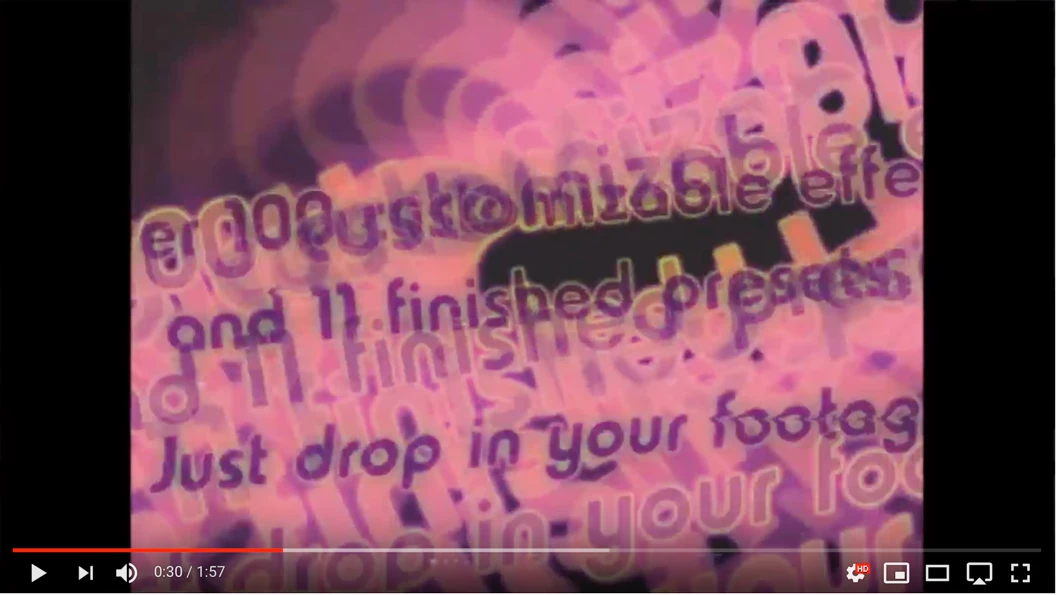
The best example I could find was in this video: Damaged VHS Tape Effect in After Effects - YouTube at the thirty-second mark. Any help is appreciated!

The best example I could find was in this video: Damaged VHS Tape Effect in After Effects - YouTube at the thirty-second mark. Any help is appreciated!
If you mean this:
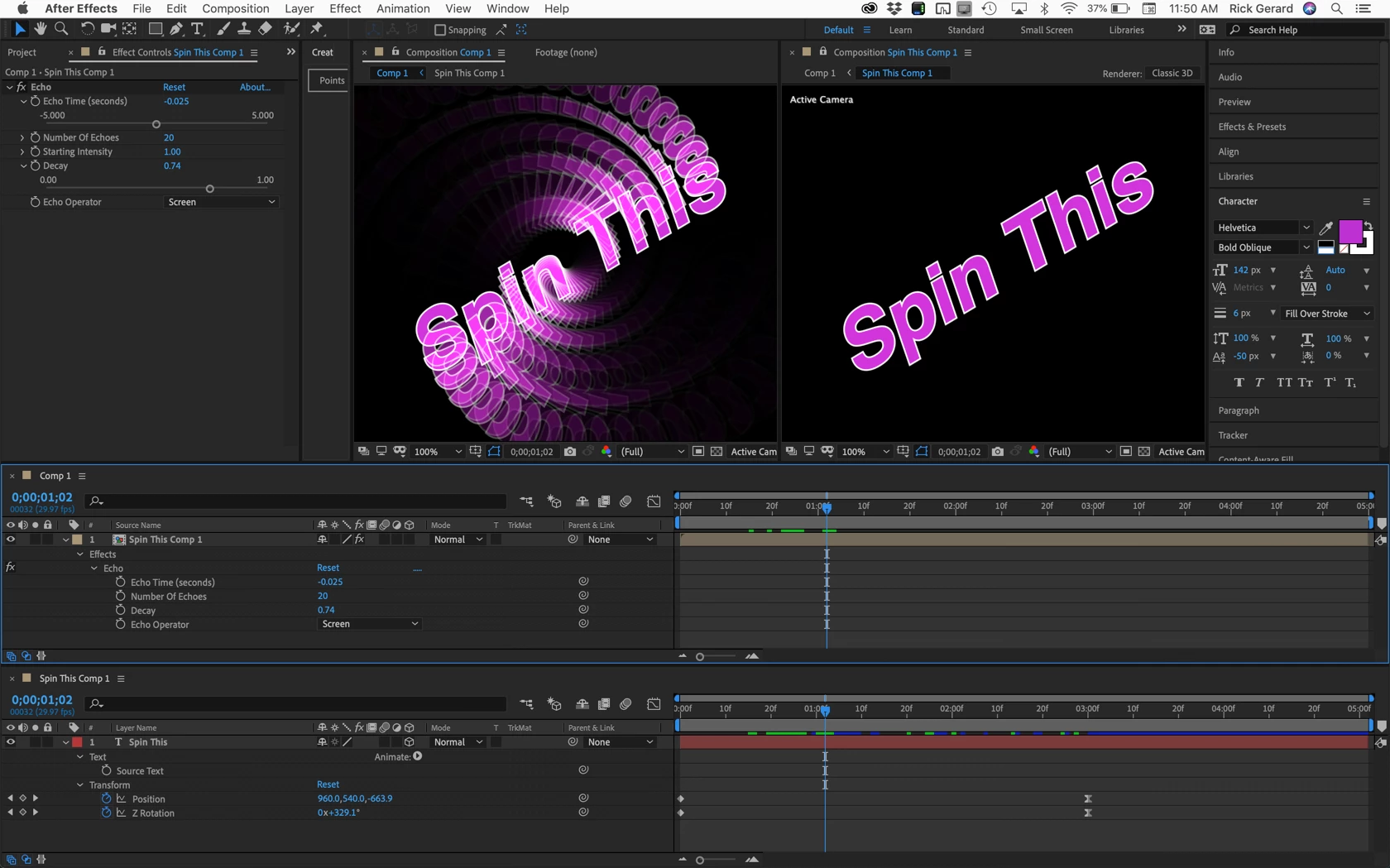
The screenshot shows you everything I did to the text layer and the nested comp. You should be able to duplicate this with no problems.
Already have an account? Login
Enter your E-mail address. We'll send you an e-mail with instructions to reset your password.
 AdChoices