Known Participant
October 28, 2019
Question

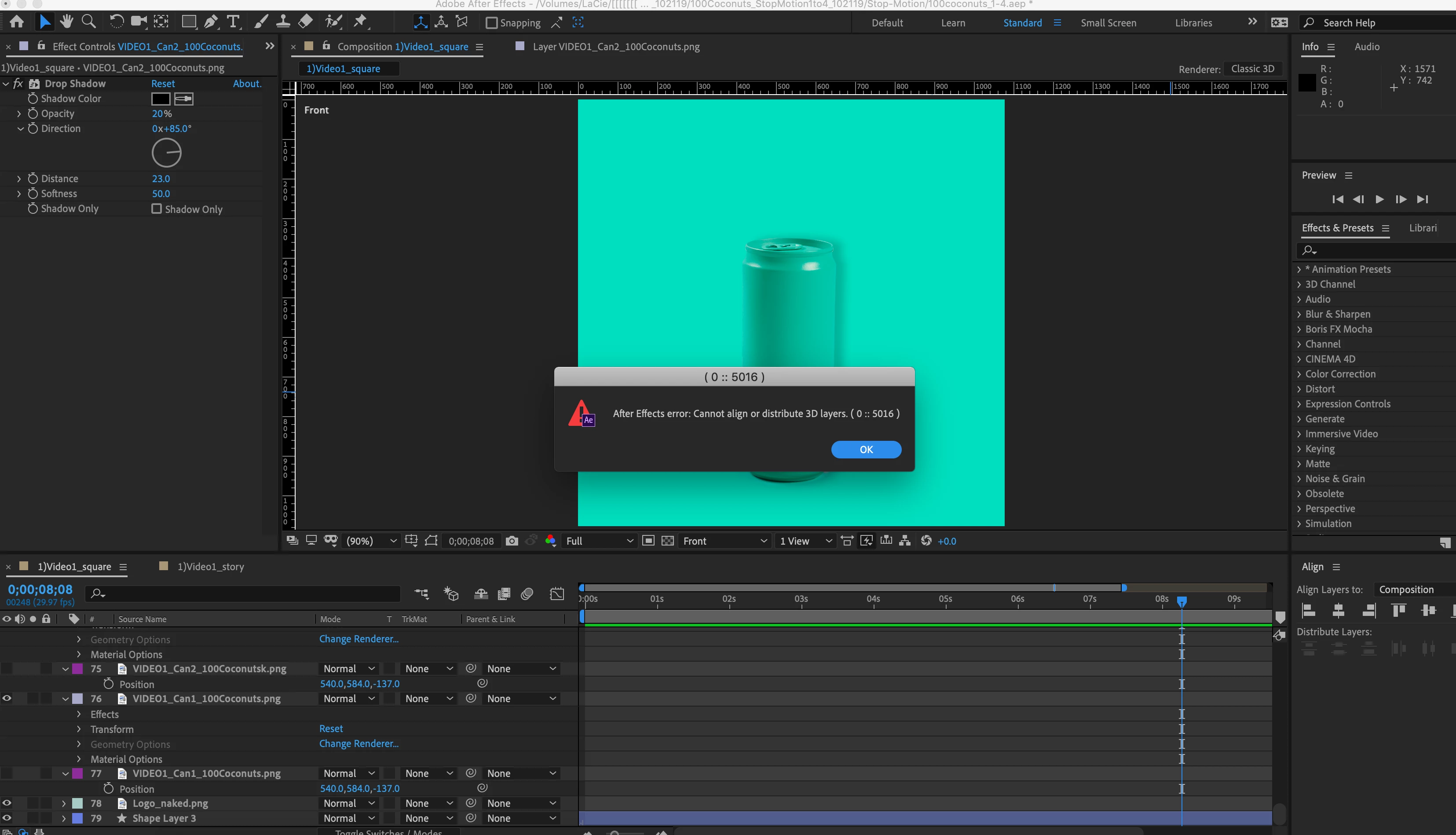
How to center 3D objects?

  • October 28, 2019
  • 2 replies
  • 6381 views

Hi, I got an error message saying I cannot align 3D objects? What if I want to center perfectly an object?

 

This topic has been closed for replies.

2 replies

Roland Kahlenberg
Legend
October 28, 2019

You can use the Center in View feature. It's a Menu Command - Layer > Transform > Center in View. The default shortcut is CTRL + Home. Be mindful that if you have Spatial Keyframes such as Anchor Point or Position, these will be disrupted with a new Keyframe after you invoke Center in View.

Very Advanced After Effects Training | Adaptive & Responsive Toolkits | Intelligent Design Assets (IDAs) | MoGraph Design System DEV
Known Participant
October 28, 2019

great, thank you! this will do 🙂 

Community Expert
October 28, 2019

The align tool only works on 2D layers and only in X, Y space. There is not a 3D alignment tool. If you want to be precise you have to do the math and adjust the position, anchor point, rotation, and scale appropriately. 

Known Participant
October 28, 2019

got it, thanks!