Copy link to clipboard
Copied
Hello,
Situation:
Text Color Seems to Not Change When I Select Other Colors While the Text is Highlighted
Question:
What Could Be Going On?
Thank you,
One&Done
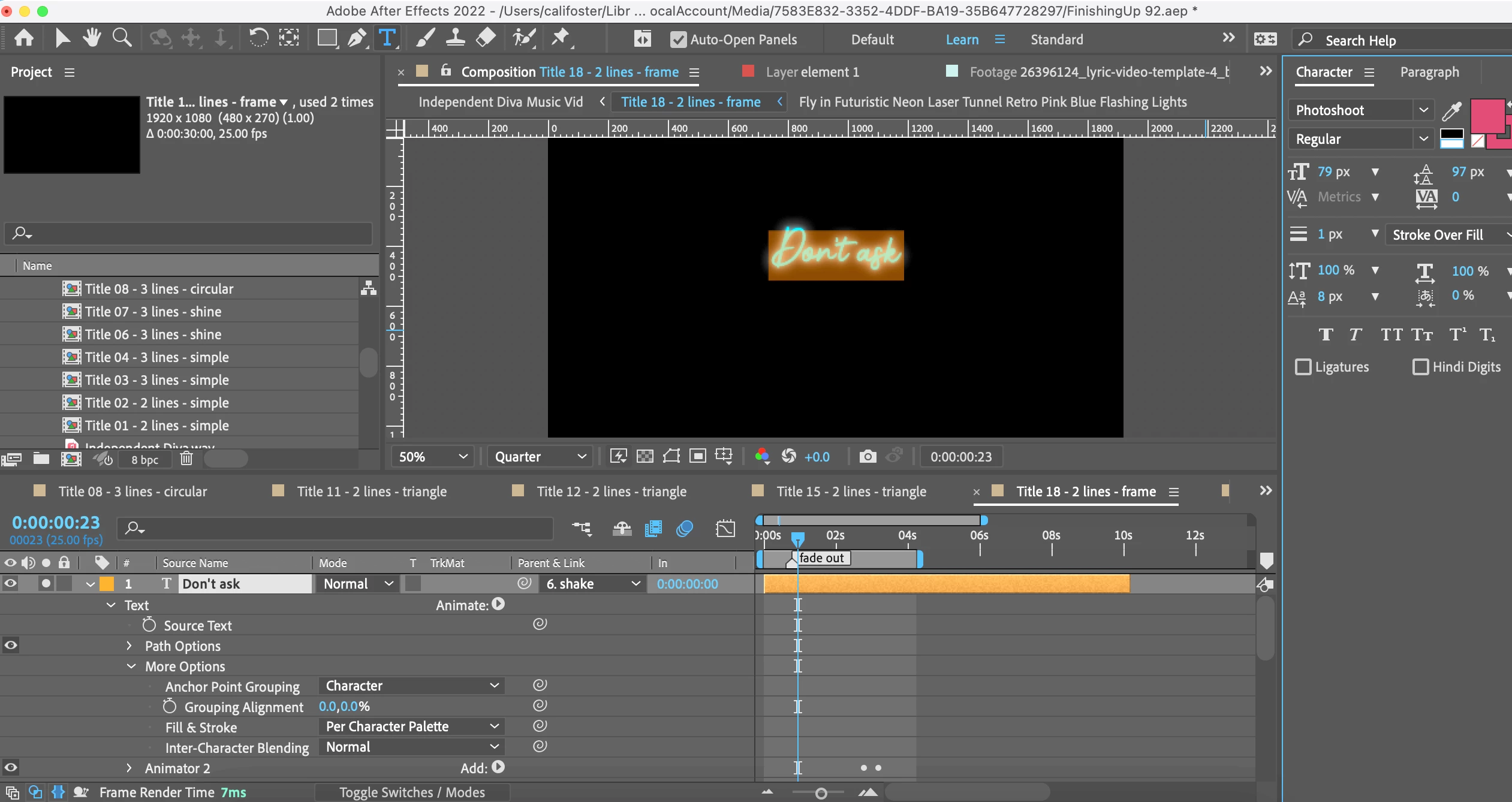
Oftentimes, there is a Color Effect applied to the Text Layer which overrides the default text color. Unfortunately, your screen capture does not provide sufficient information on this being the case. You will want to provide additional screen grabs to show any effects being applied and any Text Animator Properties that have been applied.
What the man said. since clearly there is a glow, chances are there is an effect or layer style overriding the native color as well. Check these things.
Mylenium
Copy link to clipboard
Copied
Oftentimes, there is a Color Effect applied to the Text Layer which overrides the default text color. Unfortunately, your screen capture does not provide sufficient information on this being the case. You will want to provide additional screen grabs to show any effects being applied and any Text Animator Properties that have been applied.
Copy link to clipboard
Copied
Ah okay, now I see!
Yes there was indeed a glow and fill!
Also, one of the lower layers within this layer of text had a 'color control' set!
Thank you both for helping me to dive deeper and understand this better!!
Copy link to clipboard
Copied
What the man said. since clearly there is a glow, chances are there is an effect or layer style overriding the native color as well. Check these things.
Mylenium
Get ready! An upgraded Adobe Community experience is coming in January.
Learn more
