
Question
How to change the orientation of the text on cc cylinder in After Effects
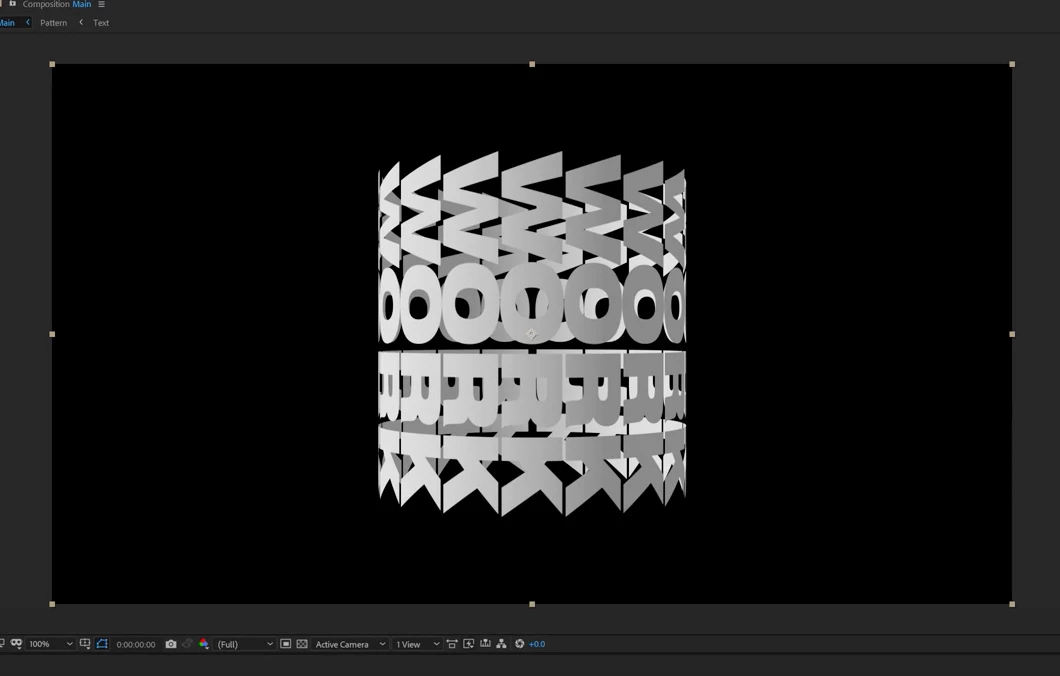
How can I change which way the text is wrapped around the cylinder, without changing the orientation of the actual cylinder?
In other words, the effect wraps my footage around a cylinder that is standing up and down (portrait), but I need it to wrap it around a cylinder that is lying on it’s side(Landscape)
I am fairly new to after effects but I’ve adjusted just about every paramter of the CC Cylinder effect I can think of and can’t seem to come up with an answer for this…
The top image is how mine is wrapping around and the bottom image is how I want it to wrap around.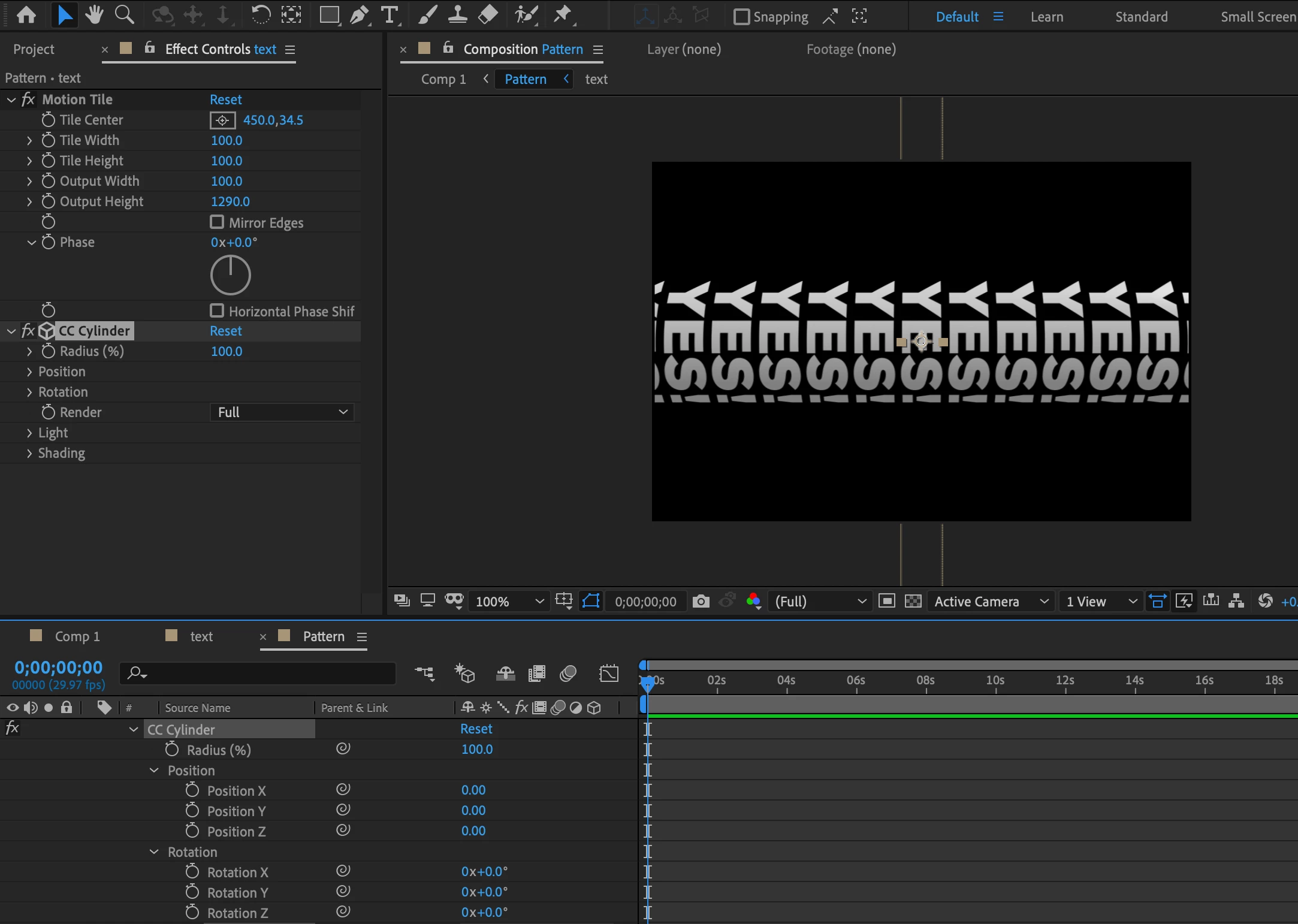
 AdChoices