Exit
  • Global community
    • Language:
      • Deutsch
      • English
      • Español
      • Français
      • Português
  • 日本語コミュニティ
  • 한국 커뮤니티
0

How to change the size color of Anchor point( Pan behind tool)

Enthusiast ,
Nov 30, 2022 Nov 30, 2022

Hello,


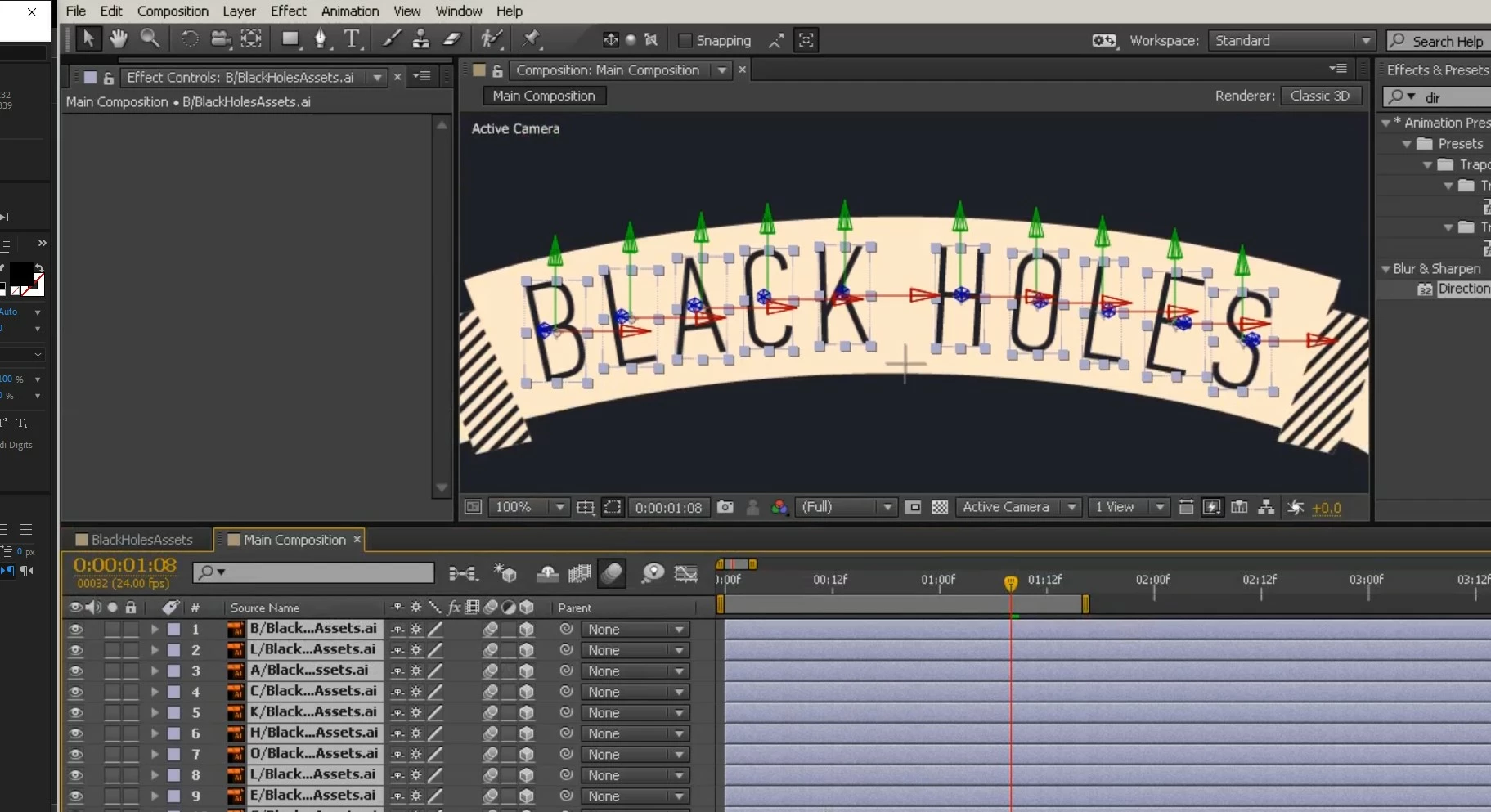
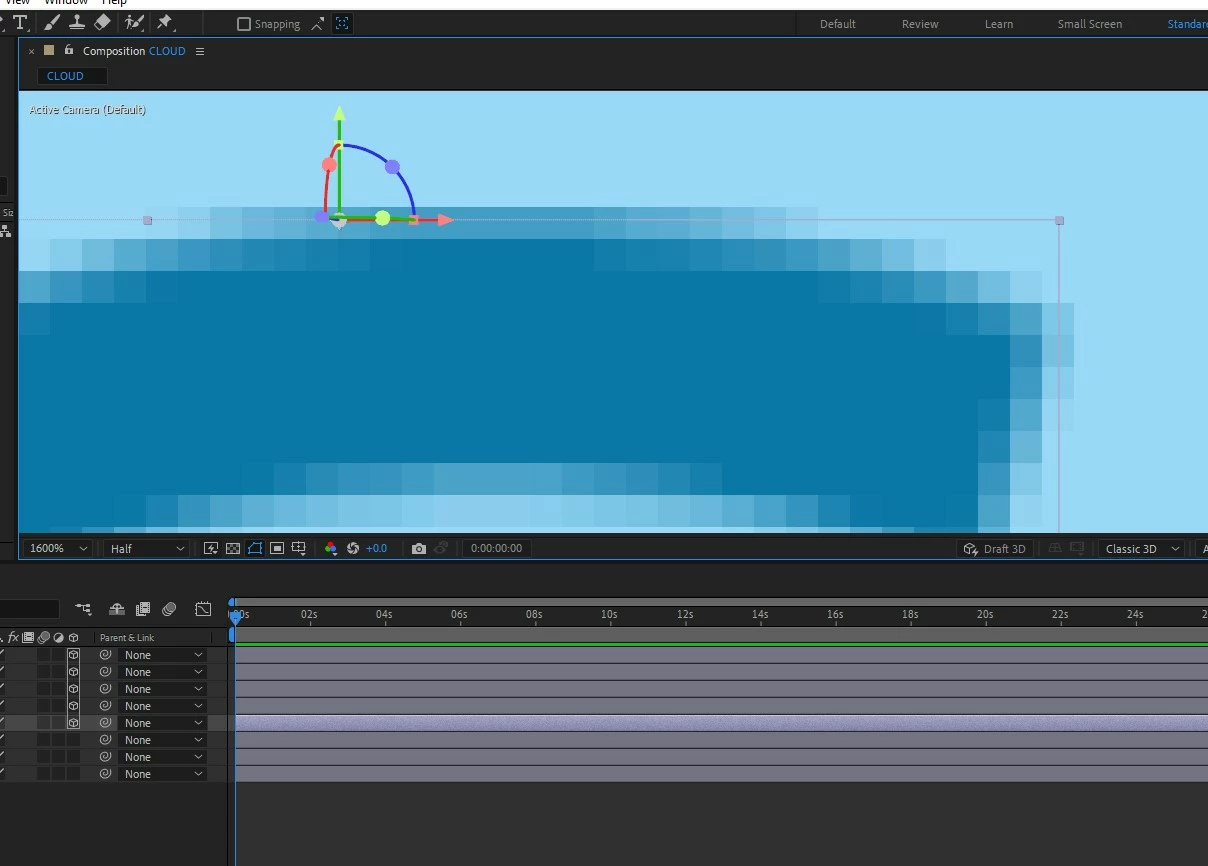
I am following one tutorial. there the tutor has a nice blue color visible anchor point. Mine is purplish grey. It's very uncomfortable to work with when the background is similar color. Anyway I can make it black and bigger?


In most 3d software you have the option to make a gizmo bigger. I dnt find anything about that on the web. I need it badlyMineMineTutor'sTutor's.
 

Thank you.


TOPICS
User interface or workspaces
466
Translate
Report
Community guidelines
Be kind and respectful, give credit to the original source of content, and search for duplicates before posting. Learn more
community guidelines

correct answers 1 Correct answer

LEGEND , Nov 30, 2022 Nov 30, 2022

Thios has been changed in AE 2019/2020. You can't change the display style of the widget nor can you adjust its scale.


Mylenium

Translate
LEGEND ,
Nov 30, 2022 Nov 30, 2022

Thios has been changed in AE 2019/2020. You can't change the display style of the widget nor can you adjust its scale.


Mylenium

Translate
Report
Community guidelines
Be kind and respectful, give credit to the original source of content, and search for duplicates before posting. Learn more
community guidelines
Enthusiast ,
Nov 30, 2022 Nov 30, 2022
LATEST

😞

Translate
Report
Community guidelines
Be kind and respectful, give credit to the original source of content, and search for duplicates before posting. Learn more
community guidelines