Participant
December 23, 2019
Question

How to create a circular animation?

  • December 23, 2019
  • 2 replies
  • 2611 views

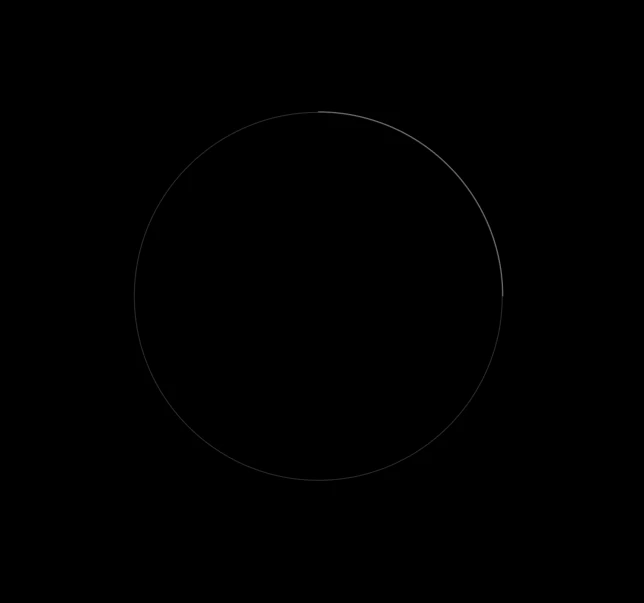
I'm new to AE and I don't understand how to create such a circular animation? What do I need?

 

This topic has been closed for replies.

2 replies

Community Expert
December 23, 2019

If you are new to AE or are having trouble with any procedures it is critical that you spend some time with the user guide. There are links to learning right on the After Effects Home screen, the After Effects Product Page and right on this forum under the User Guide section. Just spin it down and start to Learn AE. Poking around in the UI and searching YouTube for tutorials is mostly a waste of your time.

Both Premiere Pro and After Effects take training to fly safely, but AE takes a lot more. Don't end up in trouble. Take time to study from reliable sources. Make sure you know that your trainers know what they are talking about. YouTube tutorials by enthusiasts more often than not, leave out critical information, promote inefficient workflows, and leave you with bad habits and confusion.

Inspiring
December 23, 2019

This is easily done using the Trim Paths animator:

  1. You can start with a bezier shape of a circle with a stroke NOT a fill
  2. Set that color to gray
  3. Duplicate the circle, change the stroke color to white
  4. Make sure the stroke caps are set to "round" so they have the nice edge
  5. Add the Trim Paths animator and animate the "End" property

Here is a tutorial explaining how Trim Paths works: https://www.youtube.com/watch?v=_mDSZ-j6DHE