
Cobra
Inspiring
June 23, 2022
Answered

How to create a growing text but from the center of the achor point

  • June 23, 2022
  • 2 replies
  • 768 views

I am trying to make the scale of the text grow from the middle and I cannot. The text is growing from the lower side of the text. Any solutions?
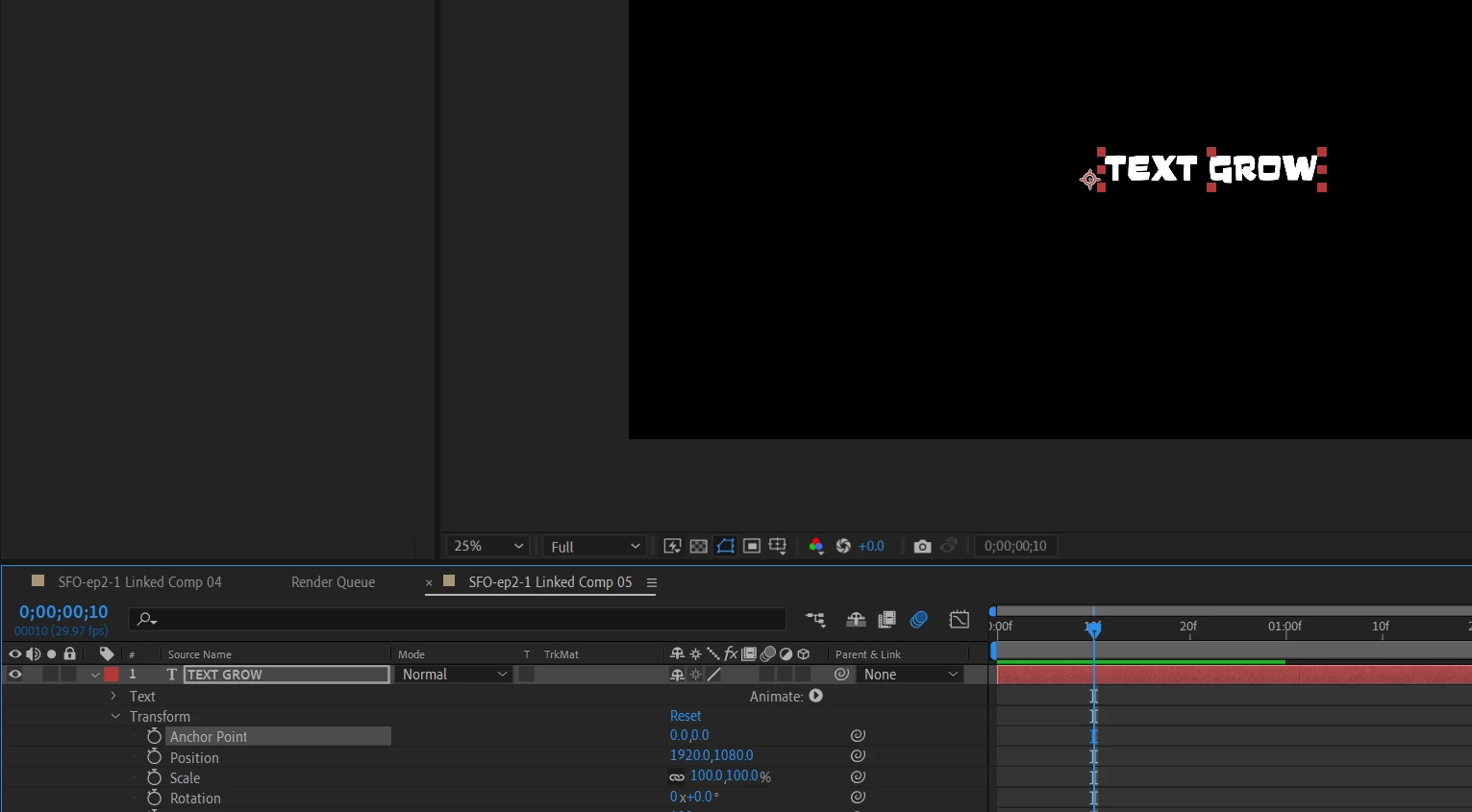



This topic has been closed for replies.
Correct answer Cobra

Okay I got it. All this Youtube tutorials are useless BTW.


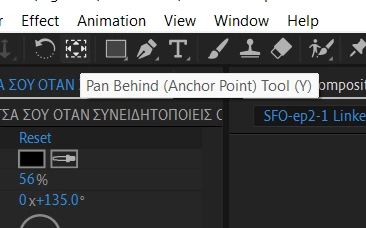
You have to hit CTRL+ PAN behind to center the anchor point to the text. The only problem is the align tool doesnt work properly after.
 

2 replies

Community Expert
June 23, 2022

Baseline shift is used to adjust the position of the Anchor Point vertically. Paragraph Justification set to Centered will center the anchor point horizontally. Baseline shift is in the Character panel, and Paragraph justification is in the Paragraph panel. If you want to be accurate, use Paragraph Justification and forget the Anchor Point/Pan Behind tool. 

The Character Panel works the same in every Adobe app and in most other apps that let you control the position of text in relation to the page or line. 


Cobra
CobraAuthorCorrect answer
Inspiring
June 23, 2022

Okay I got it. All this Youtube tutorials are useless BTW.


You have to hit CTRL+ PAN behind to center the anchor point to the text. The only problem is the align tool doesnt work properly after.


nishu_kush
Legend
June 23, 2022

To do it quickly, you can press the shortcut Ctrl + Alt + Home on your keyboard. It works for all types of layers, not just text layers.

Hope it helps.


Thanks,

Nishu