

How to do Quarter render / Pixelated rendering on spesific footage
I am using the latest AE, and I have just gotten into how to import and animate 3D objects in Cinema4D Lite, that comes with after effects,
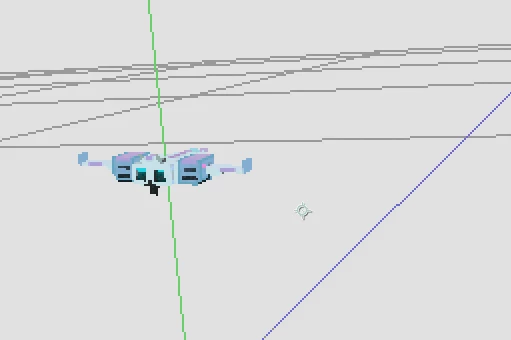
And I have a question regarding rendering. I absolutely love how the quarter render looks and turns out on the 3d model, it creates a perfect pixelated filter, but I would not want it to affect anything else in the final scene.
the ship is originally a voxel model .OBJ, and has a lot more details in reality. But I was wondering if anyone know how to make the model look like this permanently / at the end of a render?
Is there a way to render footage coming through the Cinema 4D pipeline on this quarter scale while the rest of the project in after effects remains high definition after render, or is there some other known way to achieve this pixelated look on a 3d model through cinema4d lite/AE?
Thanks!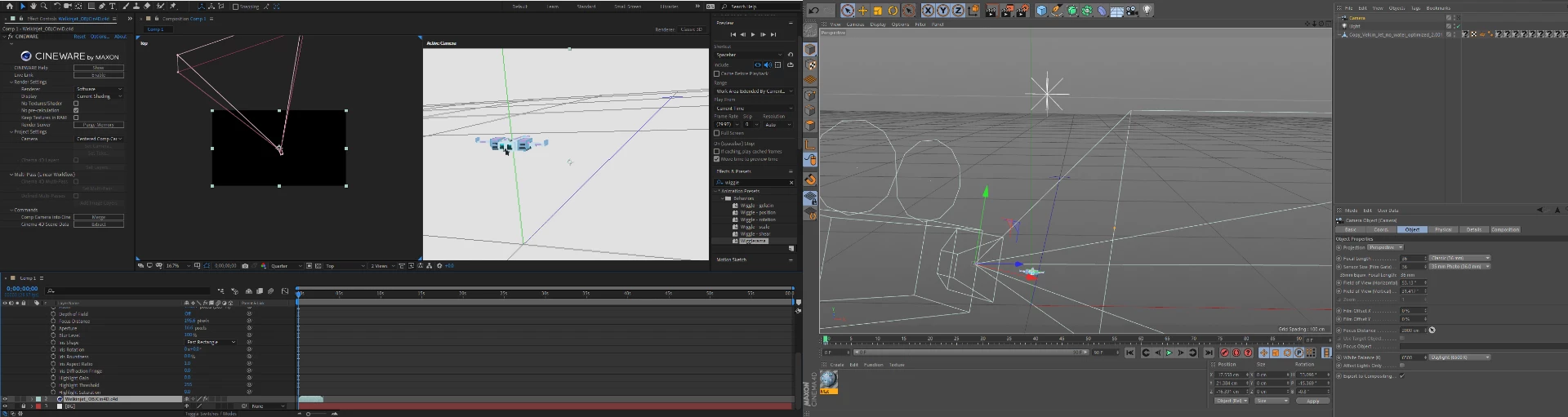
 AdChoices