
Known Participant
March 6, 2023
Question

How to feather spesific path

  • March 6, 2023
  • 1 reply
  • 1421 views

Hello, dear Adobe community,

I have one video in the circle format. I want to feather it. Currently, it looks like a circle. Edge feather is not working for me since it's applying for the whole screen rather than the specific part. 

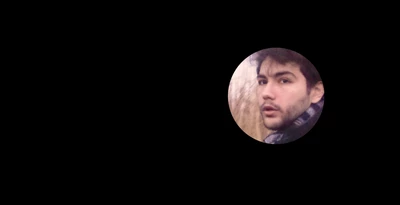
You can see the image attached. I used an AI to face track. Now I have separated the video for the face only with lighted colors. I have to feather it. I hope someone can help me.
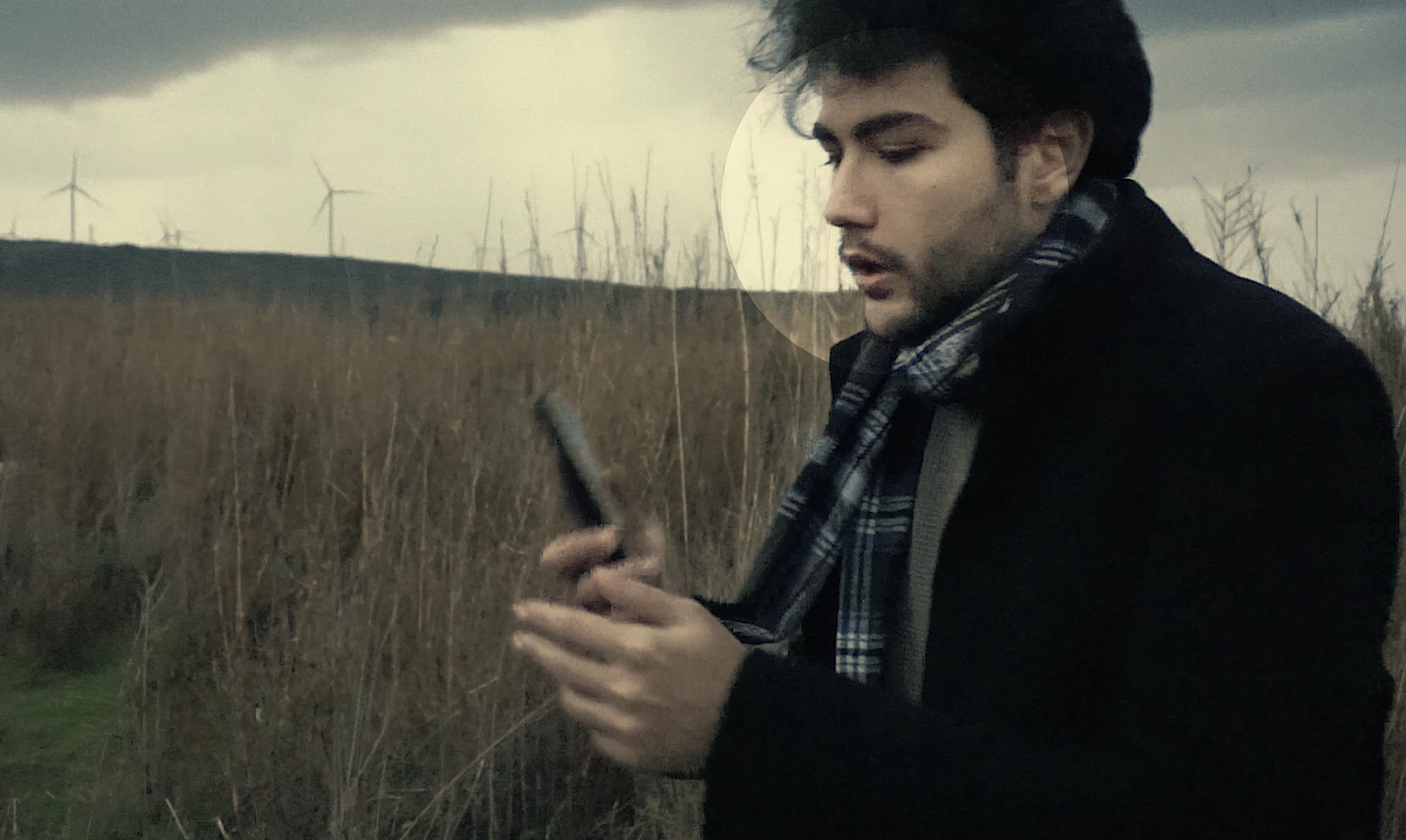


The other video looks like this. The full shot of the scene, tracked face with a colored version. 
When I put this top of the original clip it matches perfectly. Like I said only problem is the edges of the circle.


This topic has been closed for replies.

1 reply

Community Expert
March 6, 2023

How did you create the circle? If you use a layer as a track matte, you can blur the layer. If it is a mask, you can press f to reveal the Mask/Feather in the timeline and feather the mask. If it a pre-comp with transparency, or a rendered video, you can apply Effect/Channels/Channel Blur and blur the Alpha channel. There are also matte tools that allow you to soften and adjust the alpha channel on a layer.


Cropped screenshots that don't show us the modified properties of the problem layers don't help us help you with your problem. Please include the entire UI and the modified properties of the problem layer (uu) if you need more suggestions to solve the problem.

Baha TanAuthor
Known Participant
March 6, 2023

I did it with an AI so I don't have the mask layer or keyframes like track matte. So I have a separate video without a background just the circle highlighting the face. So yes it's rendered video. But FYI Channel blur and the blurring alpha channel don't work.

Here is me using the AI to separate face with highlighting it with the adjustment layer.

And here is the Original clip in the first layer and top of it the rendered video.


And now I have to feather the edges of the circle. FYI originally I posted on Premiere Pro but they suggested to me asking to AE since it can be made in AE so you can suggest anything on AE because I can composite and try it.


Community Expert
March 6, 2023

Spin down the maks properties in Premiere Pro. You'll find Mask Feather there—no need to go to After Effects for this simple masking effect. Give me a minute, and I'll post a screenshot.


EDIT:

Here you go: