Answered
How to fix ghosting / double image
Hey,
I'm wondering if it's at all possible to fix ghosting without the raw source footage. Either with AE or Prem. Currently for this shot it's happening every 3rd and 4th frame.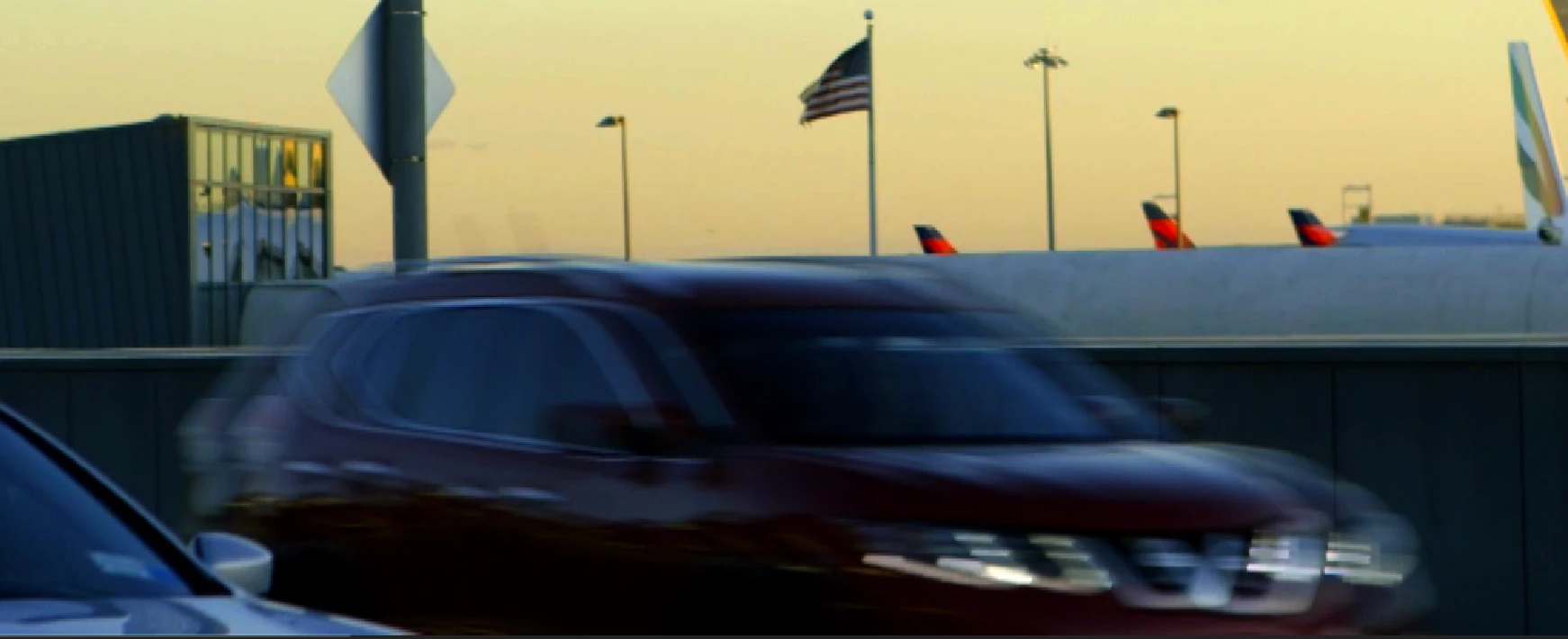

Hey,
I'm wondering if it's at all possible to fix ghosting without the raw source footage. Either with AE or Prem. Currently for this shot it's happening every 3rd and 4th frame.
After you deinterlace and check the cadence of the filed order temporarily double the frame rate of your comp and check the frames one at a time. You should never see motion going backward. If you do the field order and or the pulldown cadence is wrong. If you see a pair of ghosted frames then the footage was rendered one time as progressive and then rendered again as interlaced. That is where the pair of ghosted frames come from. This is not an uncommon problem.
If the frame rate of the footage does not match the frame rate of the comp then you may see blended fields or ghosted frames once in a while even if the footage is properly interpreted. As I said before if there are cuts in the footage you will have to split up the footage into individual shots and process each of those individually. You may end up with a blended frame on the cut that you cannot get rid of so you either have to live with it or get rid of it.
Already have an account? Login
Enter your E-mail address. We'll send you an e-mail with instructions to reset your password.
 AdChoices