madelynr44877151
Participant
May 14, 2018
Answered

How to make an item "shake"

  • May 14, 2018
  • 2 replies
  • 1045 views

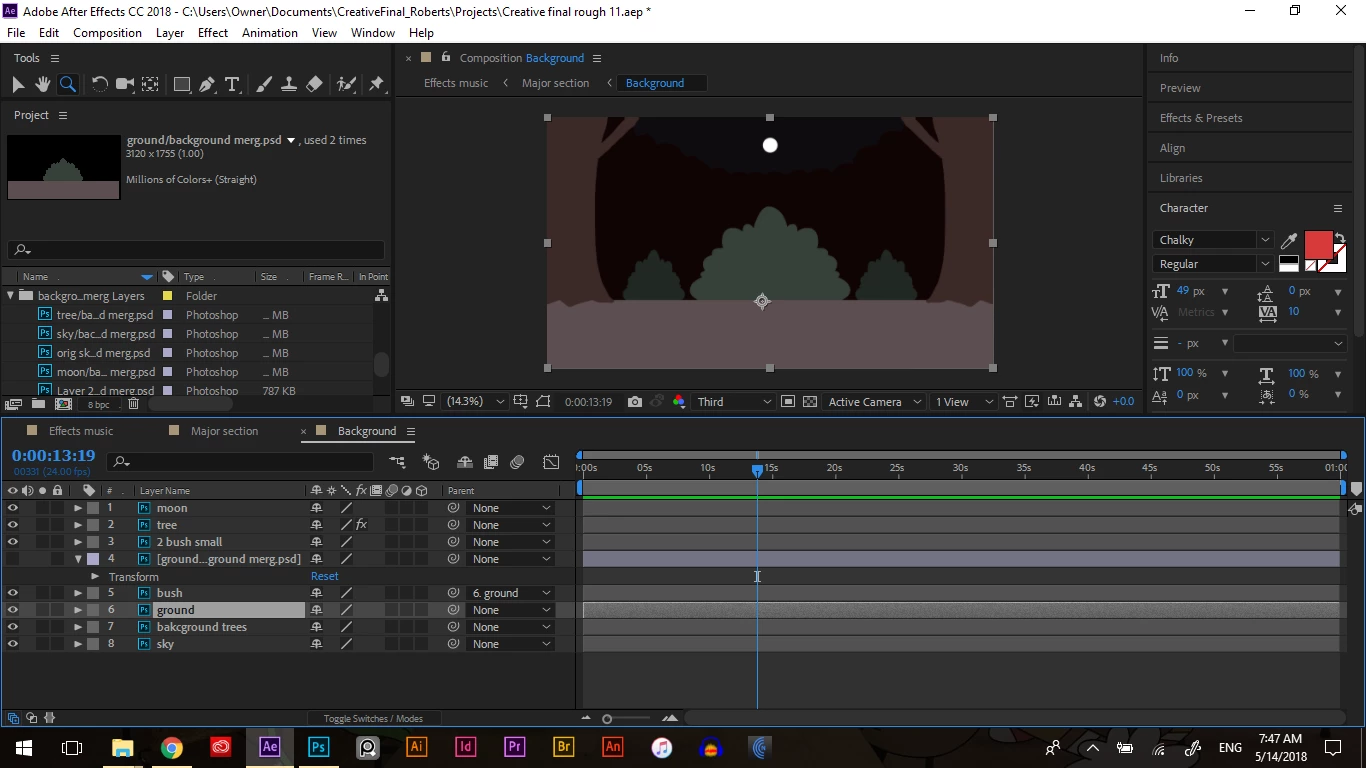
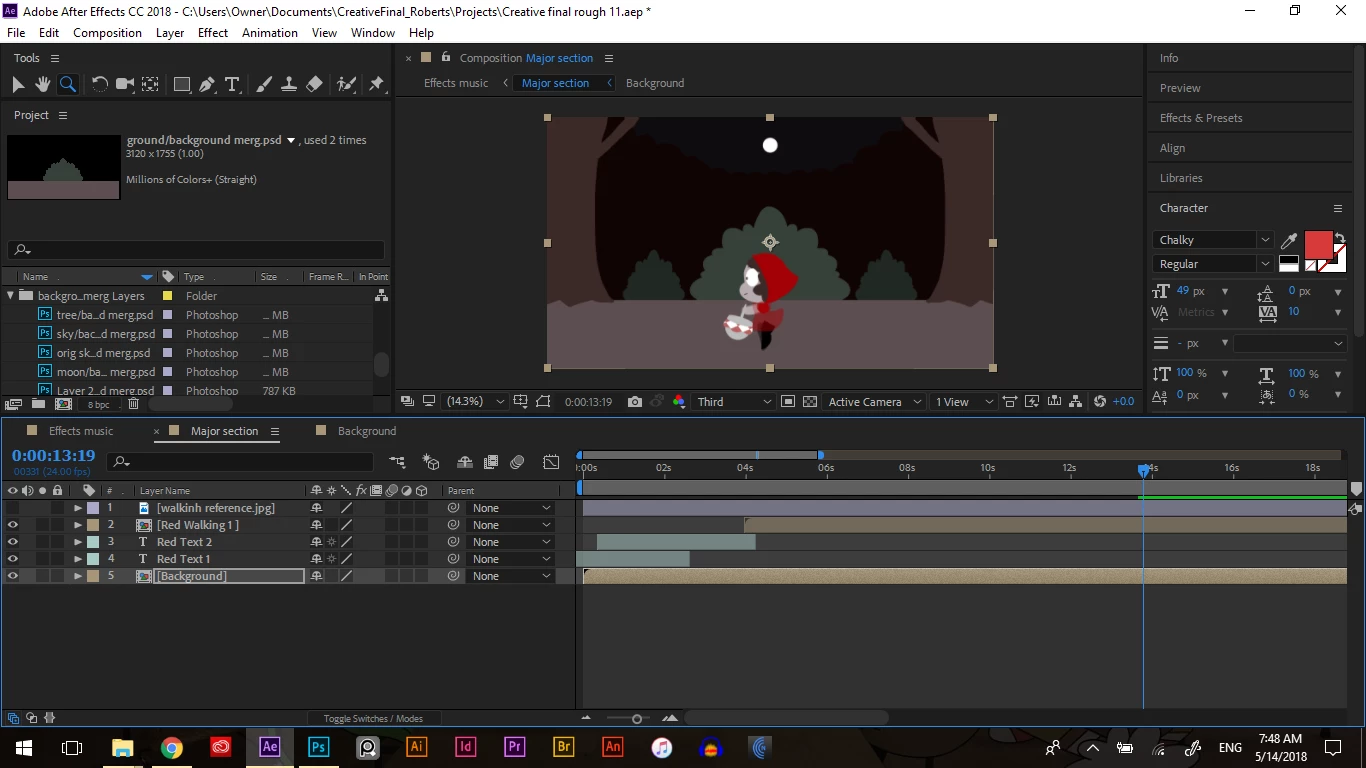
I'm trying to make a bush shake, but I don't know how to go about it as I try to mess with it it comes off the ground. The bush is on a separate layer. Any tips are great!

(a wolf will be appearing from behind the bush, so I wanted to make it shake a little)
This topic has been closed for replies.
Correct answer Mike_Abbott

A quick and dirty option might be to apply the 'turbulent displace' effect. Set pinning to bottom, animate the evolution parameter, adjust other controls to taste.

There are more controlled (aka: 'complex' : ) options of course - but try the above and come back if your need something better.

2 replies

Mylenium
Legend
May 14, 2018

Try the CC Bend It effect and animate the top crosshair position to and fro. That will likely be the most adequate solution in this situation.

Mylenium

Mike_Abbott
Legend
May 14, 2018

Good idea from Mylenium : )

Mike_Abbott
Mike_AbbottCorrect answer
Legend
May 14, 2018

A quick and dirty option might be to apply the 'turbulent displace' effect. Set pinning to bottom, animate the evolution parameter, adjust other controls to taste.

There are more controlled (aka: 'complex' : ) options of course - but try the above and come back if your need something better.

Mike_Abbott
Legend
May 14, 2018

another simple approach...

Effects and Presets panel > Animation presets > Behavious > Wiggle shear.

Just set the anchor point of your bush to be on the 'ground'