
Answered
How to match anchor point position without the pan tool.
Hi forum.
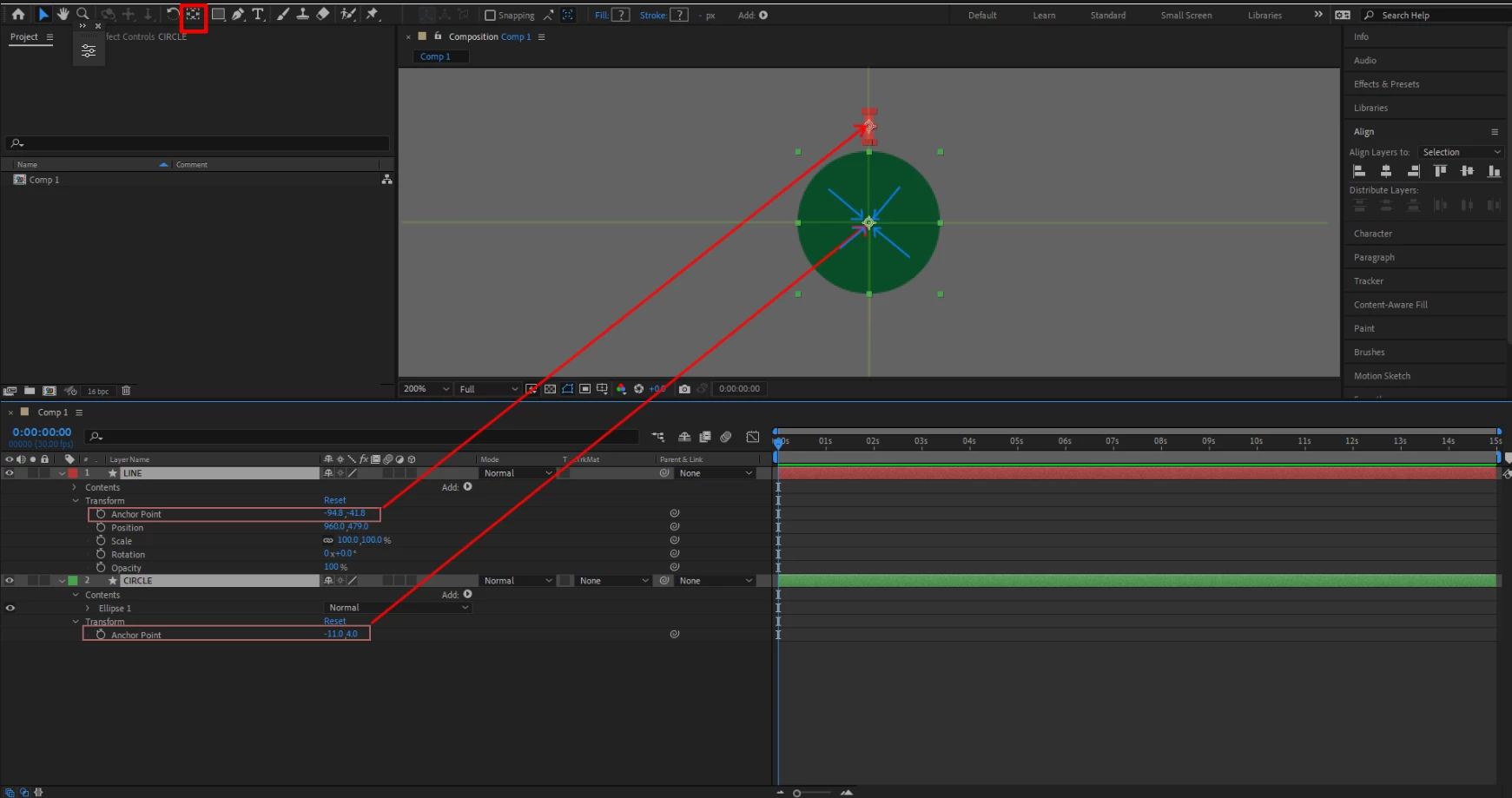
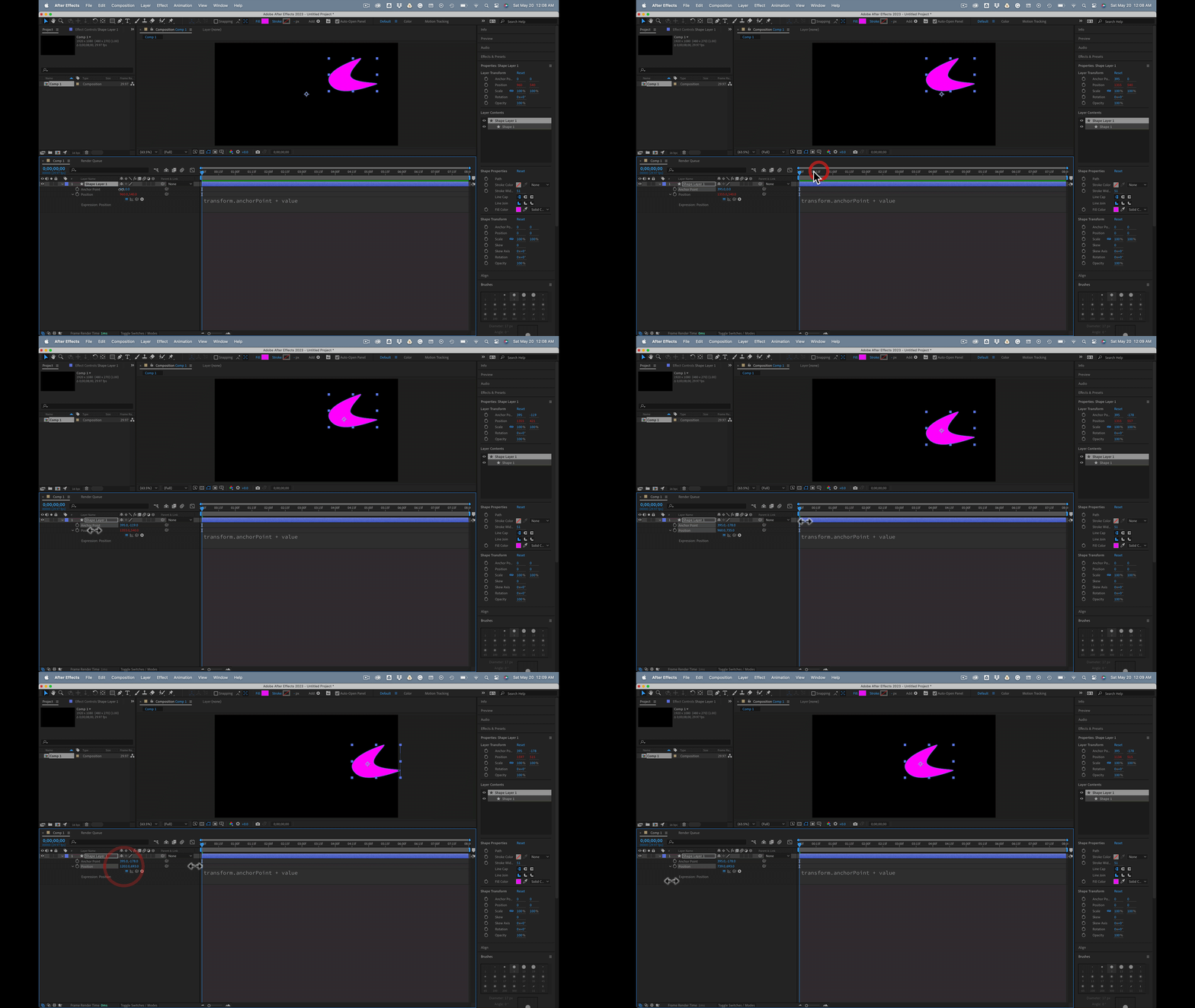
Im following a tutorial on YT about the anchor point positioning. It works as expected, but is there also an alternative to match the anchor points without the pan tool? I try to copy paste the anchor point settings of the circle values, into the line anchor point values, but the line shape jumps out of position. Or if I change the values of either the anchor points, circle or line, the shapes move, instead of the anchor point.
So I'd like to be able to move the anchor point of the line, to match it in the centre of my canvas where the circle is, without using the Pan Tool.
Thank you.
 AdChoices