
How to move mask point handles as straight line again?
I've been using AE for a few years now, but since I'm self-taught I struggle a bit with the vocabulary and how to search the "right" words to find useful results. I hope I'm communicating my question in a way that makes sense, and please feel free to educate me on the correct terms if I'm not using them correctly.
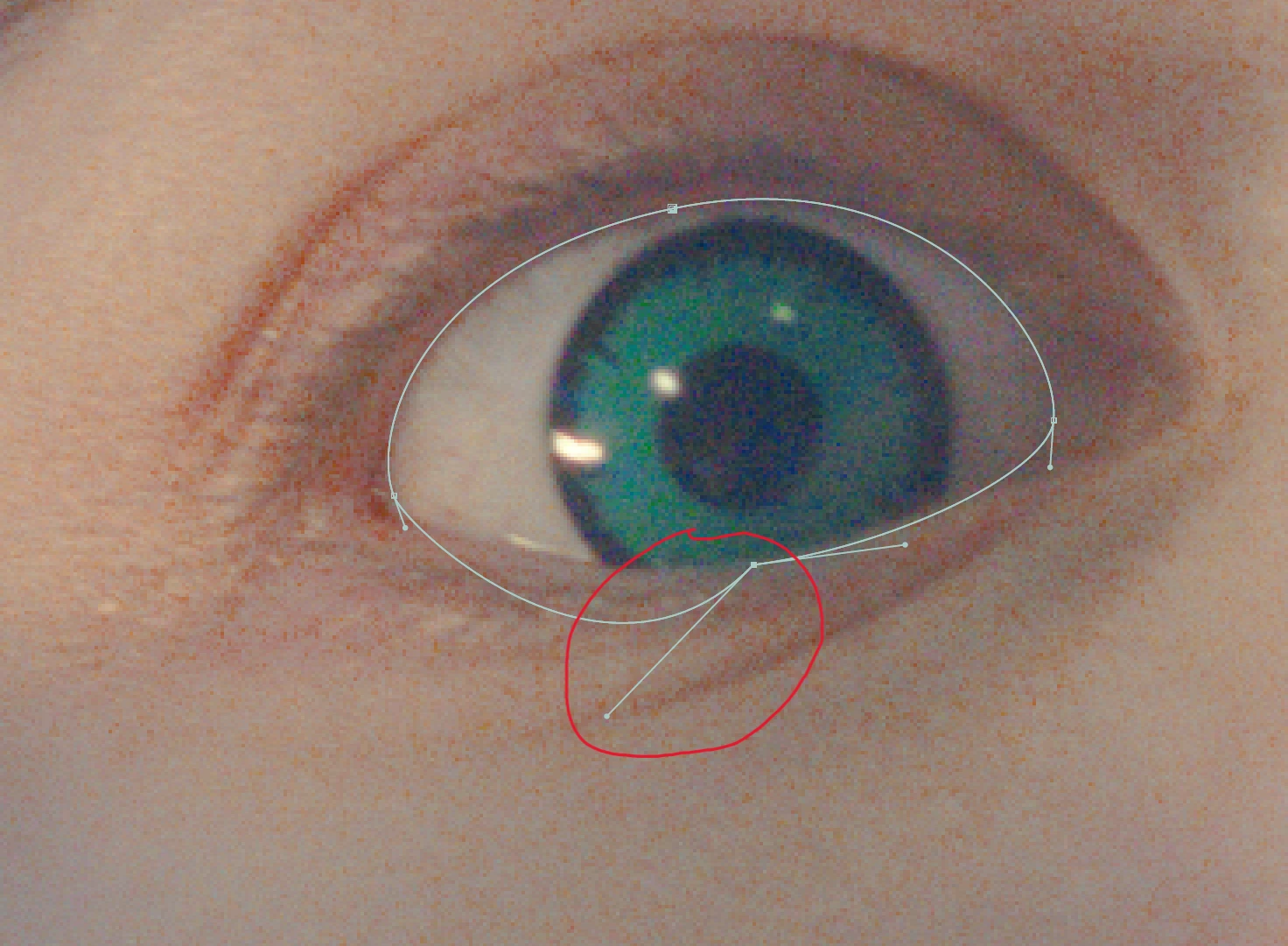
When I use a mask, the handles(?) usually move as a straight line as I adjust it as seen in photo 1. However, sometimes they just stop working like that and only one side will move independantly, photo 2. I'm sure I'm accidently hitting a hot key or something that enables/disables this function, but I have no idea what it is or even how to properly search for a solution online. How do I enable and disable this function? Thanks everyone!

 AdChoices