Answered
how to open shape controls for bezier handles
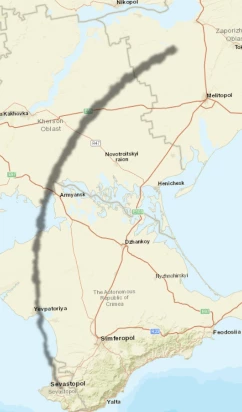
I am unsure how to open the rectangle box that is supposed to be around the shape layer so I can alter it with the bezier handles. Help greatly appreciated.

I am unsure how to open the rectangle box that is supposed to be around the shape layer so I can alter it with the bezier handles. Help greatly appreciated.
From your screenshot, I'm guessing the shape you want to change is the shadow layer. Expand that on the time and you should see a Contents section. Expand that to see something like Shape1 and expand that to see Path1 and then again to see Path.
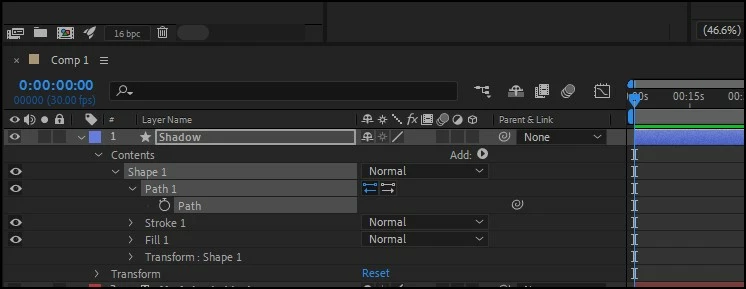
Select the Path property with a stopwatch and in your comp window, you'll see something very similar to what Andrew shared. If you don't see a bounding box, using the Select tool, click near the line but not on it. The bounding box will appear. Now click on one of the points on your line (this can be tricky as you can end up easily selecting all the points) but when you manage it, you'll see the bezier handles.
If you're still struggling after all that, I shared a Curvy Arrow preset a while back which works with the Point Control expressions - you might find it simple enough to adapt:
Already have an account? Login
Enter your E-mail address. We'll send you an e-mail with instructions to reset your password.
 AdChoices