Known Participant
February 21, 2021
Answered

how to properly import time lapse from Iphone into After Effects

  • February 21, 2021
  • 2 replies
  • 2730 views
Hello everyone!
Can someone tell me how to fix it or get around it) I load Timelapse(from Iphone) into After Effect(cmd+I,  0:00:14:24 // 29,976fps // .mov), when I press the spacebar AE plays frames incorrectly. As if overwhelming between frames. in front and back And so on throughout the time-lapse. I found a solution to open and save in another program and then open it in AE. I understand that this is not serious) and I can't figure out how to properly export this to AE so that it plays as it should (
This topic has been closed for replies.
Correct answer Warren Heaton

Recently I wanted to practice more time-lapse shooting))

I understand what you mean, through the video I wanted to show what I see when I try to play a time-lapse in Project AE)

I import the time-lapse .mov file into the AE project and then create a composition with the same parameters as the original file (drag the .mov file onto the "new composition" icon)

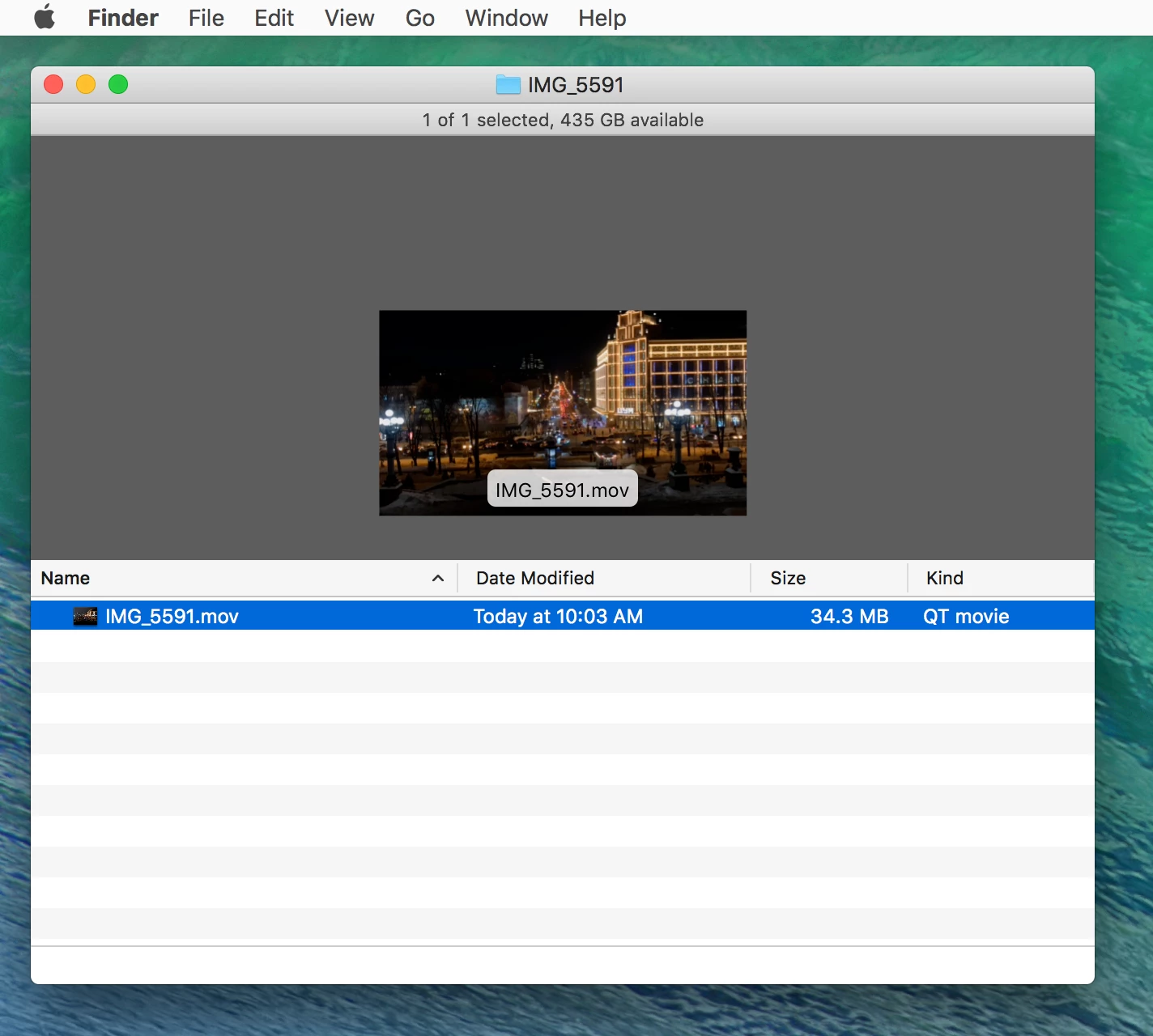
add screenshots and original file)


Thank you for providing the original movie file.


Yes, this is a result of After Effects not decompressing the file correctly.  Most likely it's something to do with the GOP structure not being arranged correctly upon decompression.  And yes, this could be reported as a bug.


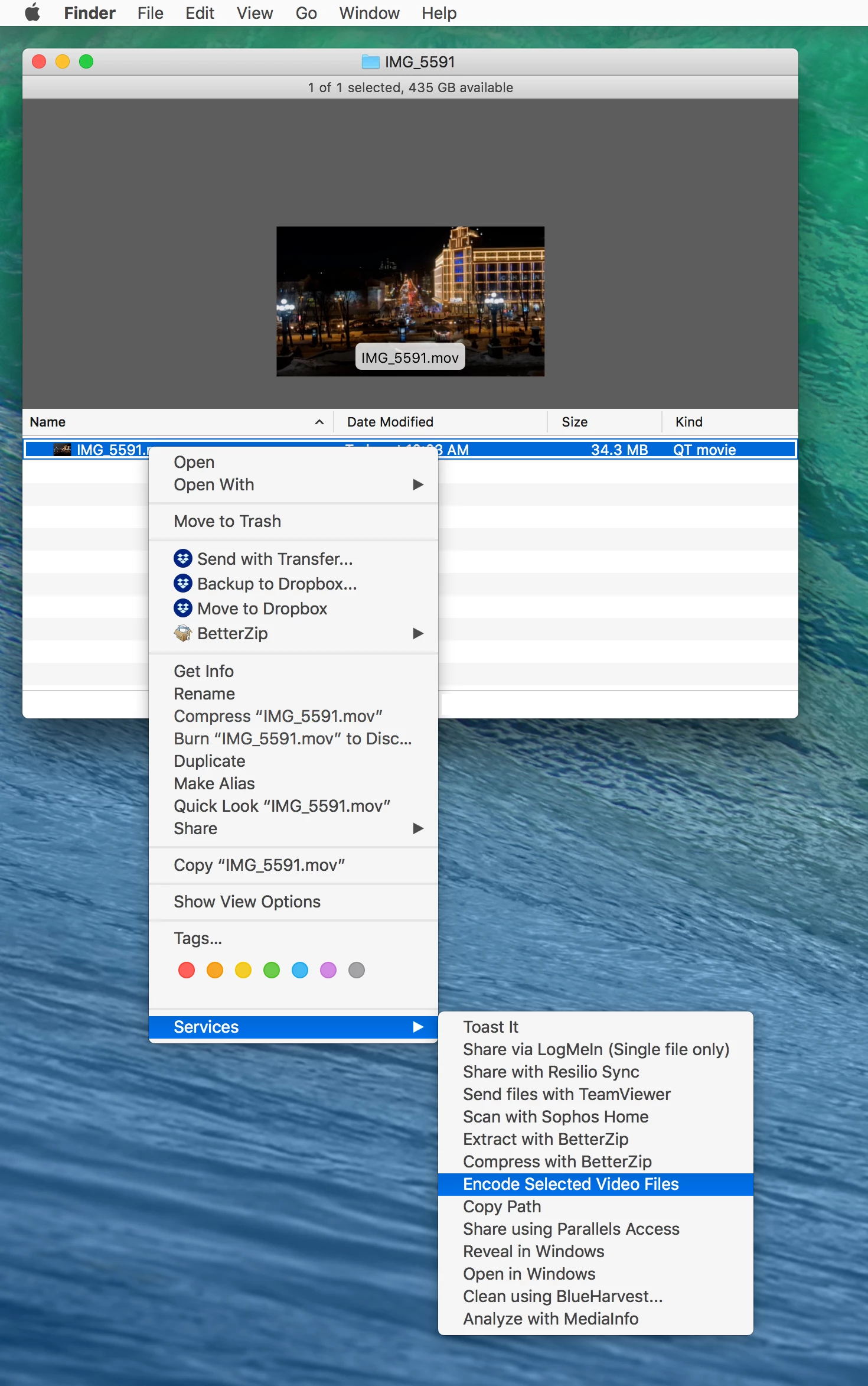
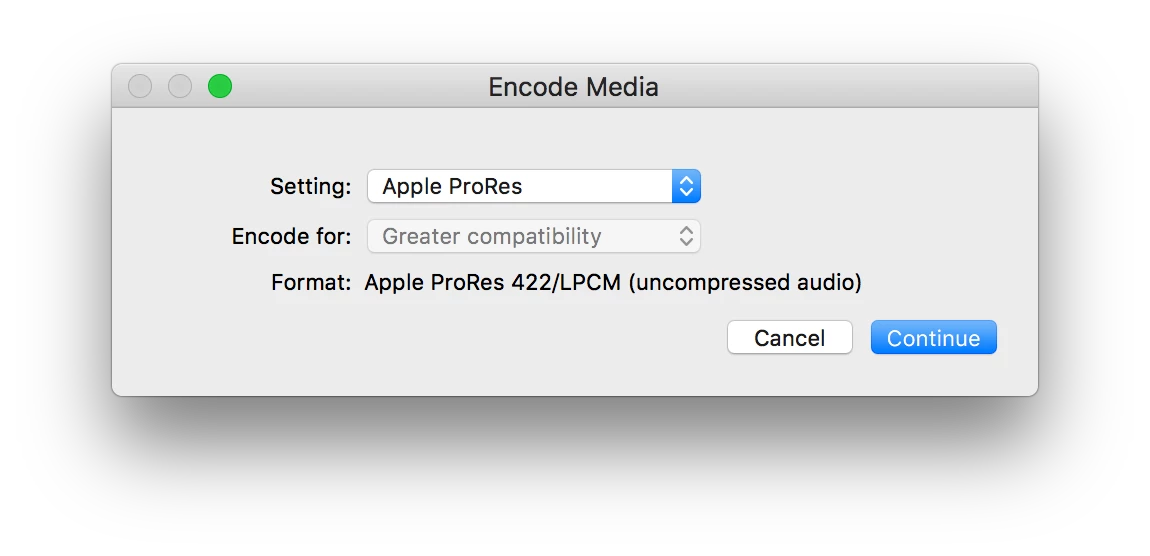
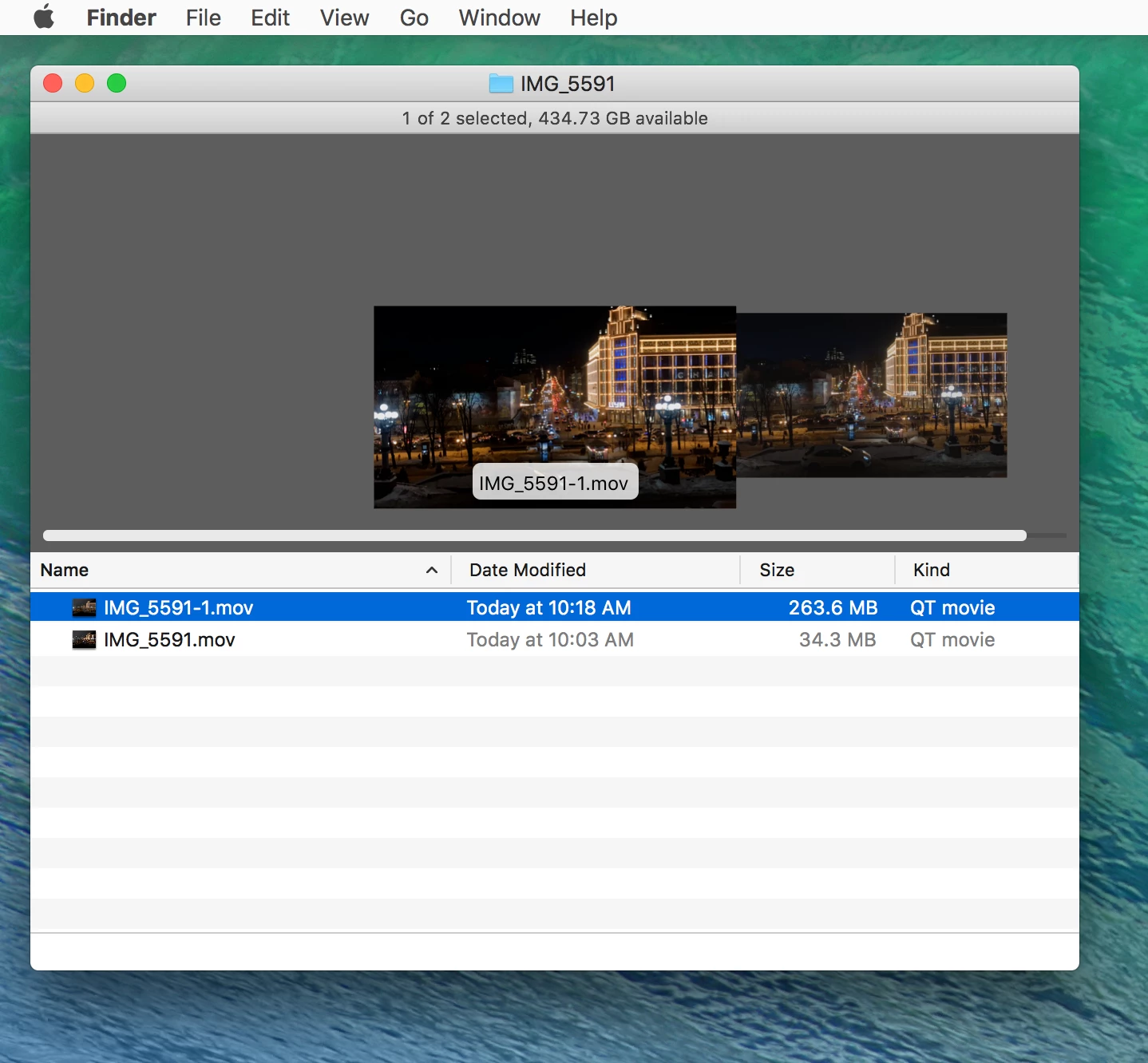
Convert "IMG_5591.mov" to Apple ProRes in the Finder and then import that to After Effects.  The ProRes version will take up much more disk space, but it will play as expected in AE.


2 replies

Community Expert
February 21, 2021

Timelapse on the iPhone is set to playback at the default frame rate. If you want to slow it down or speed it up you change the frame rate interpolation by selecting the footage in the Project Panel and changing it from 29.976 (or whatever it is) to 15 to make it playback slower or 60 to make it playback faster. 


If AE is interpreting the footage as a variable frame rate there may be a problem, but all of the timelapse I import from my iPhone is behaving exactly as I expect it to. 


What exactly is going on in your playback. All of the movement should be sped up. If you choose slow motion on an iPhone it starts at normal speed then transitions to slow motion, then returns to normal speed. I don't recall time-lapse doing that. 


It would really help us help you if we had a better description of what is going on. I'm not sure if I understand what overwhelming frames in the front and back mean. 

Vlad98A4Author
Known Participant
February 22, 2021

Hello Rick Gerard)
Thank you for such a detailed answer!

"I import from my iPhone is behaving exactly as I expect it to" - Yes, I expected a time-lapse play that I saw on the phone screen) But I don’t know why AE plays the frames with the wrong consistency as it should (

Community Expert
February 22, 2021

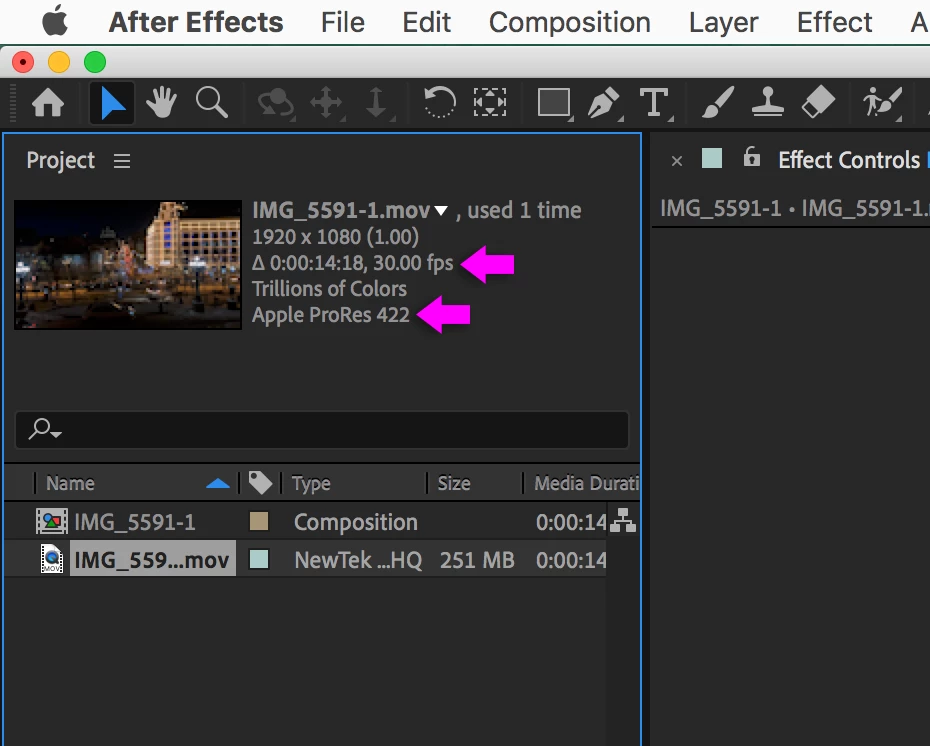
Your movie does not tell me anything about what is going on in After Effects. I need to see the properties of the footage and the properties of the comp. I have done a lot of time lapse and never had any problems. 


Are you importing the footage and then creating a composition from the imported footage?

Warren Heaton
Community Expert
Community Expert
February 21, 2021

This sounds like an unexpected issue with decompression.  Try transcoding the movie from the iPhone to Apple ProRes422 LT in Adobe Media Encoder prior to importing it into After Effects.  You can also transcode it to ProRes in the Finder if AME has the same issue that AE is having.


Vlad98A4Author
Known Participant
February 22, 2021

Hello 1st problem my English 2nd the problem is that AE plays the timeslaps in a strange way, as if it jumps a couple of frames in ahead-forward and plays then jumps back. It plays a couple of frames normally-correct and again jumps in front and repeats. I read a couple of posts, the guy had a similar problem, but he loaded the sequence of frames into AE and the problem was in the names of the frames. Example 1, 2, 3, 11, 4, 22, it was necessary to put zero 001, 002, 003, 011, 004, 022. But why I have this issues... I dont understand this

Vlad98A4Author
Known Participant
February 22, 2021

Hello) 1st problem my English) 2nd the problem is that AE plays the timeslaps in a strange way, as if it jumps a couple of frames in ahead-forward and plays then jumps back. It plays a couple of frames normally-correct and again jumps in front and repeats. I read a couple of posts, the guy had a similar problem, but he loaded the sequence of frames into AE and the problem was in the names of the frames. Example 1, 2, 3, 11, 4, 22, it was necessary to put zero 001, 002, 003, 011, 004, 022. But why I have this issues... I dont understand this