ali m.r7155227
Known Participant
June 3, 2017
Question

How to Reverse - Text / Animate In / Slow Fade On

  • June 3, 2017
  • 2 replies
  • 13511 views

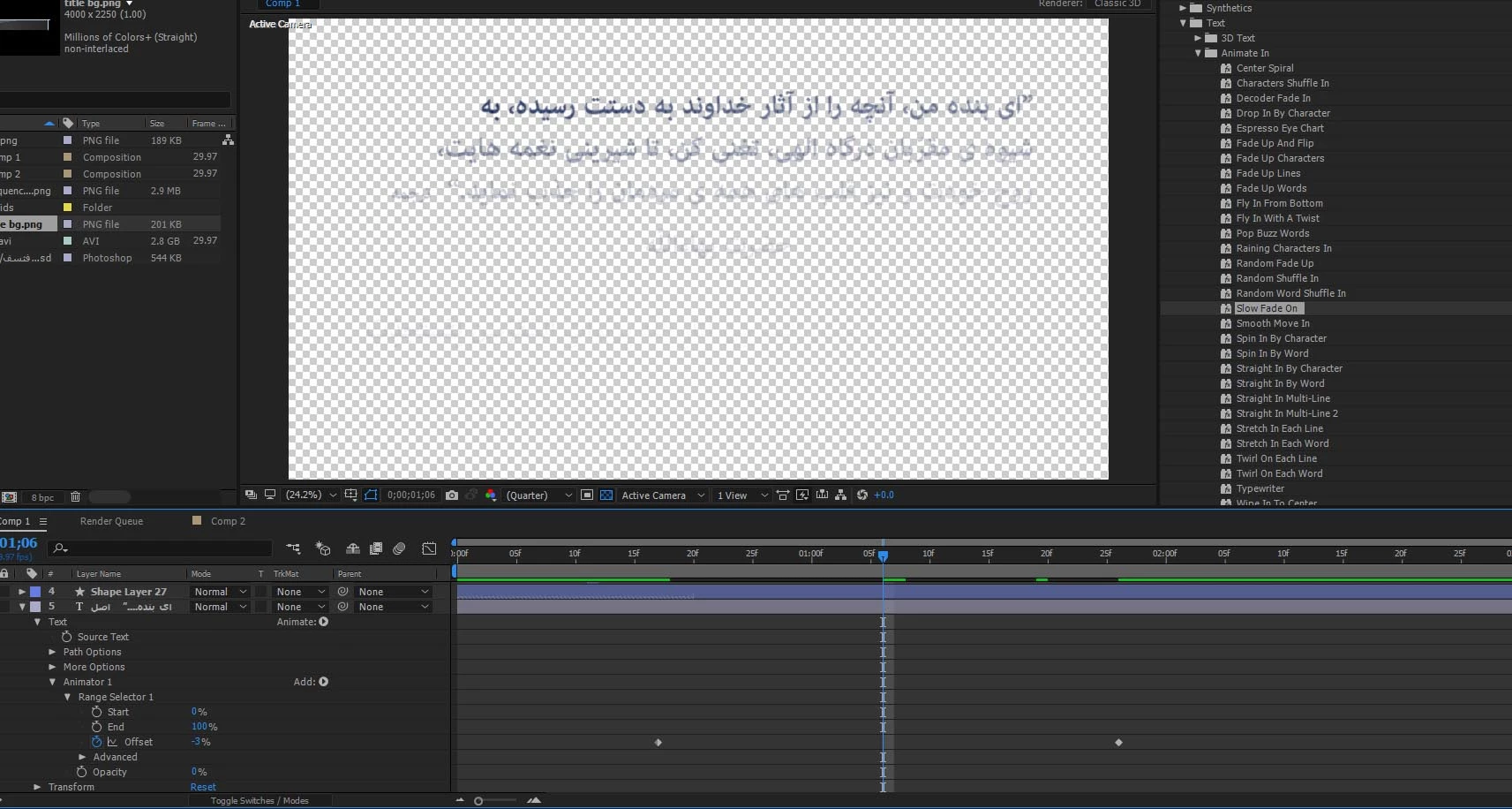
Could you please tell me how to reverse the direction of "Slow Fade On".

I'd like the text to Fade On from the right side instead of its default left side.

Image attached, thanks!
This topic has been closed for replies.

2 replies

Participant
September 12, 2018

I believe that the post is quite old, still wanted to give my input for the new users:

The default settings for the Animation Presets e.g. Typewriter is from left to right.

In order to change the appearance from right to left as in Arabic, Urdu or other languages.

You simply need to change settings of the Animator->Range selector

Set Start to 0

Define keyframes for the 'End' from 100 down to zero as in percentage.

Leave offset to 0.

It worked for me, hope it will work for everyone else as well.

Cheers,

Umer

Roland Kahlenberg
Legend
September 12, 2018

I wrote short article which provides for a formulaic approach to having full control over shipped Text Animation Presets or 3rd party Text Animation Presets. Here's the Cheat Sheet -

Here's the URL to the article in PDF - http://www.broadcastgems.com/MediaServer01/RolandK_TextTool_CustomizingPresets_aFormulaicApproach_June2018.pdf

Very Advanced After Effects Training | Adaptive & Responsive Toolkits | Intelligent Design Assets (IDAs) | MoGraph Design System DEV
Mylenium
Legend
June 3, 2017

Chnage the direction in the advanced section of the text animator/ swap start and end. Please read the help by all means. If you can't even figure out something that basic...

Mylenium

ali m.r7155227
Known Participant
June 3, 2017

Mike_Abbott
Legend
June 3, 2017

Do this:

Set the first offset keyframe to: 100%

Set the second offset keyframe to : -100%

Change the Advanced > Shape menu to: Ramp down.
