
Answered
how to use two mattes for one object
Hello,
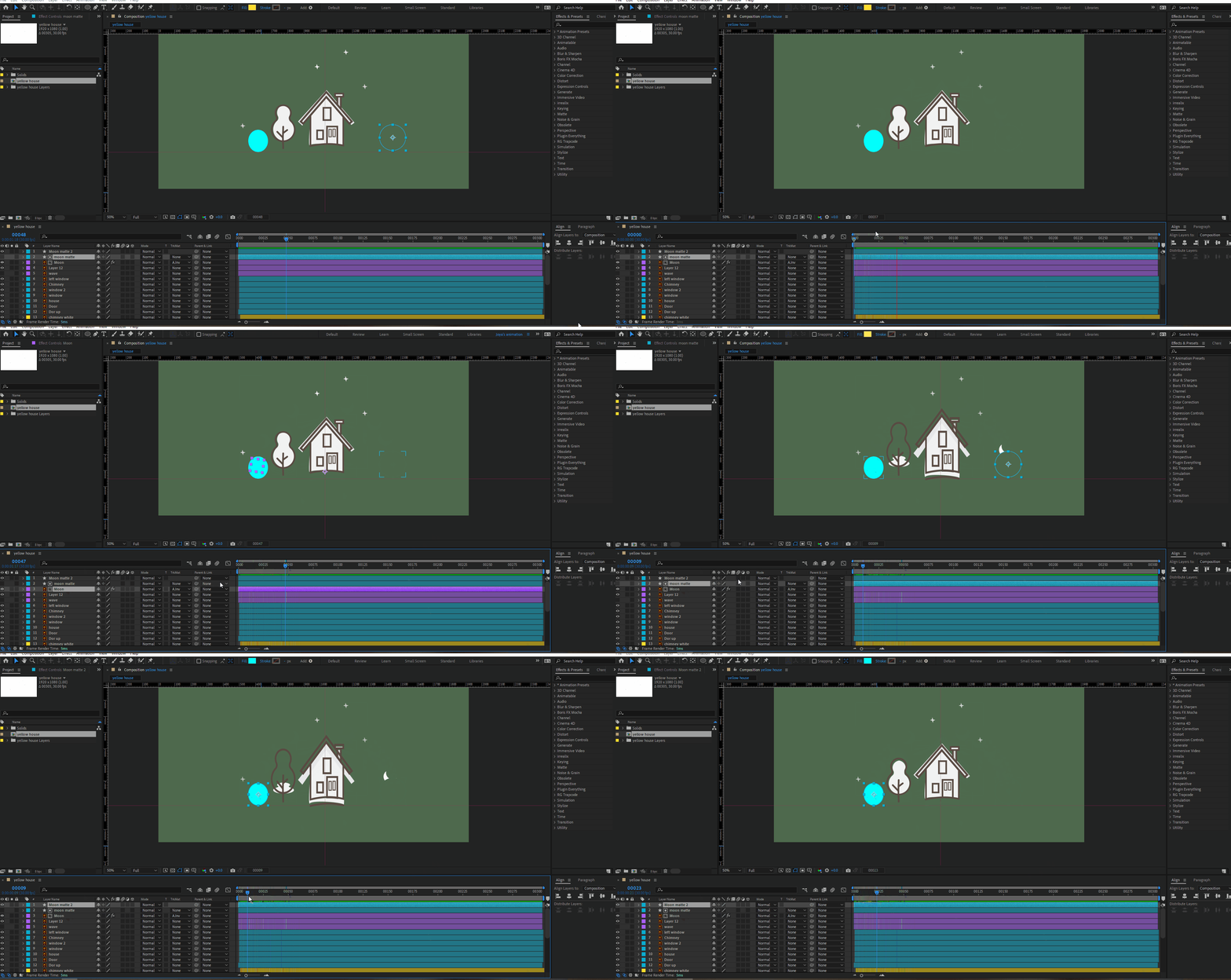
I wanna hide the moon in two places. I used matte for place 1. but how can I hide it in second place using second matte?
Thank you.

Hello,
I wanna hide the moon in two places. I used matte for place 1. but how can I hide it in second place using second matte?
Thank you.
Put both hiding places on the same layer then use that layer as an inverted alpha track matte.
Already have an account? Login
Enter your E-mail address. We'll send you an e-mail with instructions to reset your password.
 AdChoices