Participant
October 22, 2020
Answered

How to Wrap an Effect around a 3D Logo?

  • October 22, 2020
  • 2 replies
  • 631 views

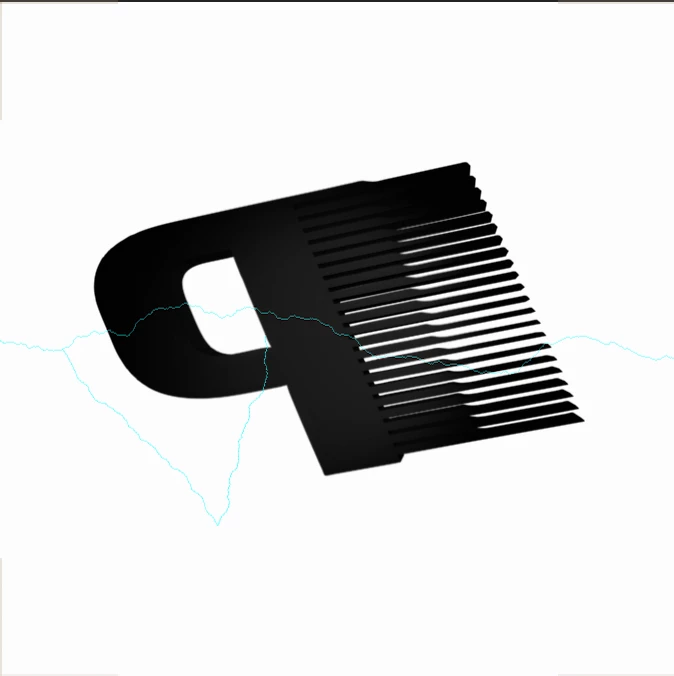
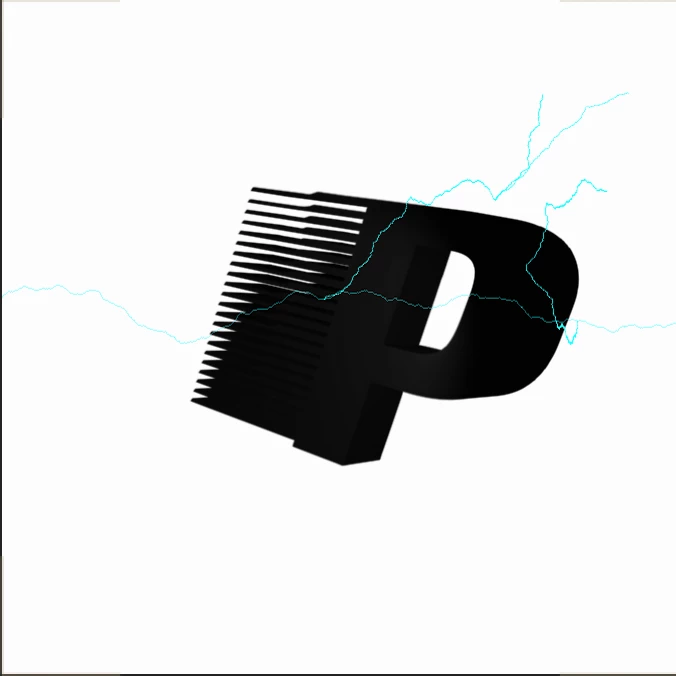
Hi there! I am hoping someone might be able to tell me how to wrap an effect in After Effects around a 3D logo that I've created. I am trying to use the (Effect->Obsolete->Lighting) effect, but I don't want it to look like it's over top of my logo, nor do I want it showing outside/around my logo. Would greatly appreciate any assistance with this! Logo and current lighting effect attached 🙂 
This topic has been closed for replies.
Correct answer Jose Panadero

You can't do it with the Lighting Effect. Instead, try to download the free Saber plugin from Videocopilot. You can create similar effects using masks around your logo.

2 replies

Community Expert
October 23, 2020

There are a couple of solutions. Lightning is not one of them. Saber is by far the easiest and it's free. Here's a link: Video Copilot Saber


Here's the tutorial:

Jose Panadero
Community Expert
Jose PanaderoCommunity ExpertCorrect answer
Community Expert
October 22, 2020

You can't do it with the Lighting Effect. Instead, try to download the free Saber plugin from Videocopilot. You can create similar effects using masks around your logo.