
Answered
How will I remove wire from a clip (Three peoples are moving behind the wire.)
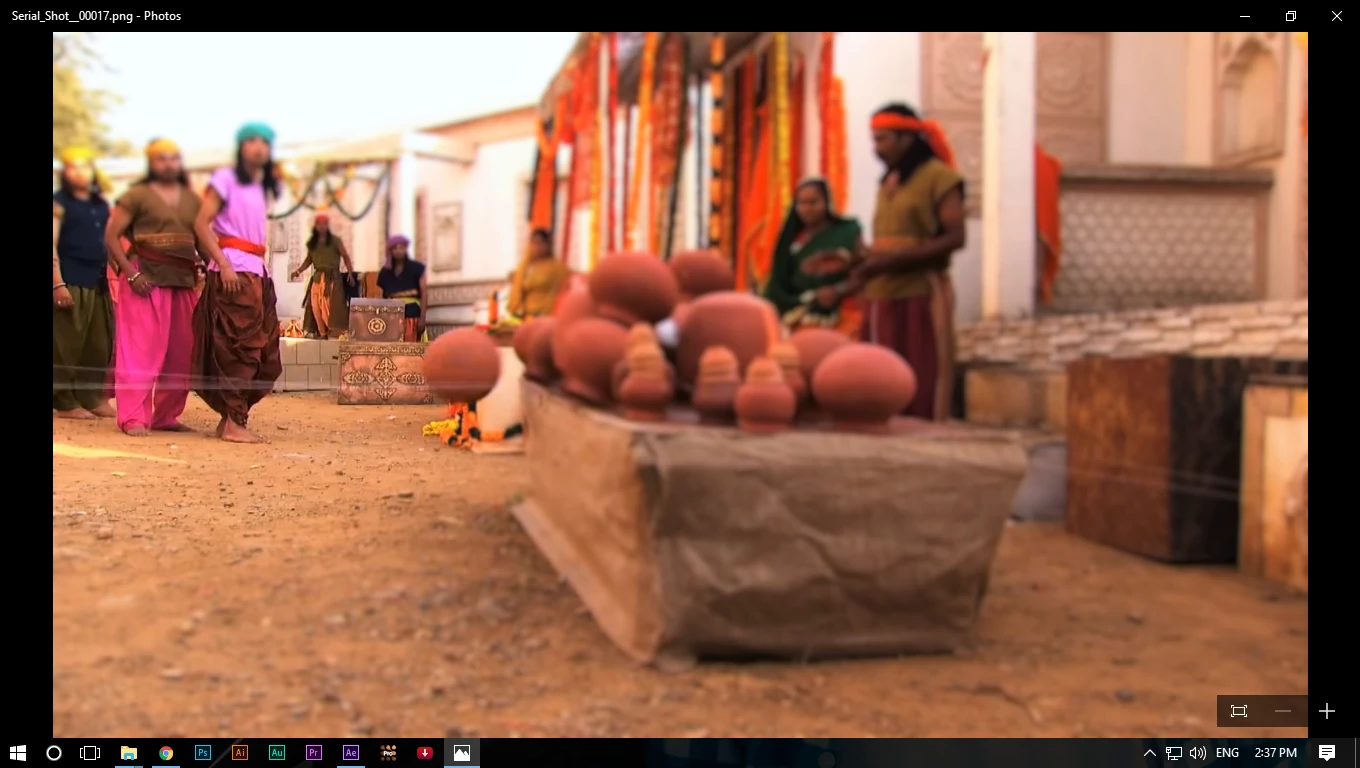
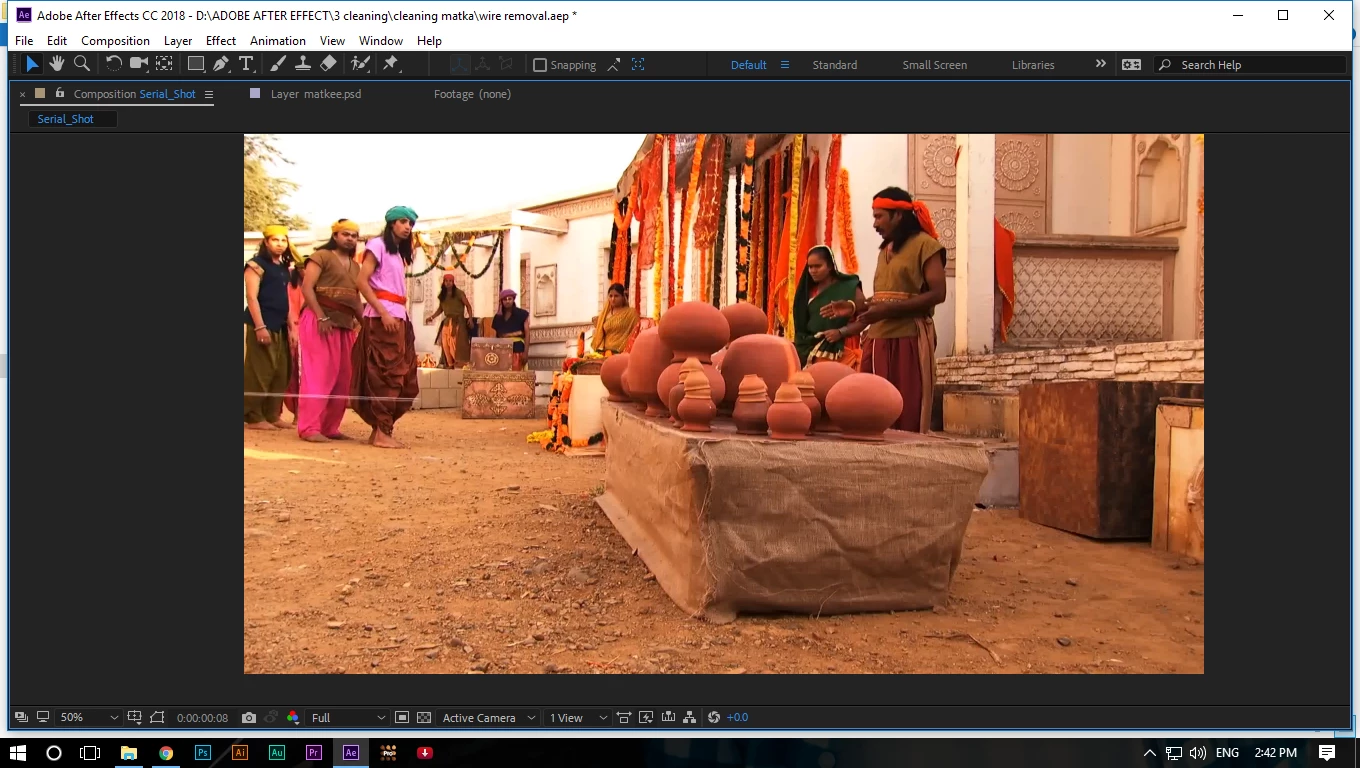 I am unable to clean the wire from left side (three men)

I am unable to clean the wire from left side (three men)
https://www.youtube.com/watch?v=SxtKQLED-0g
please check out the original footage.
There is no easy fix for that shot. If I was assigned that shot I would tell them that I needed about 2 days. I will try to talk you through the theory with this screenshot:
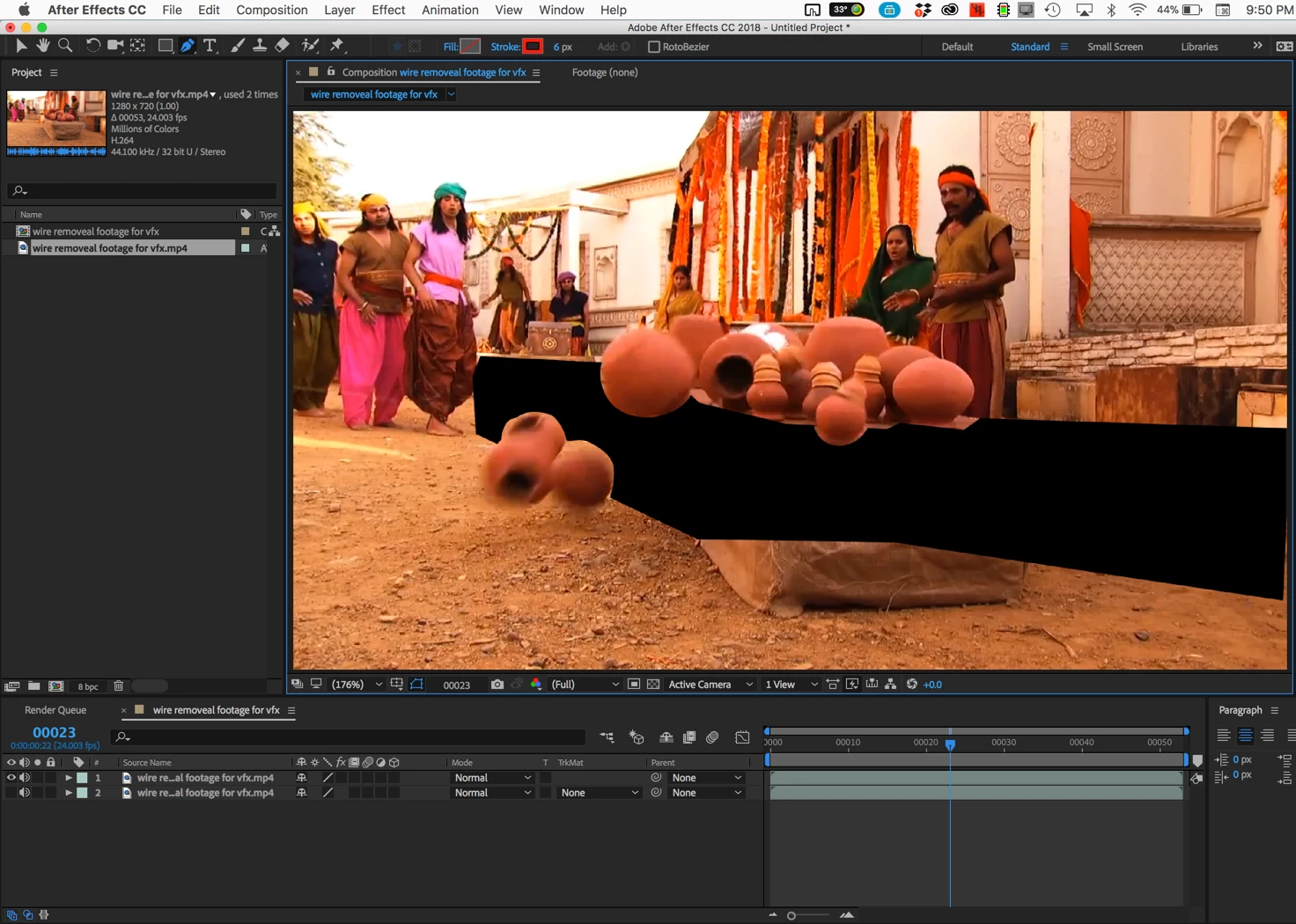
The area that is black is a hole you cut in the footage using masing so that a clean plate can be placed below the footage layer. This will eliminate about 40 frames of animation to fix that part of the footage.
The big black mask is pretty easy to create using the pen tool because the camera does not move. When the pots start falling off the table you'll have to do some hand rotoscoping to keep them visible. The rotoscope is where the first part of the hard work begins. Every pot will require some hand masking as they fall through the big black hole to keep them visible. Automatic tools like Rotobrush will not work well because there are few contrasting colors so this will all be roto by hand.
That does not mean adjust the masks every frame, but there is going to be a lot of work. When the roto is complete you have to start working on the far left part of the frame where the wires are in front of the legs of the three actors. You will have to carefully hand paint out the wires frame by frame. This will require a great deal of patience and time. Once the roto is done you can start working on the clean plate by exporting a PSD (Photoshop) file of the first frame and paint out all of the wires except where they pass in front of the three actors on the left side of the frame. Then all you have to do is drop that image below the rotoscoped and painted footage. That is the most efficient way I can think of right now to fix this shot in post. This shot is going to take a great deal of very careful hand painting to fix but most of the frame can be a single frame so that will save you a couple of days of hand cloning. In fact, you could probably use the Photoshop healing brush to paint out all of the wires that are in the black area of the screenshot.
I hope this makes sense to you.
If you ever have anything to do with a shot like this again DO NOT use monofilament line (fishing line) to rig the trick because it picks up the light and is always more visible than just about any other colored line you could use to pull off this gag. The only time monofilament line is nearly invisible is when it is in the water. Instead, use black thread (carpet thread) to rig the gag. It will be almost impossible to see in the final shot and will be a lot easier to paint out. Because this scene is mostly brown you could also have used a dark brown carpet thread to do the rigging. The problem was clearly visible on set when the shot was made but the crew just was not paying attention.
Already have an account? Login
Enter your E-mail address. We'll send you an e-mail with instructions to reset your password.
 AdChoices