- Home
- After Effects
- Discussions
- I can't see the layers in my timeline.
- I can't see the layers in my timeline.
I can't see the layers in my timeline.

Copy link to clipboard
Copied




 10
Replies
10
10
Replies
10


Copy link to clipboard
Copied
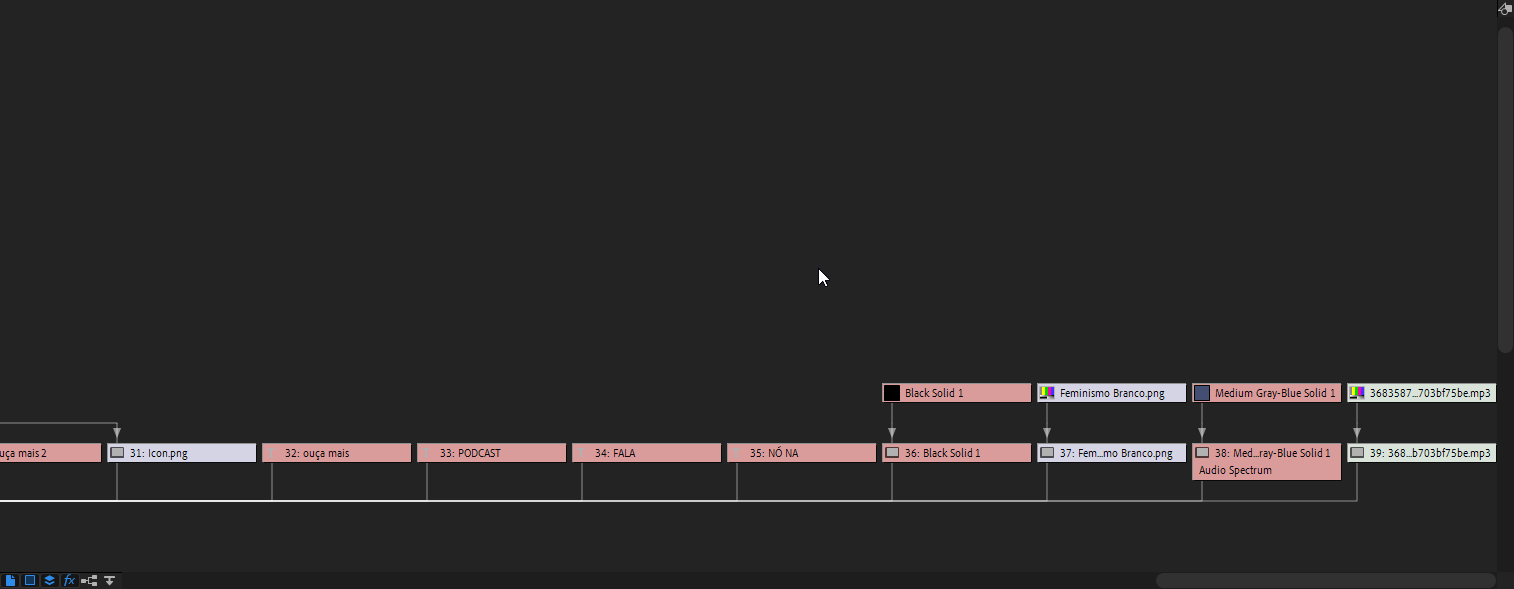
You're looking at flowchart view. Simply close the flowchart window and, if necessary, open the composition preview window from the Window menu.
Copy link to clipboard
Copied
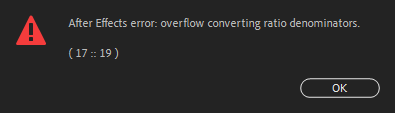
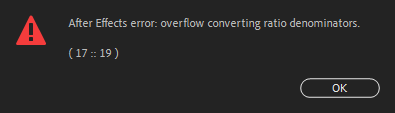
I just realized i got it wrong, The thing is. I have Layers missing, you can see that i have a lot of stuff in my flow chart right? But the layers in my timeline are all missing and i'm trying to bring them back, i'm also having the overflow 17::19 error. And i can't change the fps of my project. I can't lose the work there for it is not mine.
Copy link to clipboard
Copied
If layers are missing, there's two possibilities.
1 - They may be "shy"layers, click the icon of a little man's face in the timeline to toggle visibility of shy layers. This is the likely option, if the layers are still visible in flowchart view.
2 - You've inadvertently deleted the layers. Go back to an earlier saved version of the project to get them back.
When does the overlow error occur? Is there a pattern or action that makes it happen? Are there expression used in your composition? How much RAM does your system have?
What happens when you try to change the frame rate of your comp?
Copy link to clipboard
Copied
There are no shy layers and i didnnt delete it, cause it was an error caused by saving the project after trying to render it.
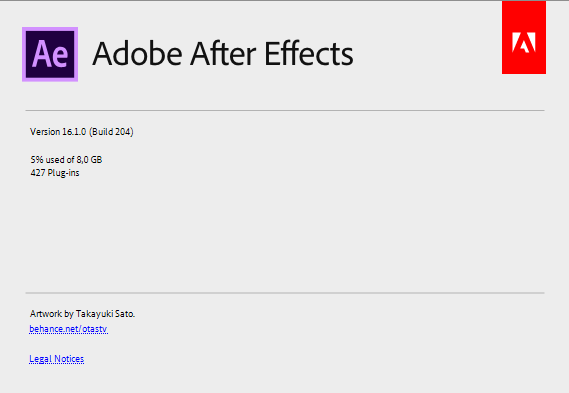
My system have 8GB of RAM. Wheni try to changethe framerate, if it is a multiple, for example, if i try to change from 30 to 60 it doesn't show up the error, but layers are still missing. Other than that it shows up the error, and layers still missing. I think they are there somewhere, i just can't access them, otherwise why would it be in the flowchart?
Copy link to clipboard
Copied
Can you go back to a previous version of the project to verify if the missing layers are still there?
Are you sure you're looking in the correct composition's timeline, and not a precomp?
So you're saying you CAN change the frame rate, but only in multiples of 30? But if you chnage to a differernt frame rate you get the Overflow error message?
Please provide clear, detailed answers.
Copy link to clipboard
Copied
No, I can't go back to previous versions, they're all gone. Yes I am very sure, as you can see in the screenshots it says "comp 1". I can basically change the framerate to anything i like, but oncei change it whenever i try and change it again to something tath is not a multiple of the previous saved fps it errors out.
I think it is something to do with resolution and the images i'm using in the project. I could access the missing layers by pressing ctrl + a and pasting all of the layers in a different composition.

Copy link to clipboard
Copied
Hi, I know its been over a year but did you get any answers to this issue?
I'm currently experiencing same problem.
Thanks.

Copy link to clipboard
Copied
I am as well. I see all of my elements in the composition window just fine but I can't see any layers. 'Shy' is not turned on.

Copy link to clipboard
Copied
This problem Happens to me when i have too many layers shown in timeline.. Shying not needed layers solve the problem. in your case i don't know the reason as its only 1 layer

Copy link to clipboard
Copied
Dude you absolutely saved me! Thank you so much, I couldn't get my head around why they weren't showing.


Find more inspiration, events, and resources on the new Adobe Community
Explore Now
 AdChoices