
I need particles on "explode" mode to emit according to sound
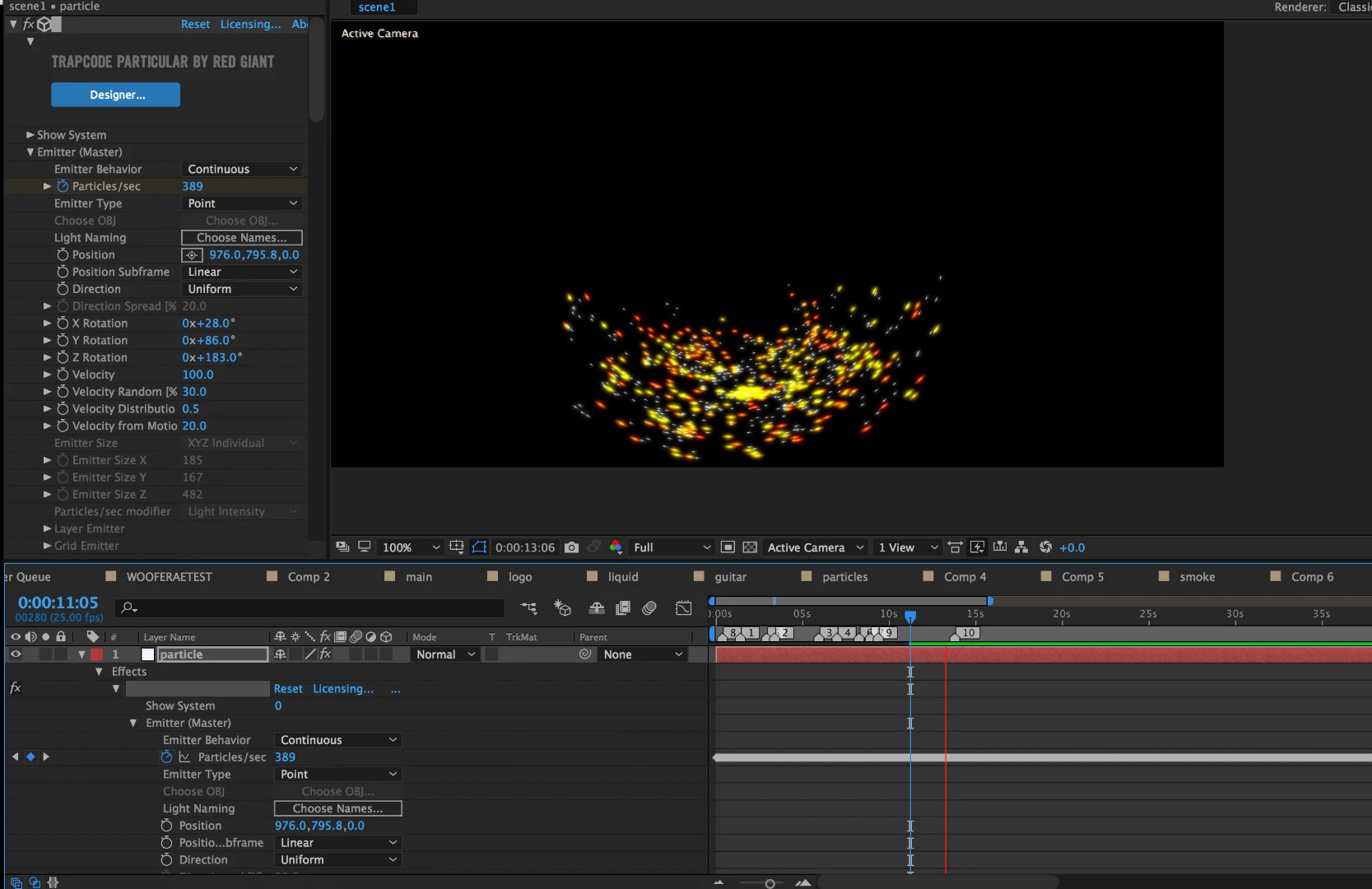
I'm using sound keys to control the particles per second on particular so that the audio range causes the particles to emit in an exploding motion. However, when I put the setting to "explode" rather than "continuous," the particles disappear after the first second because explode seems trigger a single instance of particles and then nothing. Would there be a way to get this type of motion so that the particles explode once it reaches the audio range and then stops altogether until triggered again? If you will please skip to 1:19 of the video below, you will see exactly what I'm trying to achieve. But I'm having an issue getting particular to work for this purpose. To emphasize, I do not want a continuous stream of particles. I just want bursts of them, and have already set my audio range on sound keys. Also, I figure that reducing the life of the particles would help, but if I go below a certain threshold (say 2), the burst of particles becomes too small. Here is a screenshot of my setup, I have soundkeys custom range from 0 to 500 for the particles per second and the lifespan is 3.3. The particles are continuous and don't die fast enough to appear like they're being triggered by audio. I'd really appreciate any advice on this issue!
Projection mapping Motion graphic-Jamais vu project-(canon) - YouTube
 AdChoices