Onkel_Manuel
Known Participant
November 12, 2017
Answered

Intel only? Ae keeps crashing with AMD hardware

  • November 12, 2017
  • 4 replies
  • 1789 views

Hi there!

A few days ago I upgraded to the full CC suite and played a bit with Premiere Pro and After Effects. With Ae I wanted to try that floating text thingy and learned that you have to pin the text to the tracking points.

With footage from my DJI Spark (FHD 30 fps | MPEG-4 AVC/H.264 | 24 MBit/s) there's no problem, the camera tracking works fine.

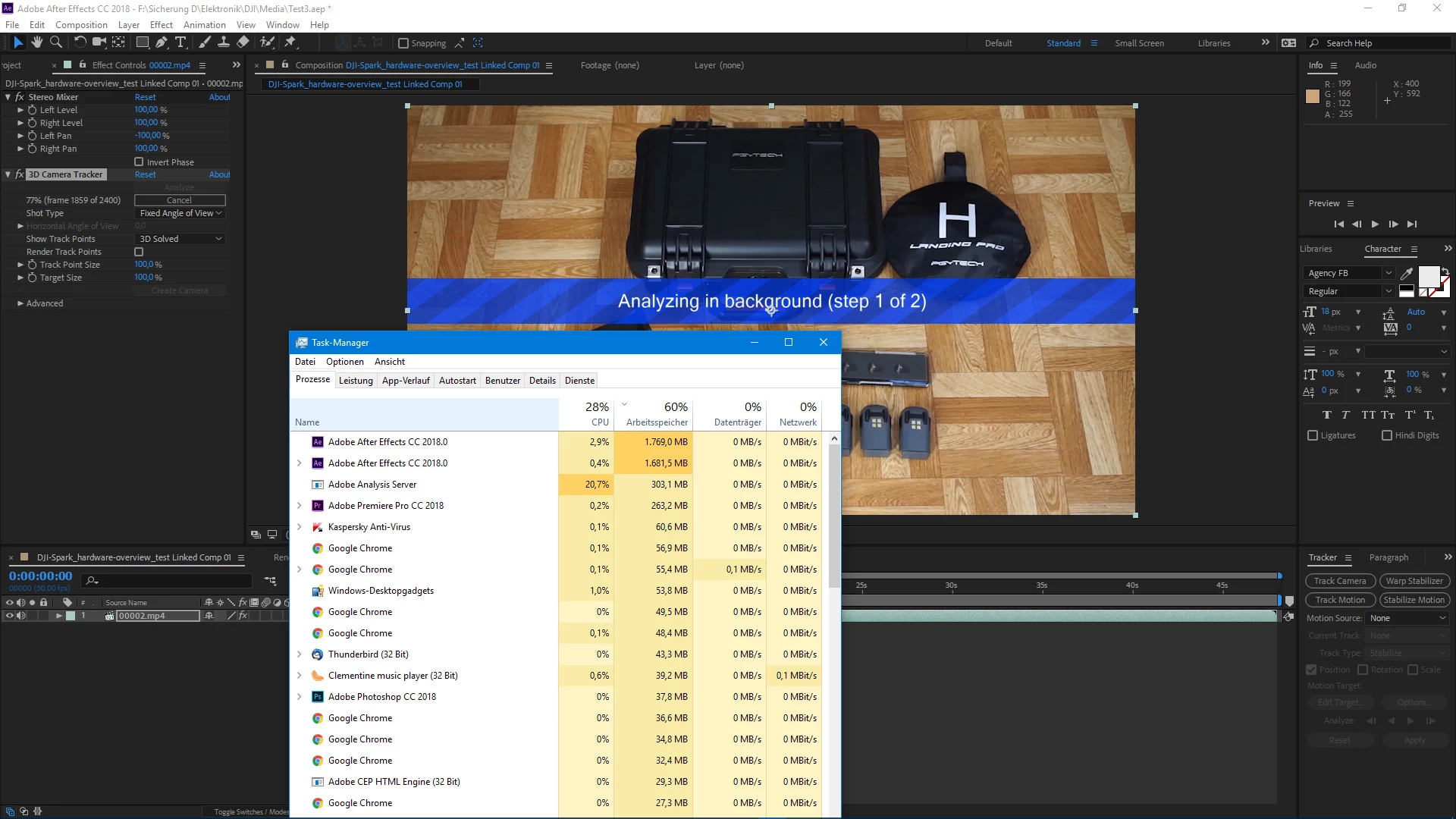
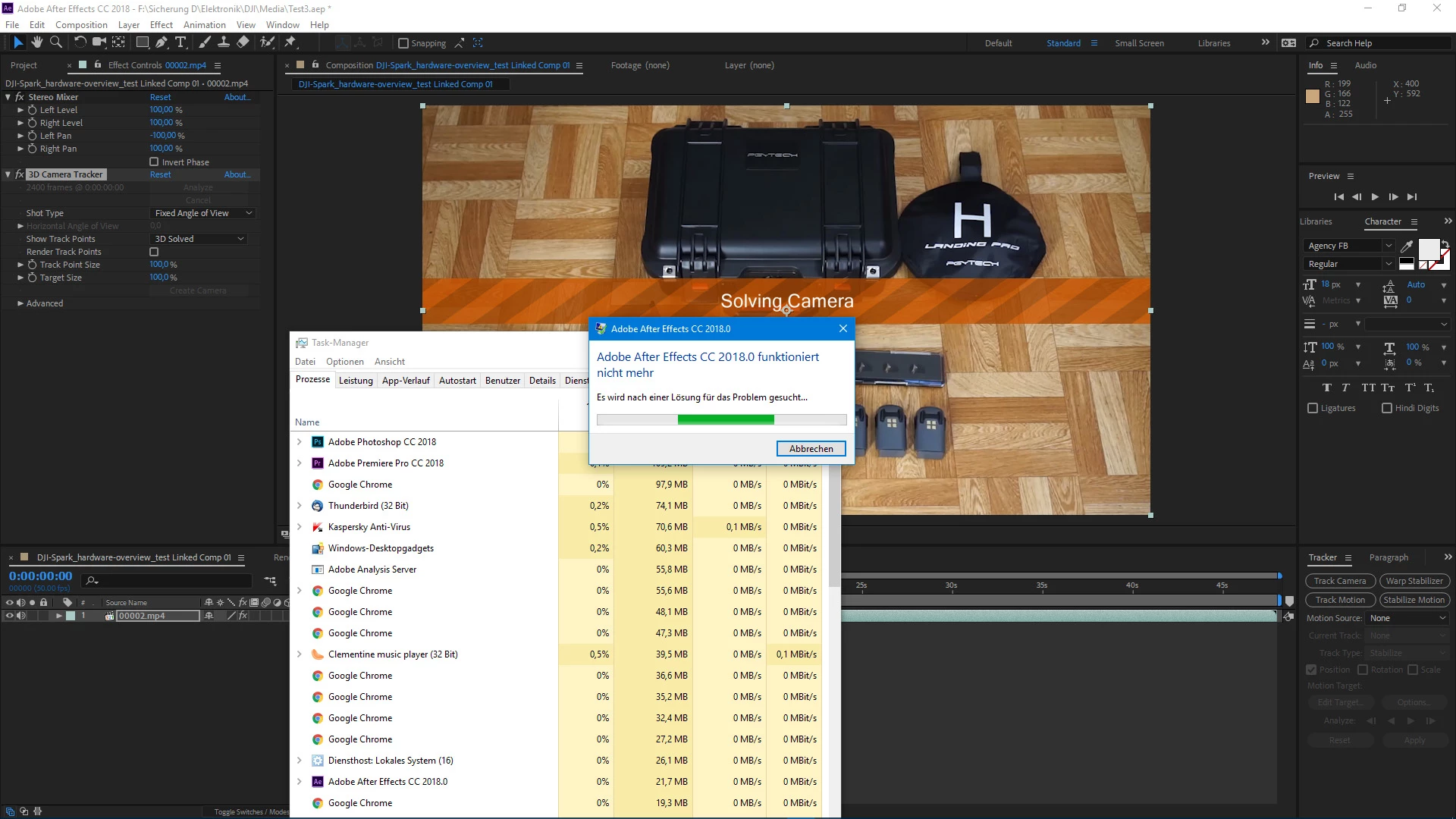
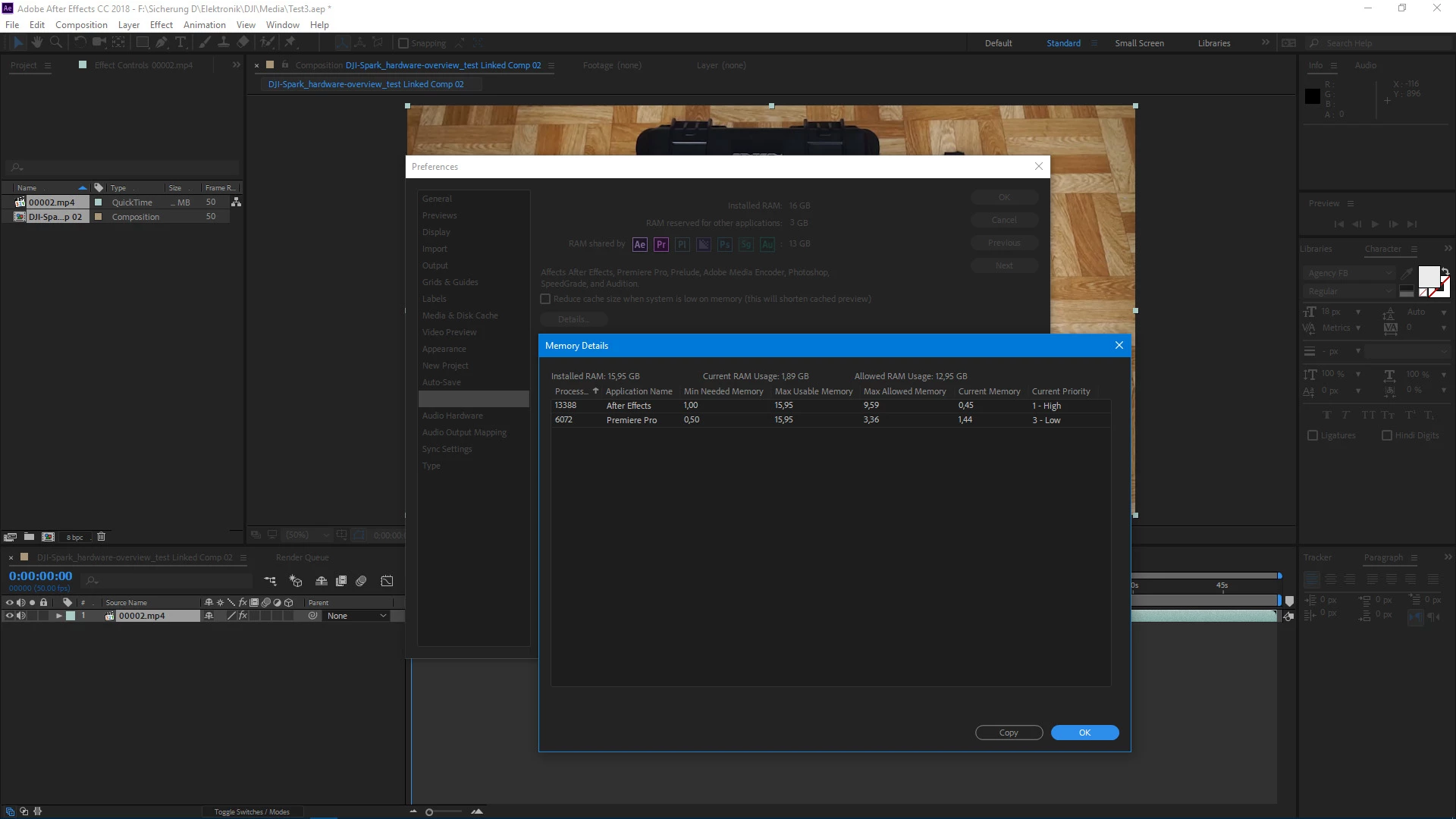
With footage from my Sony A6000 (FHD 50 fps | AVCHD | 28 MBit/s) the tracker always crashes at the end at "Solving Camera". It also doesn't matter if I convert the .mts into a much smaller MP4. I also assigned all the RAM available to Ae/Pr. During analyzing the highest RAM usage was 71%.

So if there's enough RAM why does it always crash? And only with the footage from my A6000?
Hardware

AMD FX-9370

Gigabyte GA-990FXA-UD5

16GB RAM

FXF R9 Fury-X

Software

Windows 10

Adobe CC (all programs)

After Effects CC 15.0.0

    This topic has been closed for replies.
    Correct answer Szalam

    Try using Adobe Media Encoder to convert your footage to something that doesn't use interframe compression. So, for example, Cineform or DNxHD.

    4 replies

    ToolfarmJP
    Community Expert
    Community Expert
    November 15, 2017

    Hello,

    I am not sure about the cause. If you just need the tracking data, I would recommend you convert it to other formats or use mocha AE in Sapphire or BCC for tracking.

    ToolfarmJP
    Community Expert
    Community Expert
    November 15, 2017

    Hello,

    What tracker do you use? mocha AE?

    Onkel_Manuel
    Known Participant
    November 15, 2017

    No, it's the standard Ae CC 2018 (15.0.0), so I use the built in tracker.

    Szalam
    Community Expert
    SzalamCommunity ExpertCorrect answer
    Community Expert
    November 16, 2017

    Try using Adobe Media Encoder to convert your footage to something that doesn't use interframe compression. So, for example, Cineform or DNxHD.

    ToolfarmJP
    Community Expert
    Community Expert
    November 14, 2017

    Hello,

    Does After Effects crash both with MPEG-4 AVC and AVCHD?

    Onkel_Manuel
    Known Participant
    November 14, 2017

    Nope, that's what I don't understand: Ae only crashes with the footage from my A6000.

    ToolfarmJP
    Community Expert
    Community Expert
    November 13, 2017

    Hello,

    DJI Spark (FHD 30 fps | MPEG-4 AVC/H.264 | 24 MBit/s)

    Sony A6000 (FHD 50 fps | AVCHD | 28 MBit/s)

    There are two different types of fps used. Which do you set for your composition setting?

    Onkel_Manuel
    Known Participant
    November 13, 2017

    Oh, I should have mentioned that: I've tried the files separately, not in one composition...

    So I import one file and do the tracker analysis. That's it, no multi-file composition.