Participant
July 31, 2020
Question

Invisible Language Text

  • July 31, 2020
  • 2 replies
  • 1623 views

Hello,

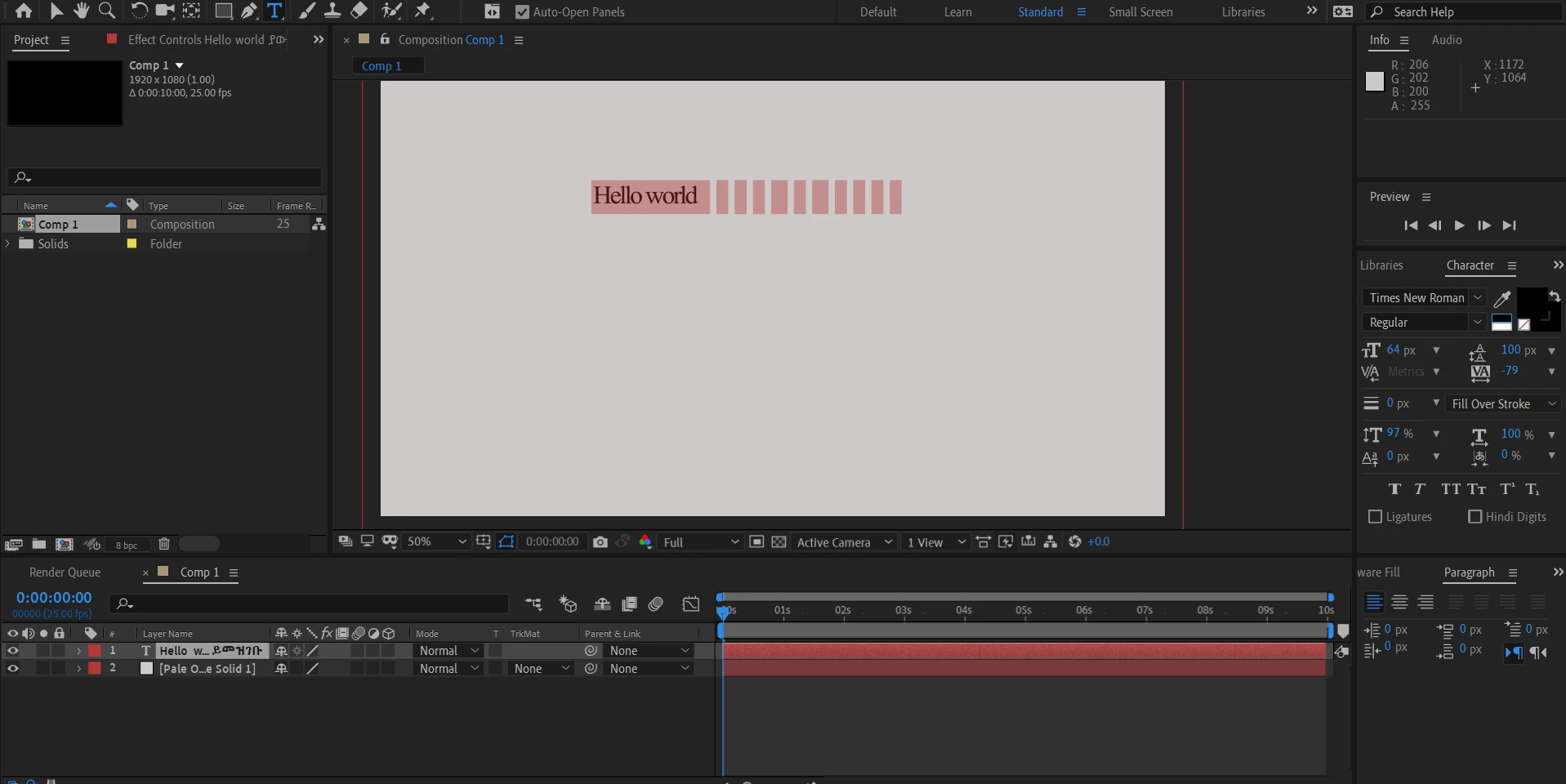
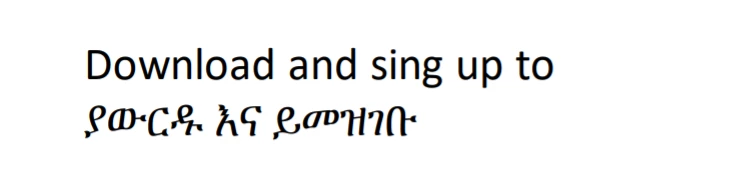
I am trying to paste some text in a language called Amharic. When i do that, in after effects it becomes invisible texts.When I type something else in English it works fine. The text is showing fine below in the timeline tab. I have installed all the necessary fonts. 


This topic has been closed for replies.

2 replies

Angelic_life5EEF
Participating Frequently
August 10, 2020

Hello ? Does it work for you?

Participant
May 2, 2023

Works for me! Thanks for posting this!

Installed : https://fonts.google.com/noto/specimen/Noto+Serif+Ethiopic

Cut and paste into Notepad - and set font there to Noto

Cut and paste from Notepad into After Effects, setting the font to Noto again if required

Works like a charm! 😄

Angelic_life5EEF
Participating Frequently
July 31, 2020

Hi ,

From your screenshot, I have noticed that you have not selected the correct font type as it showing times new roman. please check whether your system has Amharic font and select them inside the adobe . I don't have an idea whether adobe supports this font and secondly it's not free font so I am also not able to test it personally. you try to change the font type by selecting your text and see if it work.

Regards

Charles

Windows expert

One of friendly community members 

Participant
August 1, 2020

When I copy paste the text the default font is Times New Roman so when I changed that to the language font it still stays invisible.

I think it is a free font else if there's a way to message personally i can send you the font zip files. Thanks

Angelic_life5EEF
Participating Frequently
August 1, 2020

I have found similar font online named "VG2 Main and the good news is this font work great inside adobe


link for you to download and try  http://www.eaglefonts.com/vg2-main-ttf-128465.htm


I have tried that font with reference to keyboard in  This page