
Participant
November 9, 2019
Question

Keyframe Handles not showing up
  • November 9, 2019
  • 1 reply
  • 4090 views


Hi,


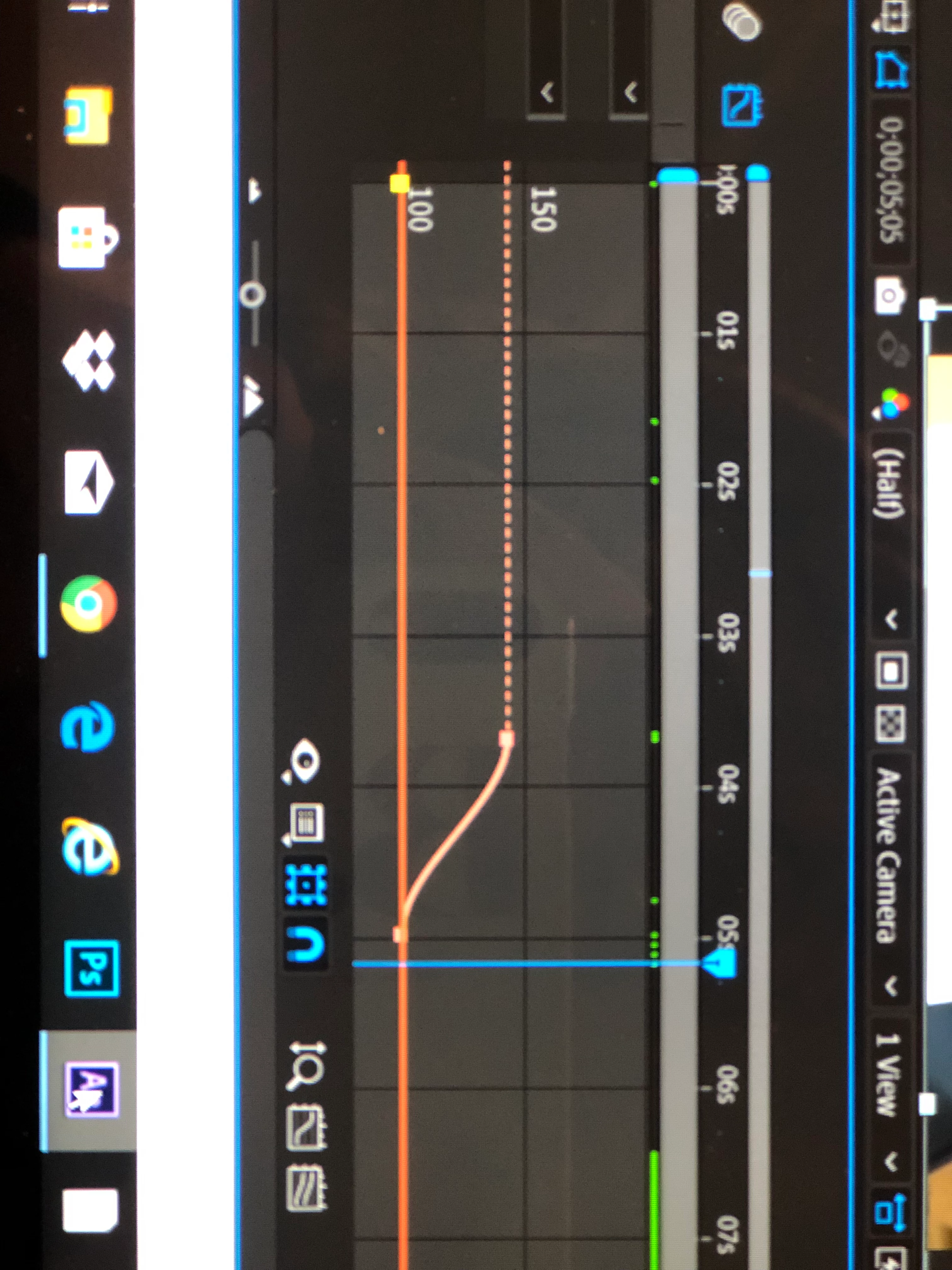
im trying to follow a transitions tutorial and I’m new to this program. The key gram holders aren’t showing up and it’s frustrating because only one side works [attached]. I dont know what I’m doing wrong, can anyone help?


[since I’m new to this, i might ask even more questions following ur answer, thank you!]


this is the tutorial I’m following: https://youtu.be/L75UGqfrnZ0

This topic has been closed for replies.

1 reply

Community Expert
November 9, 2019

The handles are not showing up because you have not enabled any easing. Try selecting the Pen tool (g) and click on one of the keyframes with the Alt/Option key pressed so that it converts a linear keyframe to a bezier one.  I should also point out that some properties do not support bezier controls (easing). I should also point out that your screenshot is a value graph and the tutorial is showing the speed graphs.  


You should spend some time exploring the user guide by typing Graph Editor in the Search Help field in the top right corner of AE. If you really want to do what that presenter is doing you have to start by switching from the Value graph to the Speed graph. The user guide will help you figure out how.


That is a really lousy tutorial by an enthusiast. That is not only an extremely poor workflow, there is no explanation of how his technique is affecting the animations. The first clue that the presenter is an amateur is the looping background music. It just goes downhill from there. You are new so it is very important that you vet your trainers and make sure they know what they are talking about. I would suggest you start with the Learning Resources on the After Effects Home Screen that pops up when you open the app if you have not changed the preferences. It will take you here: Learn AE