
Lag in After Effects
Hi,
I'm new to AE, just started learning it, and I was wondering if you could give me any tips on how not to wreck my projects, and have em slowed down massively to the point where it becomes very hard to do any kind of edit.
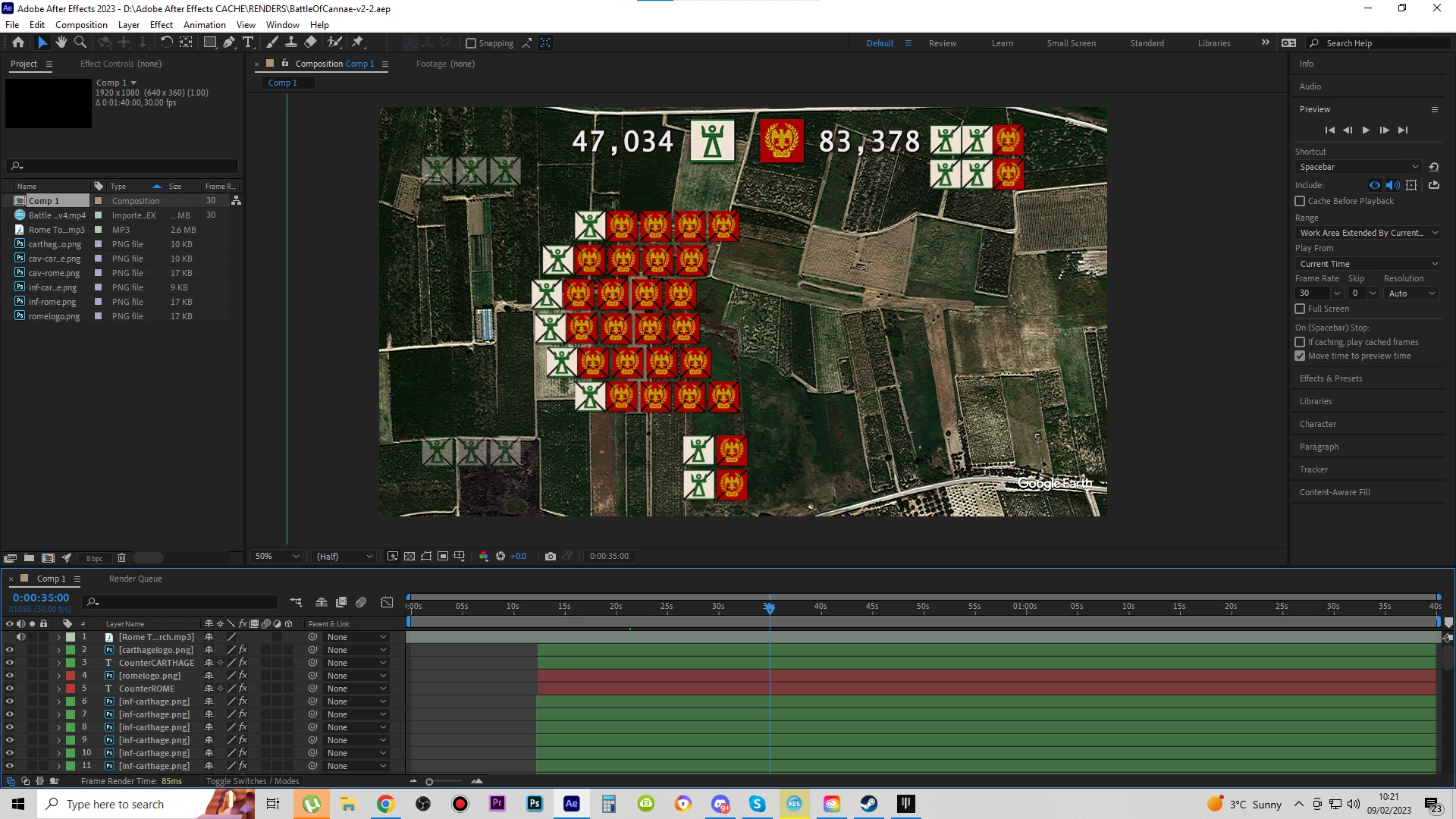
This is basically my project page. I've got shadows on all icon objects, some glow, wiggle, and emboss and displacement map on the map in the background. I do realize that I should wait until the end for effects inclusions, but is there perhaps any other way to make sure the projects such as these do not slow down too soon? Even if I waited until the end to add the effects, it would become hard to preview the project without needing to export it for every preview.
Also AE seems to do a very poor job at having audio with the project, as it almost constantly slows down the song in the background. Even without effects on objects.
I'm sure however that it is mostly just me doing it the wrong way.
Thanks,
 AdChoices