
Participant
April 19, 2017
Answered

Line appearing on exported videos.

  • April 19, 2017
  • 1 reply
  • 523 views

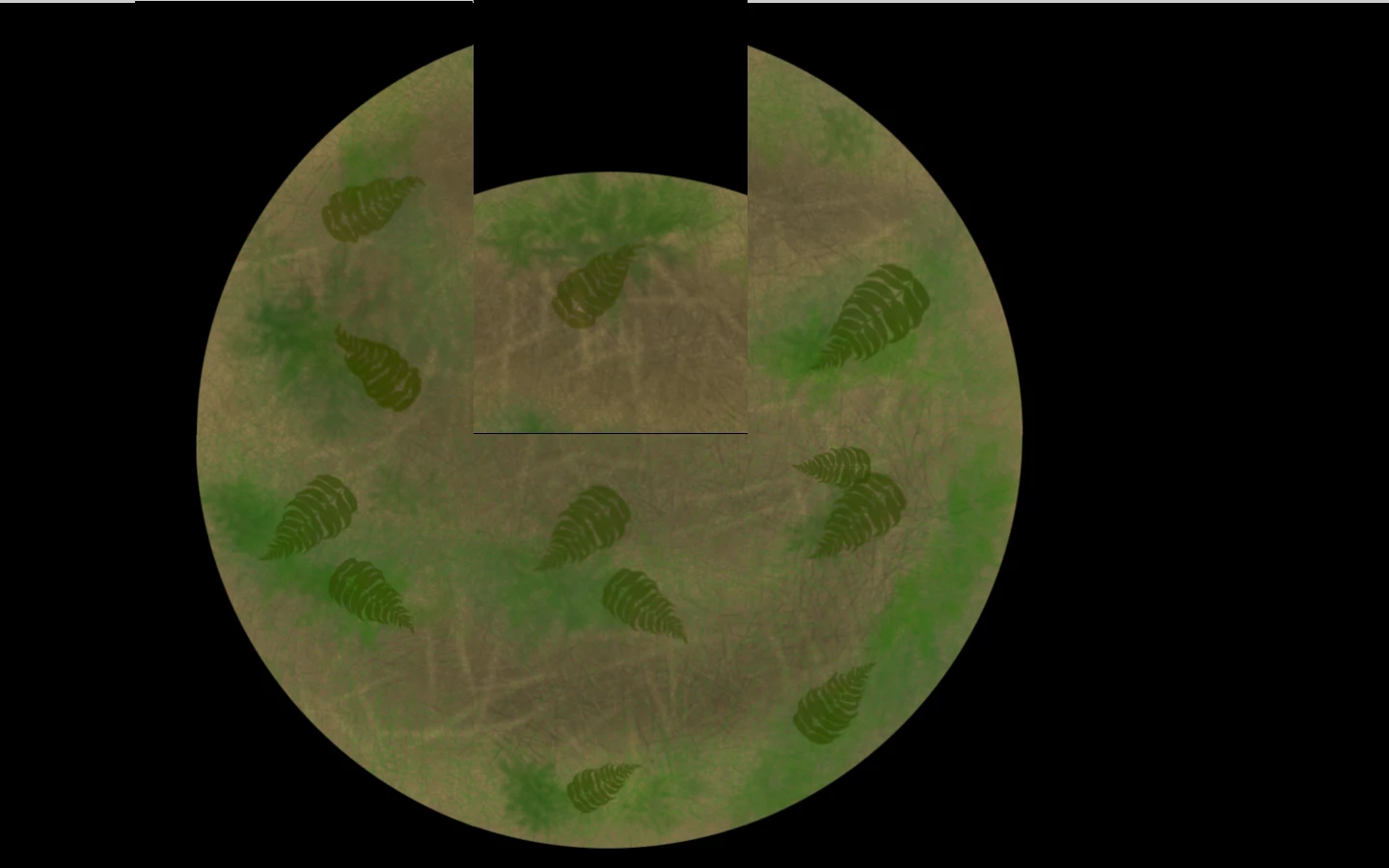
Hi guys! I'm creating an animated interactive floor for my final year project. To do this, I need to export 6 separate "tiles". When I export my top middle tile however, a black line appears underneath it, which can be seen in the screenshot provided (that black line in the middle of my circle). I can't figure out why or how this is happening so any help would be greatly appreciated! thanks so much!!
This topic has been closed for replies.
Correct answer Rick Gerard

check your tiles carefully on a contrasty background, maybe the line is at the edge of one of them?

not exactly sure how your setup is built, share some more information about it and show some screenshots of your full Ae interface. when does it start to appear, how did you cut these tiles?


This looks like edge aliasing to me caused by the edges not being perfectly aligned with the pixel grid. The EZ fix is to overlap the edges by a pixel or two instead of making the cutouts exact. You'll have to increase the magnification factor of the comp panel to 800 or 1600% to see the edges.

Without seeing your comp and complete workflow details it's hard to say how you created the images but that's the easiest way to fix the problem.

1 reply

Dave_LaRonde
Inspiring
April 19, 2017

I'd begin by double-checking the problem layer.  Make a comp-sized red solid and put the layer on top of it.  If there's a black line it will stick out and you can proceed accordingly.

sheenakhuAuthor
Participant
April 19, 2017

It's still there! Not sure what steps to take now

Roei Tzoref
Legend
April 19, 2017

check your tiles carefully on a contrasty background, maybe the line is at the edge of one of them?

not exactly sure how your setup is built, share some more information about it and show some screenshots of your full Ae interface. when does it start to appear, how did you cut these tiles?