
Participant
September 11, 2021
Question

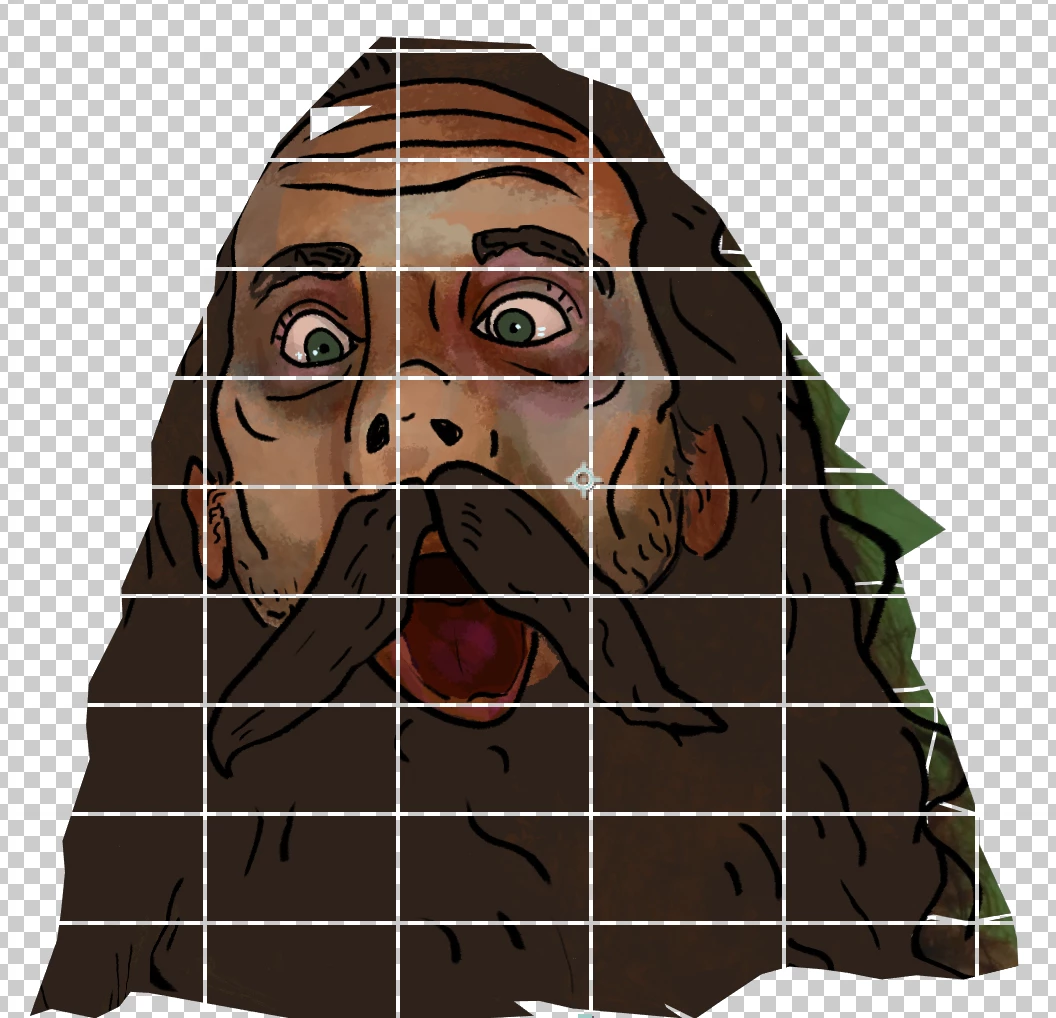
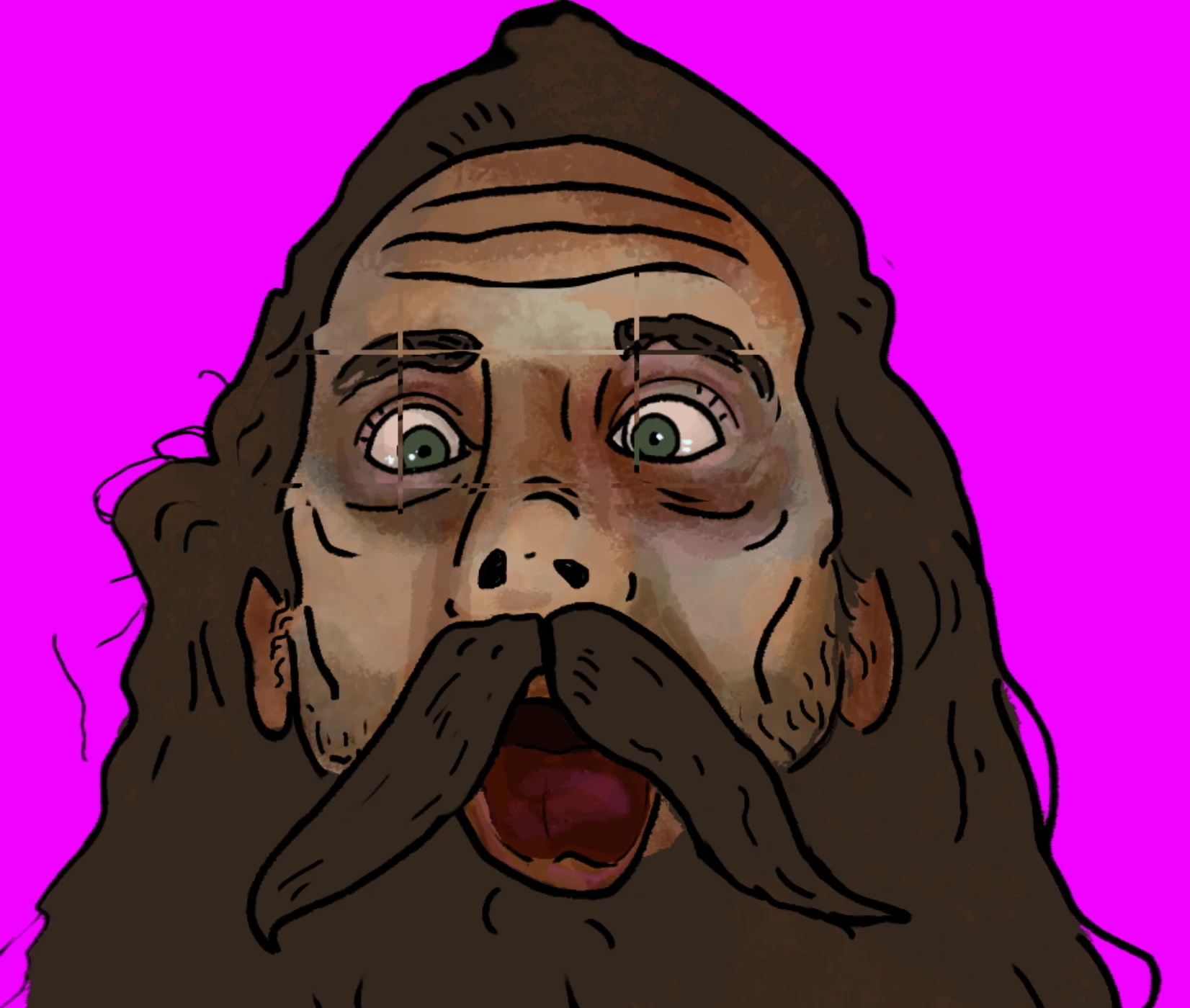
Lockdown 2.0 transparent (or black depending) grid won't go away and is present in renders

  • September 11, 2021
  • 2 replies
  • 2194 views

Hey all,

I'm using Lockdown 2.0 with After Effects and there is a transparent grid that appears when I add the effect Lockdown. This grid is not present in any YouTube videos showcasing Lockdown 2.0 and is still present in my renders. Does anyone have any idea how to get rid of this grid?

Thanks very much
    This topic has been closed for replies.

    2 replies

    Community Expert
    September 12, 2021

    Select the problem layer, press the U key twice to reveal all modified properties, and take a screenshot showing us the entire UI. Cropped screenshots that just show the problem are useless in diagnosing problems. The transparency appears in one of the Pre-comps when you are preparing the effect. I don't even know what layer you are trying to distort or what you are trying to do.


    Participant
    September 12, 2021
    I got the problem solved, thank you. I didn't realize there was an
    additional licensing step. Solved it.

    --
    William Mitchell
    (615) 319-0128
    wmitchellmusic@gmail.com
    Participant
    February 12, 2022

    I'm having the same thing, I don't understand about the license. what license do you mean? please help me🙏

    Mylenium
    Legend
    September 11, 2021

    Well, perhaps your license is not recognized or something's messy with the mesh preview/ rendering. Impossible to know without more specific info.


    Mylenium

    Participant
    September 12, 2021
    Got it solved, there was an additional licensing step I was not aware of.
    Thanks

    --
    William Mitchell
    (615) 319-0128
    wmitchellmusic@gmail.com