Answered
Low RAM warning on MacPro m4
Hi, I just installed Aftereffects and when I make my project it has low RAM warning while the necessary requirements are met to use the app with no problem. 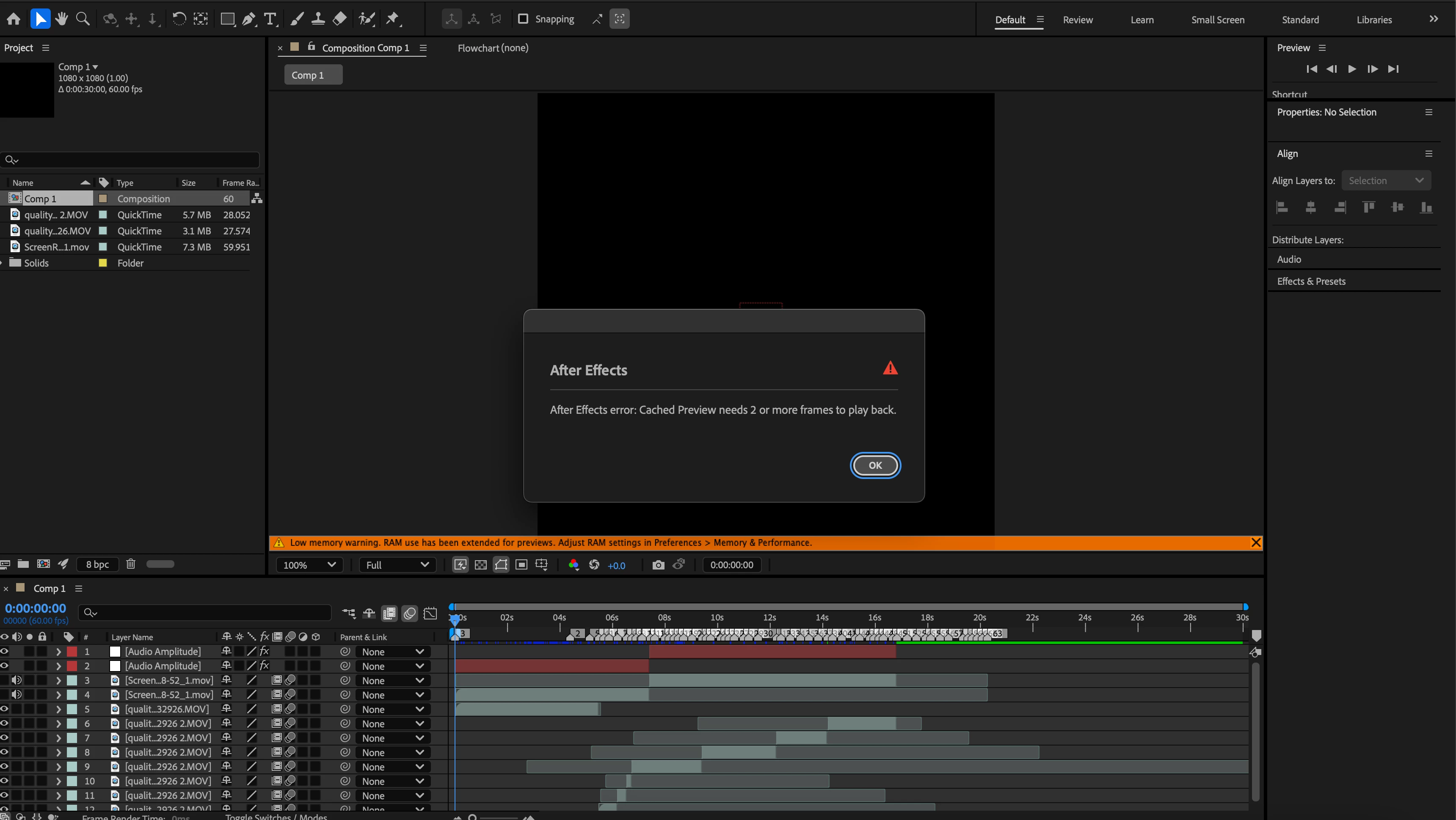

Hi, I just installed Aftereffects and when I make my project it has low RAM warning while the necessary requirements are met to use the app with no problem.
You have the work area set to one frame. Move the CTI (Current Time Indicator) to the last frame of the comp and press the N key or drag the right Work Area indicator to the right.
Already have an account? Login
Enter your E-mail address. We'll send you an e-mail with instructions to reset your password.
 AdChoices