
Participant
January 23, 2018
Answered

Make a mock-up of 3D box

  • January 23, 2018
  • 1 reply
  • 2672 views

HI folks:

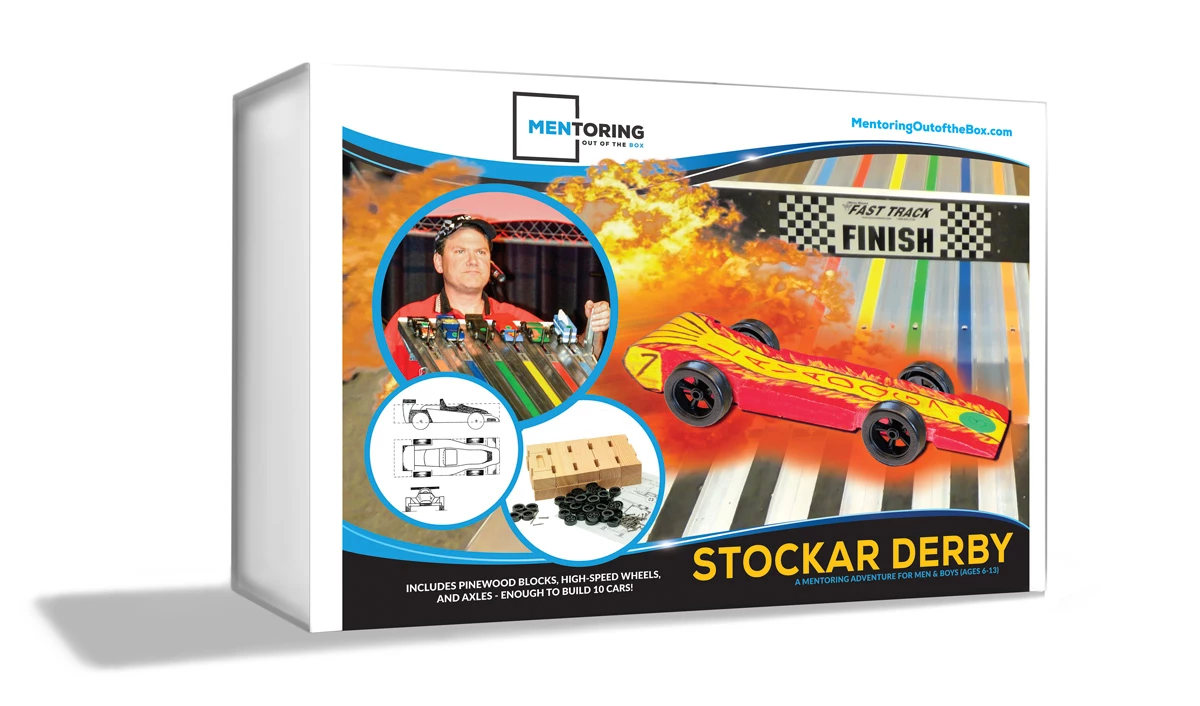
I'm a beginner in AE. I'm trying to make an educational "explainer" for a new product my organization created. I created the product packaging in PS and ID with a little bit of AI. I also used PS to create a simulated box with drop shadow to use on our brochures and such.

I would like to try and figure out how to make a 3D model of this box and be able to create a little 3d animation with it in AE. It's essentially just a rectangle package. But I'd like to be able to create a 3d version (mock-up) and then to be able to maybe zoom/PAN in and around the box, perhaps rotate the box in 3D to show front and back.

Is there a way, in AE, that I can model this? Create a 3D BOX, add front/back/top/bottom/side textures (jpg/png), thrown in a little lighting perhaps and animate it in AE? (We are a non-profit and don't have a bazillion dollars. I see that there's "Cinema 4D", but that seems such overkill and far outside any budget.) There's got to be a simpler, less expensive way.

Any advice would be greatly appreciated.
    This topic has been closed for replies.
    Correct answer Roei Tzoref

    C4D lite comes with your After effects subscription. you could definitely create this very easily with C4D lite and have this as a C4D layer in Ae with textures, lights and what not. here's a very nice free course (only need to register) about it:

    https://cineversity.com/vidplaylist/cinema_4d_lite_reference

    and you could do this with After effects but it will take a while to setup and you won't have too much flexibility with the appearance of your 3d box (the edges for example). you would need create the rectangle out of 6 solids layers, essentially making a paper box out of 6 papers. align them properly in 3d space, then replace the solids with a texture. here's an oldie but probably good because it's from creativecow:

    CreativeCOW

    1 reply

    Roei Tzoref
    Roei TzorefCorrect answer
    Legend
    January 24, 2018

    C4D lite comes with your After effects subscription. you could definitely create this very easily with C4D lite and have this as a C4D layer in Ae with textures, lights and what not. here's a very nice free course (only need to register) about it:

    https://cineversity.com/vidplaylist/cinema_4d_lite_reference

    and you could do this with After effects but it will take a while to setup and you won't have too much flexibility with the appearance of your 3d box (the edges for example). you would need create the rectangle out of 6 solids layers, essentially making a paper box out of 6 papers. align them properly in 3d space, then replace the solids with a texture. here's an oldie but probably good because it's from creativecow:

    CreativeCOW

    Roland Kahlenberg
    Legend
    January 24, 2018

    Other than Roei's tutorial link, this is pretty easy to follow along too and it uses AE's Snapping feature to more easily create 3D boxes or other well-aligned objects.

    After Effects Tutorial: Create a 3D Cube Using Snapping - YouTube

    To snap your image onto a side of the box, you will want to use the Shift+Parent feature. However, ensure your rectangle's Scale is at 100% for its X,Y and Z values. Otherwise, the Shift+Parent routine will distort your image as the Shift+Parent routine forces your image into adopting the Scale values of the source (snapped to) layer.

    Very Advanced After Effects Training | Adaptive & Responsive Toolkits | Intelligent Design Assets (IDAs) | MoGraph Design System DEV