Participant
March 15, 2021
Answered

Making a Glowing Wireframe From Animated Black Wireframe on a White Background

  • March 15, 2021
  • 2 replies
  • 627 views

Hi, I have a black and white animated wireframe of a building (a raster image), is there a way to convert the wires in glowing lines? For Example, if the whireframe is white on black background, is it possible to give the white wire a glowing effect? I checked many totorials, but it seems that it is usually needed to use some splines, text or manual drawing to define the glowing area, while the wires in the animaion are just too many. Thanks! 
(Can not upload image as it is my company project)
This topic has been closed for replies.
Correct answer Rick Gerard

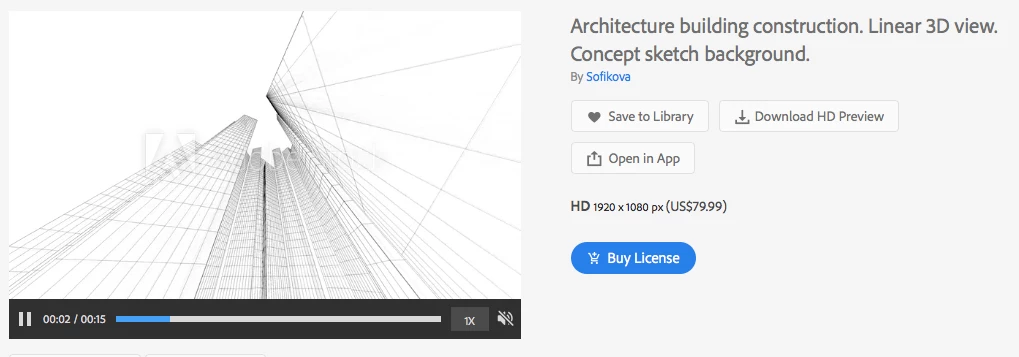
If the footage is white lines on a black background all you have to do is apply the glow effect and adjust the effect. I found this on Adobe Stock:

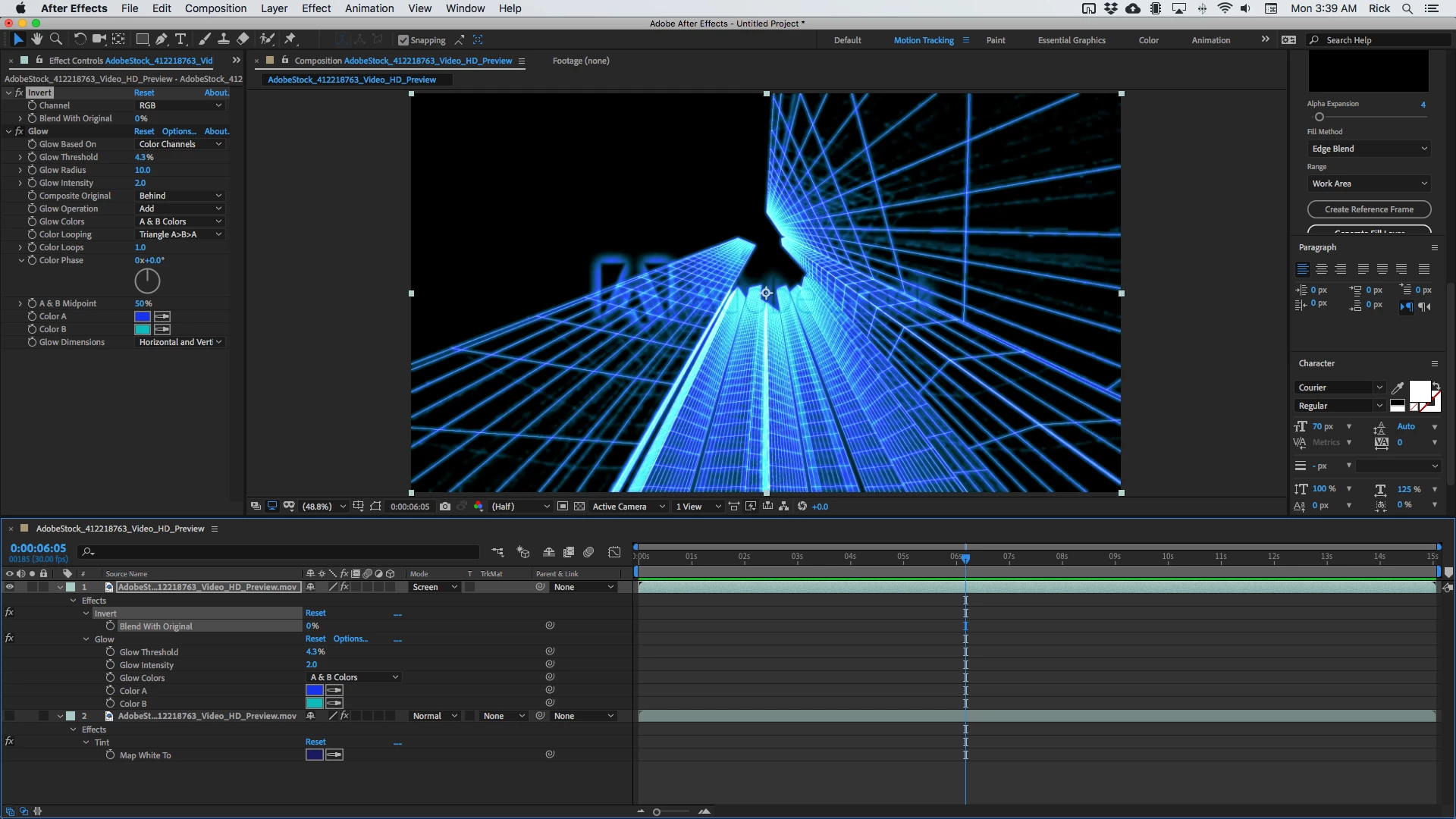
Invert + Glow with a few changes plus the Screen blend mode on top of a copy of the footage with Tint applied gave me this in under a minute. 

I'm not sure what kind of a look you are going for but if you can find something from Adobe Stock that is close to your footrage we can probably give you some suggestions. 


Adding a glow requires aa way to define edges and set thresholds. All I did was invert the fotoage so the lines were white and use the color chanels with a low threshold to apply some new color to the image. 

2 replies

Rick GerardCommunity ExpertCorrect answer
Community Expert
March 15, 2021

If the footage is white lines on a black background all you have to do is apply the glow effect and adjust the effect. I found this on Adobe Stock:

Invert + Glow with a few changes plus the Screen blend mode on top of a copy of the footage with Tint applied gave me this in under a minute. 

I'm not sure what kind of a look you are going for but if you can find something from Adobe Stock that is close to your footrage we can probably give you some suggestions. 


Adding a glow requires aa way to define edges and set thresholds. All I did was invert the fotoage so the lines were white and use the color chanels with a low threshold to apply some new color to the image. 

Participant
March 16, 2021

Thank you a lot! It is what I was looking for! Correct me if I am wrong, this works because trough the invert I get a black background and a glowing black doesn't make sense rigth?
On the other hand if I was not luky enough to have a black or a white background, I should have found a way recolour it, right? 

Mylenium
Legend
March 15, 2021

If it's strictly greyscale/ b/w, it can easily be inverted using the respective effect and then there's a million ways to use the graphic as a matte for other layers to generate proper transparency and apply all sorts of glows, shadows and what have you. Since it's clear that you're a newbie, I would suggest you actually start by reading the online help based on some of the keywords I provided and of course the rest as well. You could not find any tutorials because you don't know the lingo and techniques, no offense, but once you've worked up a basic understanding of this stuff you sure will be more successful on that front as well.


Mylenium

Participant
March 16, 2021

You are right about all of course, I am going to check the keywords 🙂