
Participating Frequently
May 2, 2023
Question

matte to all underlying layers

  • May 2, 2023
  • 1 reply
  • 342 views

Very simple question, is there a way to make a layer set matte to all layers underneath it, whether this be a blending mode or effect, it needs to stay inside the comp as well.


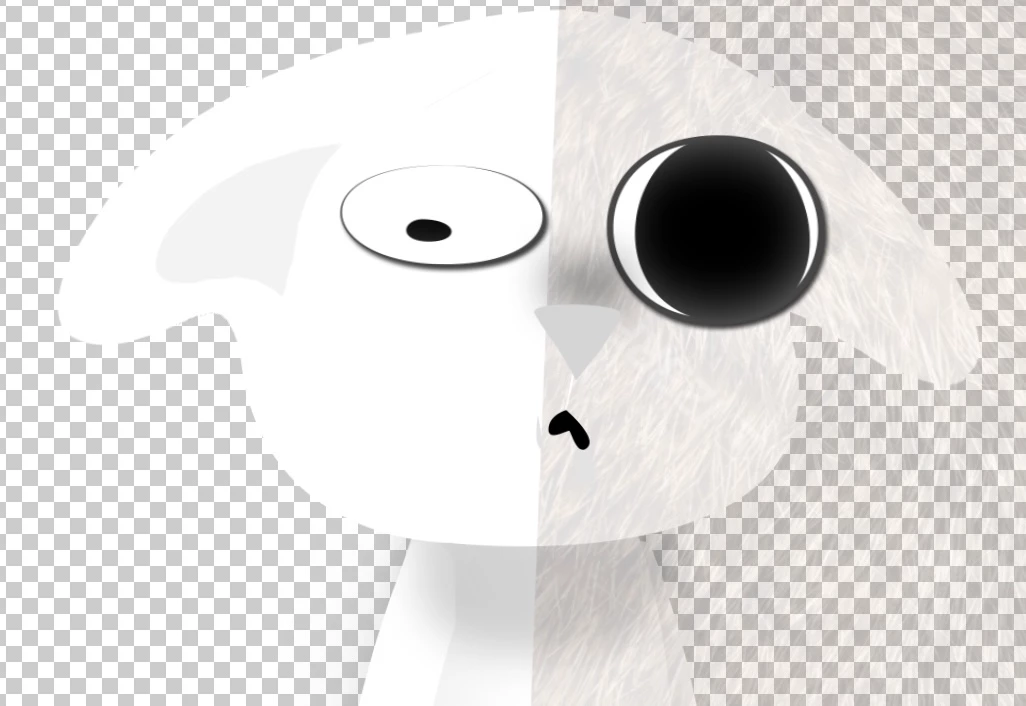
 For example, I have this fur texture I want to apply to all the parts of this cat character underneath the eyes, If I precompose and use a singular track matte, It will cover the eyes and won't take adjustment layers into account. 
This topic has been closed for replies.

1 reply

iDAC
Participating Frequently
May 3, 2023

Hiya Charles Okland!
Yes, you can make a layer set matte to all layers underneath it in After Effects. Here's how:

  • Place the layer you want to use as the matte on top of the layers you want to apply it to.
  • Set the layer's blending mode to "Stencil Alpha" or "Silhouette Alpha" (depending on your preference).
  • With the matte layer selected, hold down the "Alt" key (Windows) or "Option" key (Mac) and click on the "Toggle Switches/Modes" button in the bottom left of the Layers panel. This will reveal the Track Matte dropdown menu.
  • Select "Alpha Matte" or "Luma Matte" from the Track Matte dropdown menu, depending on the type of layer you're using as the matte.
  • Adjust the matte layer as necessary to achieve the desired effect.

This should make the matte layer affect all layers underneath it, taking adjustment layers into account.
Keep me posted,


-iDAC