
Media Encoder not rendering keylight correctly
I have keyed some RED .r3d footage in AE. If I render a ProRes 4444 with alpha directly from the AE render queue (so just rendering within AE) it outputs fine, though is rather slow. If however I try to render that same comp in Media Encoder by clicking "Queue in AME" the resulting ProRes file looks like the below image, like the keyed out background is instead just washed out rather than removed.
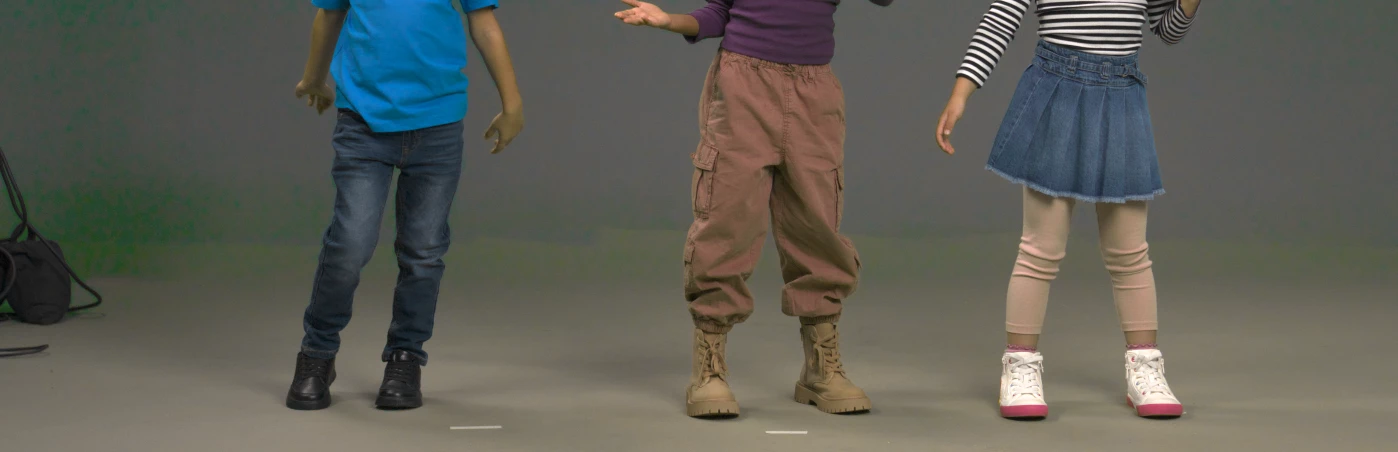
Another thing to note - the view on my keylight effect is set to "Intermediate Result", which I always use by default. However, if I change this to "Final result" and export through Media Encoder I do now get a transparent keyed area BUT I now have very harsh pixellated edges and chatter:
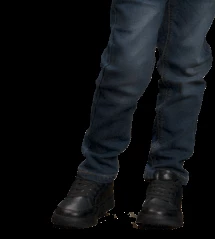
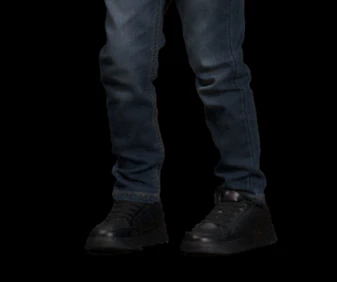
Even more bafflingly if I bring this ProRes back into AE those edges and chatter don't appear to be there at all and it looks absolutely fine!
The footage is log but the AE working colour space is set to Rec.709 gamma 2.4. My working theory was that it was perhaps a colour space mismatch between AE & Media Encoder (all my export settings appear to be exactly the same when I render from each), but then I discovered this weird Intermediate/Final Result thing so now I really have no clue! Also if the project colour space is set to NONE and I colour the footage with lumetri prior to keying then the export completely ignores the key and just outputs a colour adjusted image as though no key has been applied at all, only the lumetri is working:
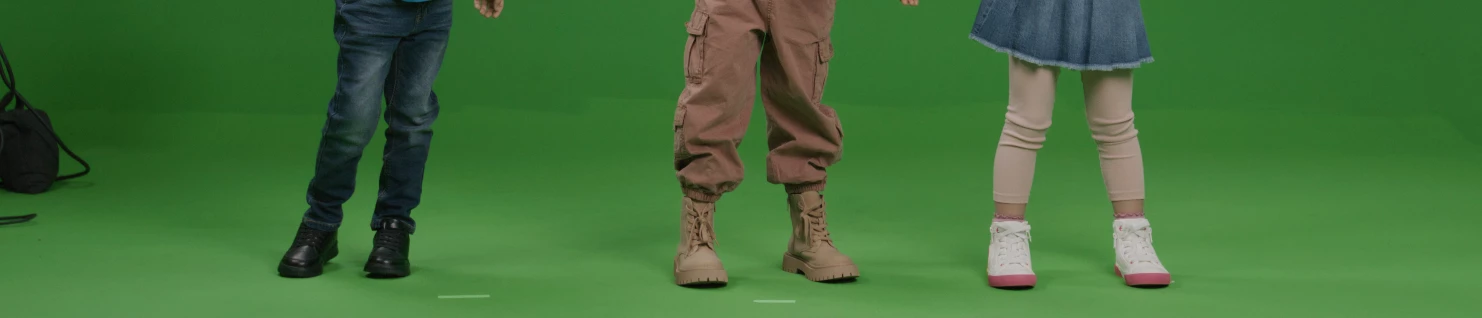
I key by doing multiple passes/exports and comping them together to form a track matte to use on the raw footage so I would really appreciate the faster render time gained by utilising the hardware acceleration of Media Encoder (plus I can then continue to work in AE rather than having to stop entirely while the render queue completes).
Any help would be greatly appreciated!
 AdChoices