
Question
Messy results after using the Content Aware Tool
So I was working with the Content-Aware Tool, and this somehow ends up like this in the picture below. Does anyone know how I can fix this? I did the Create Reference Frame thing in Photoshop, tracked the part in the video to get rid of it, and then clicked Generate Fill Layer. It somehow ended up like this. Does anyone know the solution?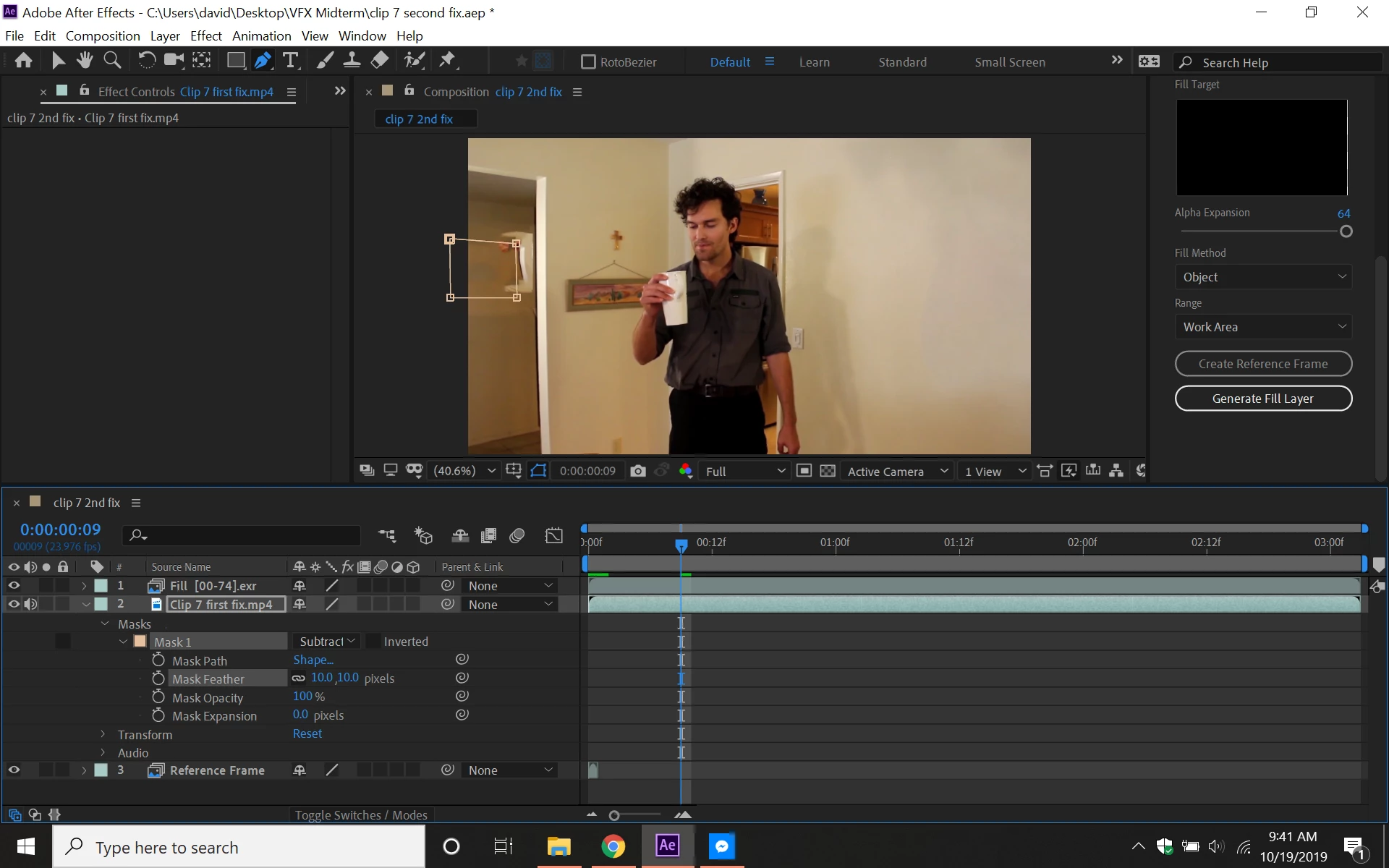
 AdChoices