
Answered
MOGRT edited in AE Not Displaying 100% vertically in Premiere
I downloaded a template from Envato "TECHNO SLIDESHOW DIGITAL INSPIRATION" that needed to first be opened in AE to import my media. Everything works fine in AE, I export it as a MOGRT and it's in my library when I open Premiere. As soon as I drag it onto my timeline, it only displays a sliver of the available screen space vertically. I'm no expert in either of these, but not a total newbie either. I am at my wit's end on how to fix this. Here's a screencap of what it looks like when I bring it into Premiere:
I've gone back into AE to try to see if there is a setting I missed. The instructions that came with this template don't say anything about settings, just replace the media and export - which is what I did.
Any help would be greatly appreciated. I need this project complete by tomorrow morning.
Thanks! 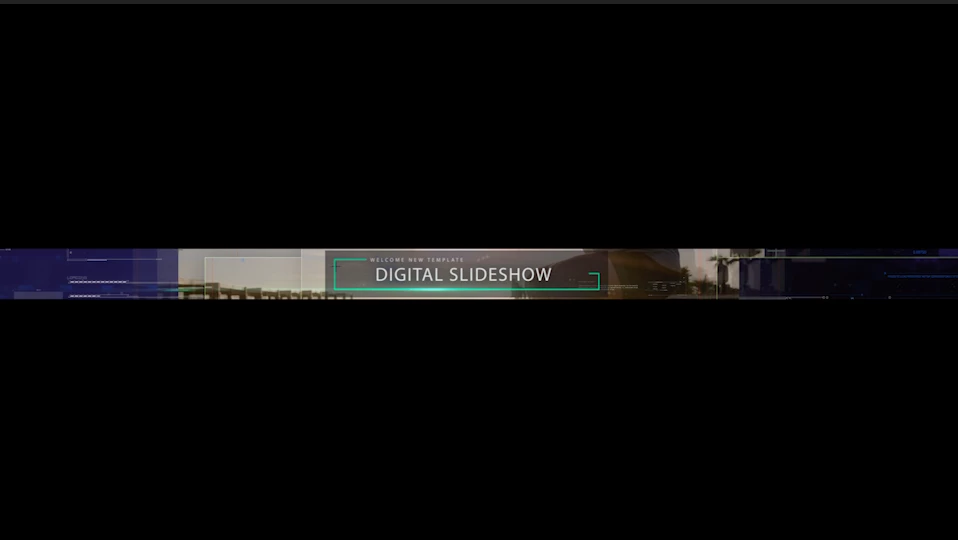
 AdChoices