
Participant
December 4, 2018
Answered

Motion track a video into a televsion screen (that is curved!)

  • December 4, 2018
  • 1 reply
  • 1215 views

Hey all, there is plenty of info out there on how to insert a video of your choice to make it look like the tv screen in your original clip is playing a video of your choice.

Typically people use the 4 point tracker (perspective corner pin) - however, all examples I have seen people are only using iphones, or modern technology that has squared off angles. This technique will not work for a vintage TV like I am trying to do. Is there another method? Can I add more track points to the 4 point perspective corner pin, and make that track shape curved instead of squared off?

Please help!

The shots starts wider around here:
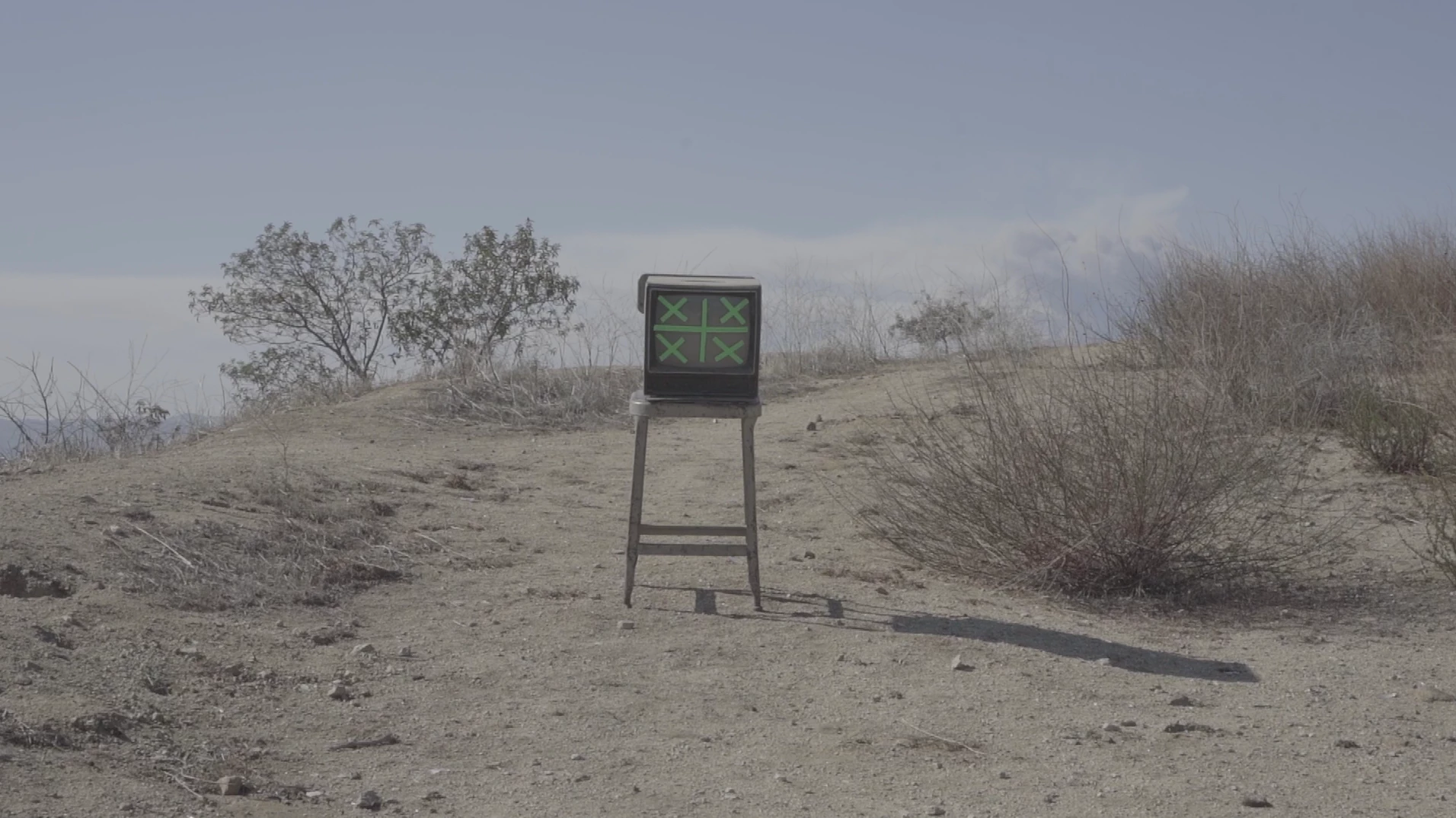
and tracks in on a gimbal to about here:
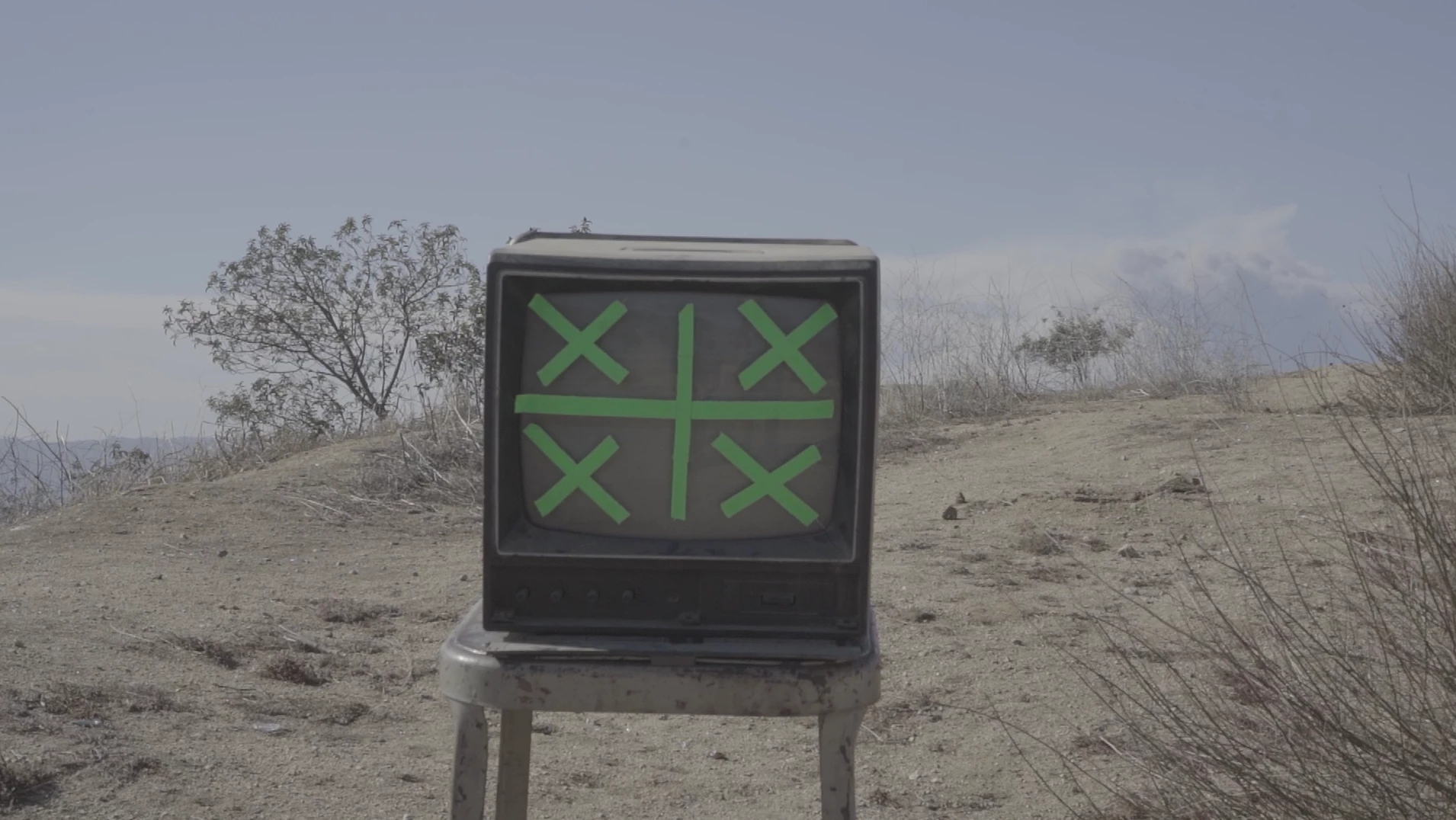
I am wanting to insert black and white static onto the TV screen.

This topic has been closed for replies.
Correct answer Rick Gerard

Try this tehnique:

I find it is the best option. If you are using CC 2019 you will slightly change the way you apply the corner pin data, but the technique will work just fine.

BTW, the tracking marks on the TV are not at all necessary and actually make a realistic composite on that screen a little more difficult because you can't use blend modes to sell the composite. You could take the last frame into Photoshop and see if you could clone out the tracking marks so you have a screen with some reflections that you can use to make the composite more believable.

1 reply

Rick GerardCommunity ExpertCorrect answer
Community Expert
December 4, 2018

Try this tehnique:

I find it is the best option. If you are using CC 2019 you will slightly change the way you apply the corner pin data, but the technique will work just fine.

BTW, the tracking marks on the TV are not at all necessary and actually make a realistic composite on that screen a little more difficult because you can't use blend modes to sell the composite. You could take the last frame into Photoshop and see if you could clone out the tracking marks so you have a screen with some reflections that you can use to make the composite more believable.

Participant
December 4, 2018

Thanks for the reply, Rick! Quite the technique you have there. I will give it a try tomorrow morning. I also am having the cinematographer send me a similar shot of the tv but without the green X's ( we weren't sure how the post process would go so we did some takes with them and some without!). So hopefully I can make it happen!

Thanks again

Community Expert
December 4, 2018

Glad to help. I replace screens, signs, and reflections in mirrors all the time. Most of the time I use a variation of this technique because it makes the final compositing and color matching so much easier.