
Move path vertex to another's object anchor point
So, I create I single vertex path using the Pen Tool. I want to move that vertex to exact pixel perfect location of a shape objects center point.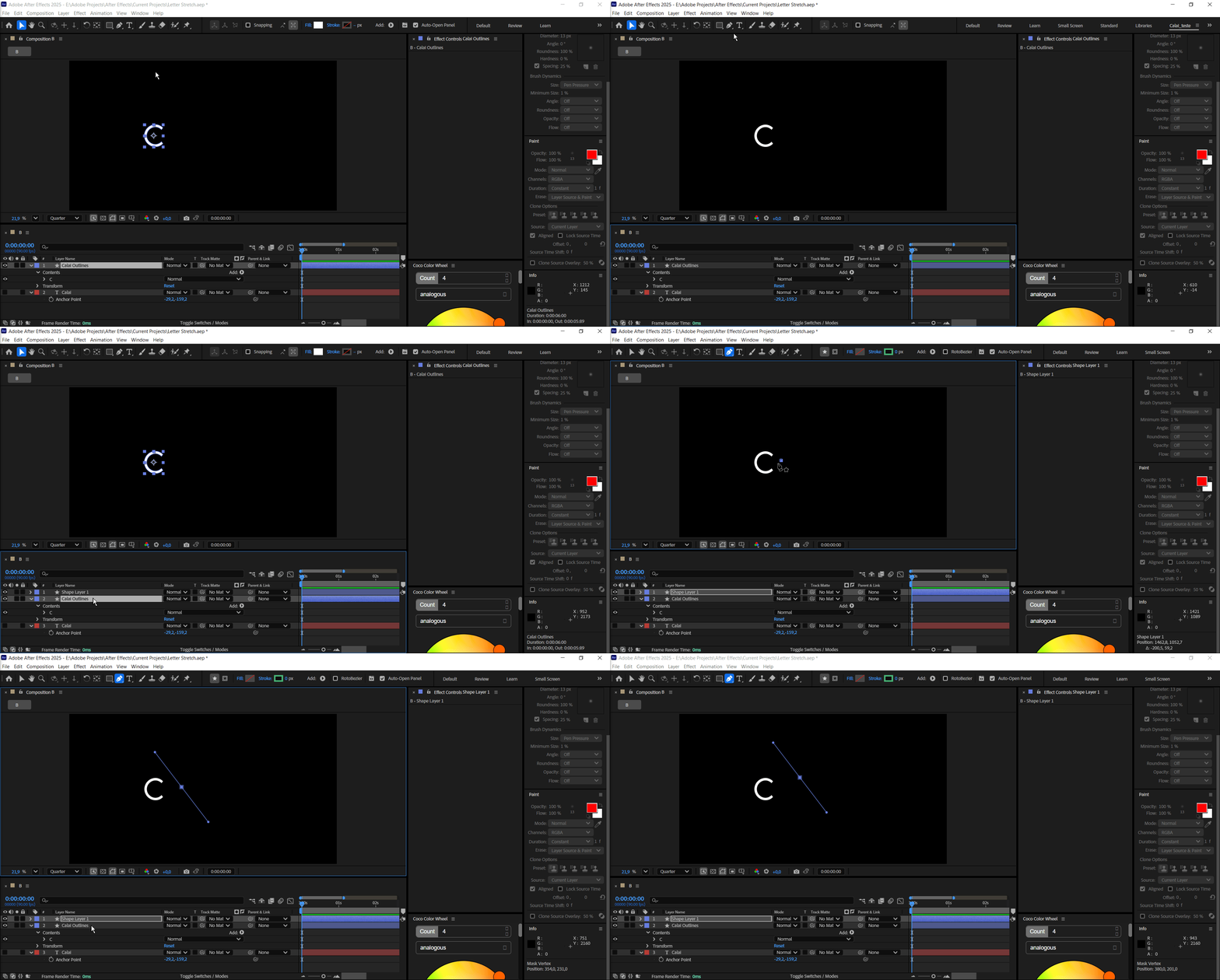
What have I tried:
Method 1: Snap Path Point to Another Object’s Anchor Point
Step-by-step:
Enable Snapping
At the top of the UI, click the Snapping icon (magnet) or press Shift + S.
Optionally, enable the drop-down next to it and check:
Snap to Layers
Snap to Anchor Points
Snap to Guides (optional)
Select Your Shape Layer’s Path
Expand the layer: Contents > Shape > Path 1 > Path
Click on “Path” to select it.
In the comp viewer, select the first vertex (small square) of the path.
Drag the Vertex with Snapping
Now click and drag the vertex, and it will snap to nearby anchor points (including the target object’s anchor).
When it "snaps," it’ll feel magnetic and jump to that anchor point precisely.
🧲 Method 2: Type the Anchor Point’s Coordinates Manually
If you want perfect alignment, use this:
Select the Target Layer (the one with the anchor point you want to align to).
Press A to show its Anchor Point.
Note the exact position or copy it (e.g., 960, 540).
Now select your Path vertex, and in the Info Panel, watch the coordinates as you move it — or use the Layer > Transform > Position panel to set things precisely using expressions.
🧠 Bonus Tip: Use Expressions for Dynamic Linking
You can link the path point to follow another object’s anchor point, like this:
Add a single point shape (like a Line Path with one vertex).
Alt+Click the Path stopwatch.
Use an expression like:
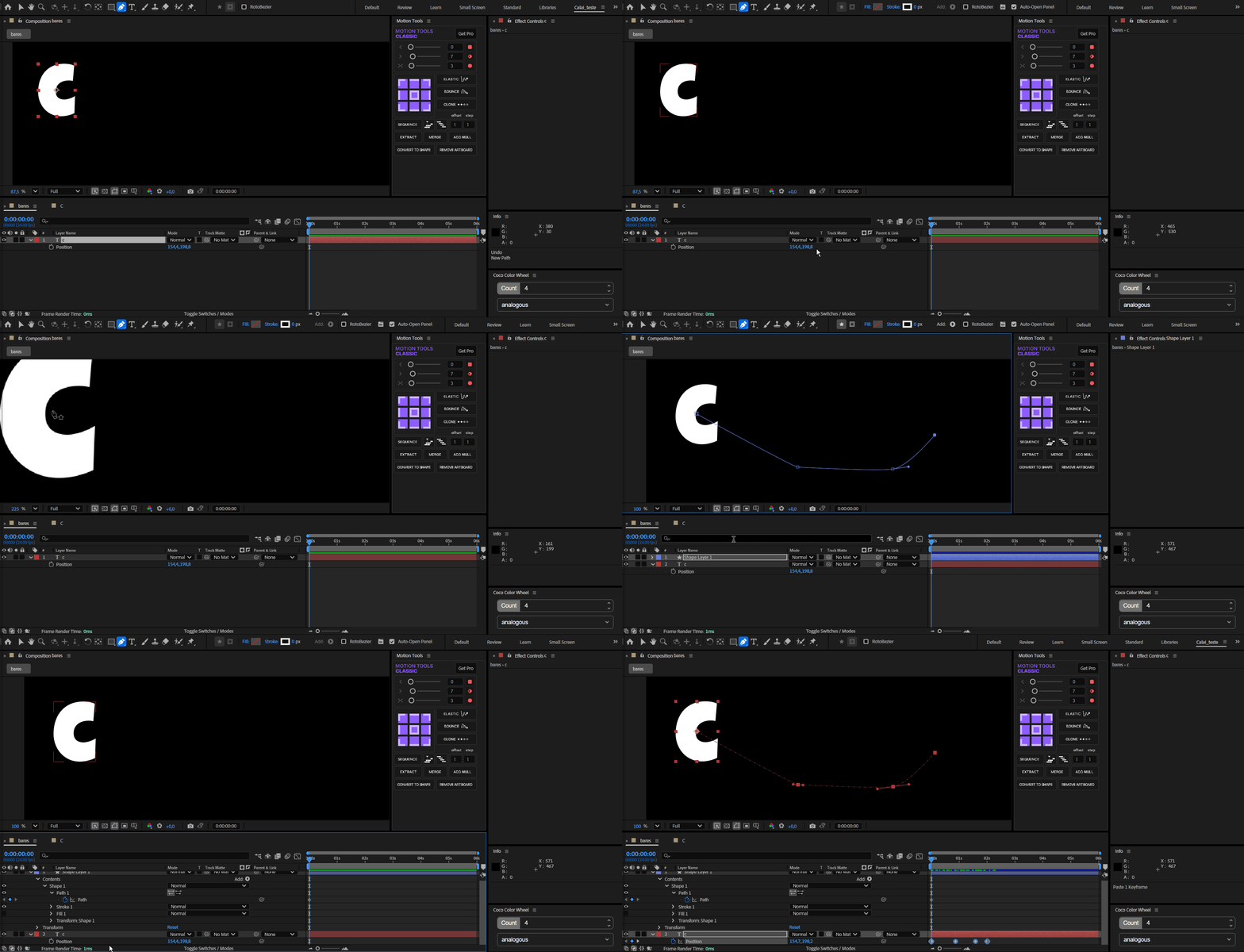
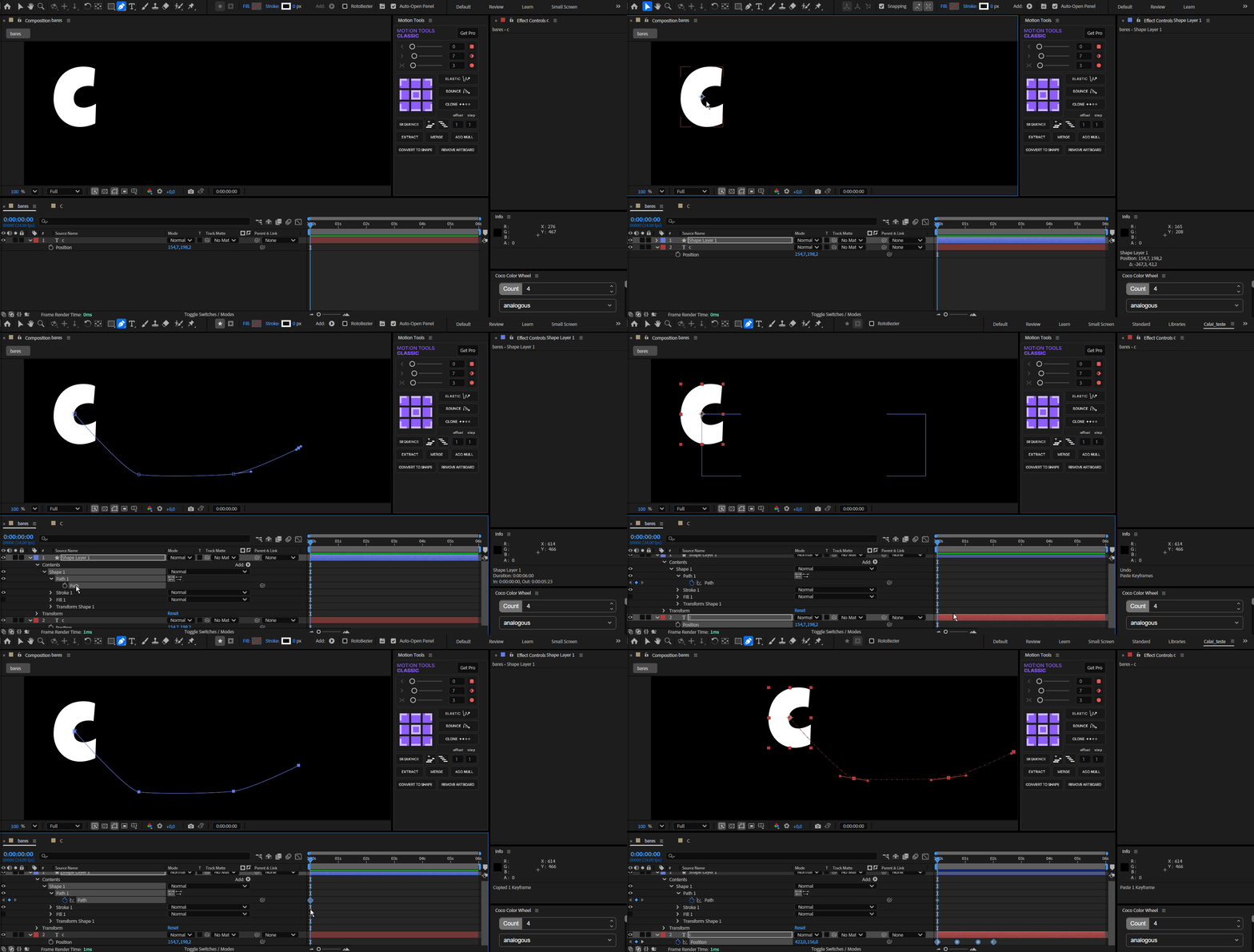
javascriptCopiarEditarvar pos = thisComp.layer("YourTarget").toComp(thisComp.layer("YourTarget").anchorPoint); createPath([pos])I still can't get it to work
 AdChoices