Most advanced users install multiple versions of AE - for compatibility reasons. Another, critical, reason is to have a stable version at all times, while updating/upgrading to a new, un-tested version. Having multiple versions of AE on your system will not create any untoward issue(s).
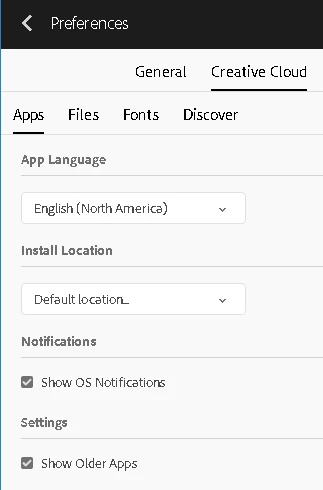
In your Adobe CC App window, go to Prefs and then click on the Creative Cloud label/name. Then, enable Show Older Apps. Then exit Preferences and you should see previous versions of AE, other than the most recent version. Additionally, when installing any version of any app with Adobe CC, ensure you click on Advanced Options to make the proper selection to not allow Adobe CC to delete other installed versions of the app you're about to install.
I checked you shot and did not have any trouble with it when selecting Advanced Analysis. You should also have turned on Auto Delete points across time. There are trackers that show up that will foul up the camera solve like these on the van:
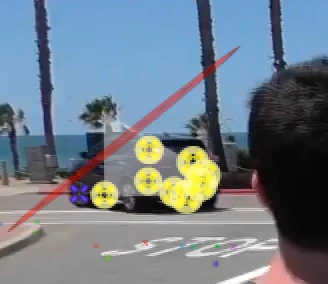
Select them and delete them. You want to remove all trackers that are not attached to fixed geometry in the scene.
The next difficult part is selecting the right points to get a good origin and ground plane. I picked these points:
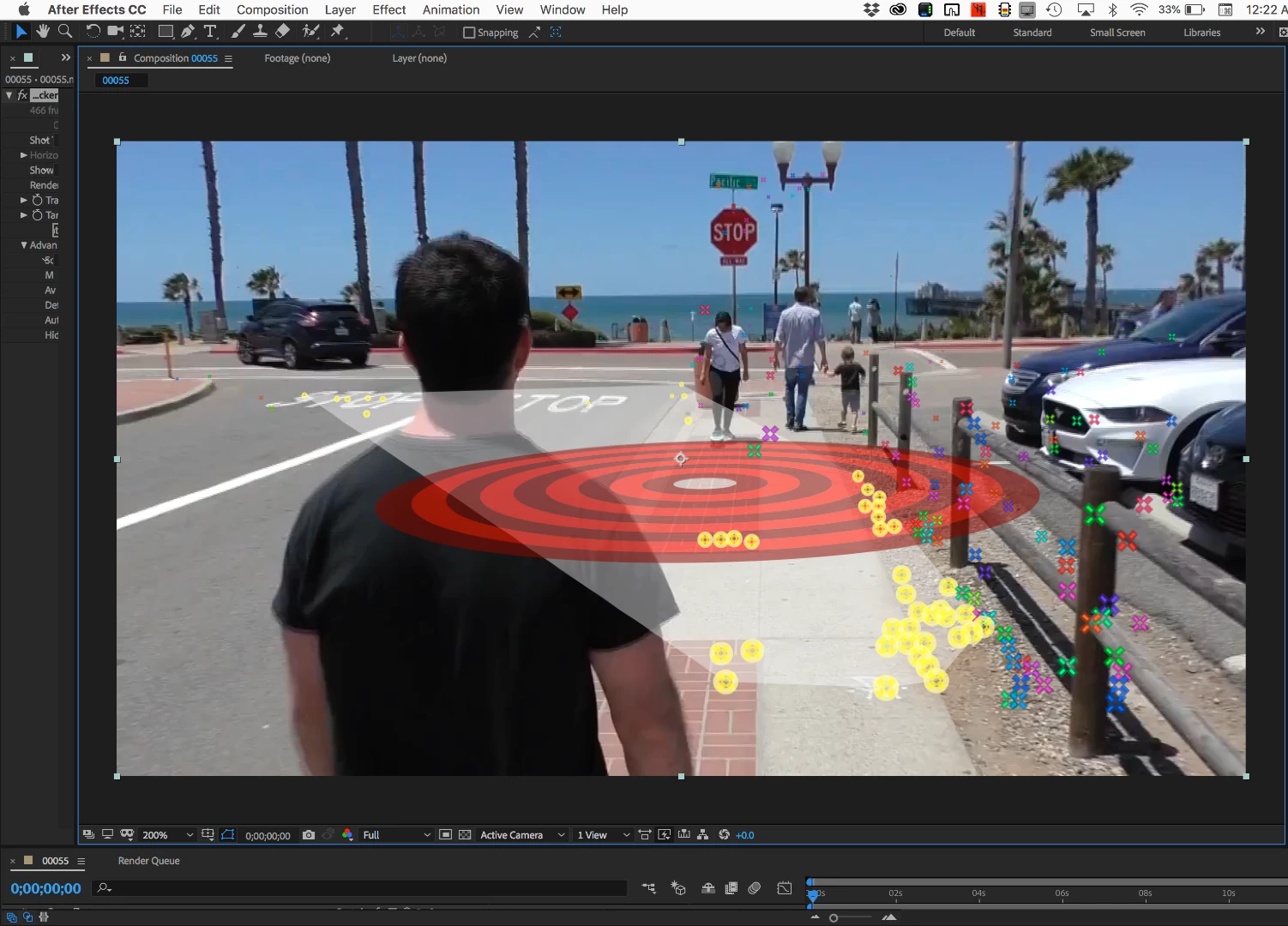
Then expanded the target, set the origin and ground plane, then added a camera and a solid. I made the solid a lot bigger and added the grid effect so I could check the accuracy of the shot. I was able to do all of this on the first frame, which is pretty unusual. I always set a timeline marker where I set the Origin and Ground plane and reference solid so I can easily go back and check things out.
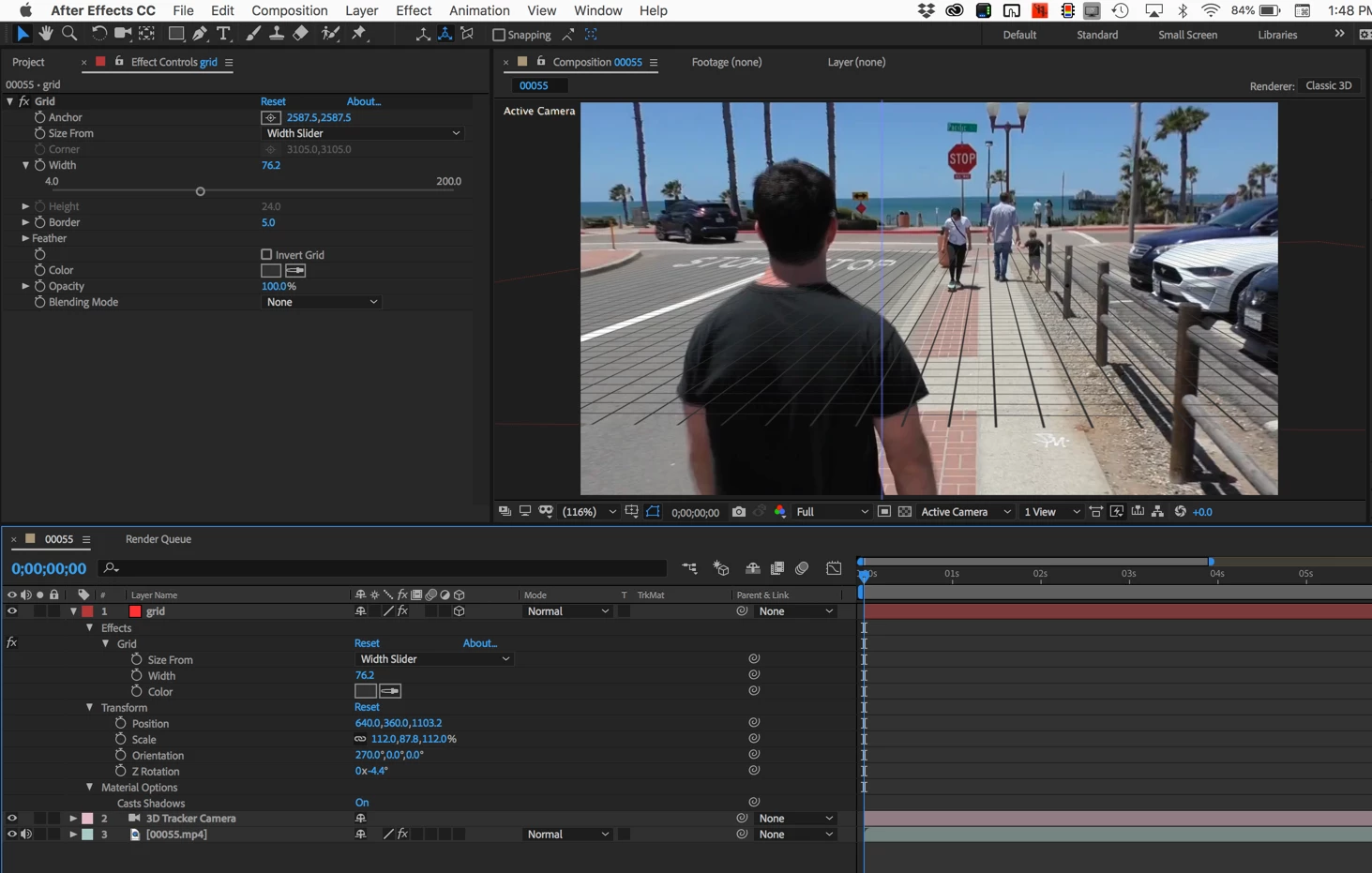
The grid lines lined up pretty well until they got right next to the edges of the frame, then they started to drift. If this was a critical project and the placed objects need to track to the edge of the frame the lens distortion would have to be fixed and Track Camera would have to be run on the fixed footage.
A jerk in the camera move on the last few frames was also not correctly captured so you'll have to do some hand animating if you have to have one of your placed objects in the scene.
The grid will also help you line up other elements in the scene, There are not very many objects in the scene that have good markers so you're either going to have to line up the placed layers using the grid as a reference or pick things like the fence poses or the front of the cars to place your 3D layers. When you have everything lined up you can just turn off the grid layer. I hardly do any Camera Tracking projects that do not include a grid to check the shot. You'll find tracking errors faster with a grid than anything else.
In the future, you'll have a lot easier time if you plan your shot a little better. Find a location that has plenty of detail in the fixed geometry in the shot so you have lots of options.



 AdChoices