
Participant
April 17, 2022
Question

My composition in After Effects can't be seen

  • April 17, 2022
  • 3 replies
  • 284 views

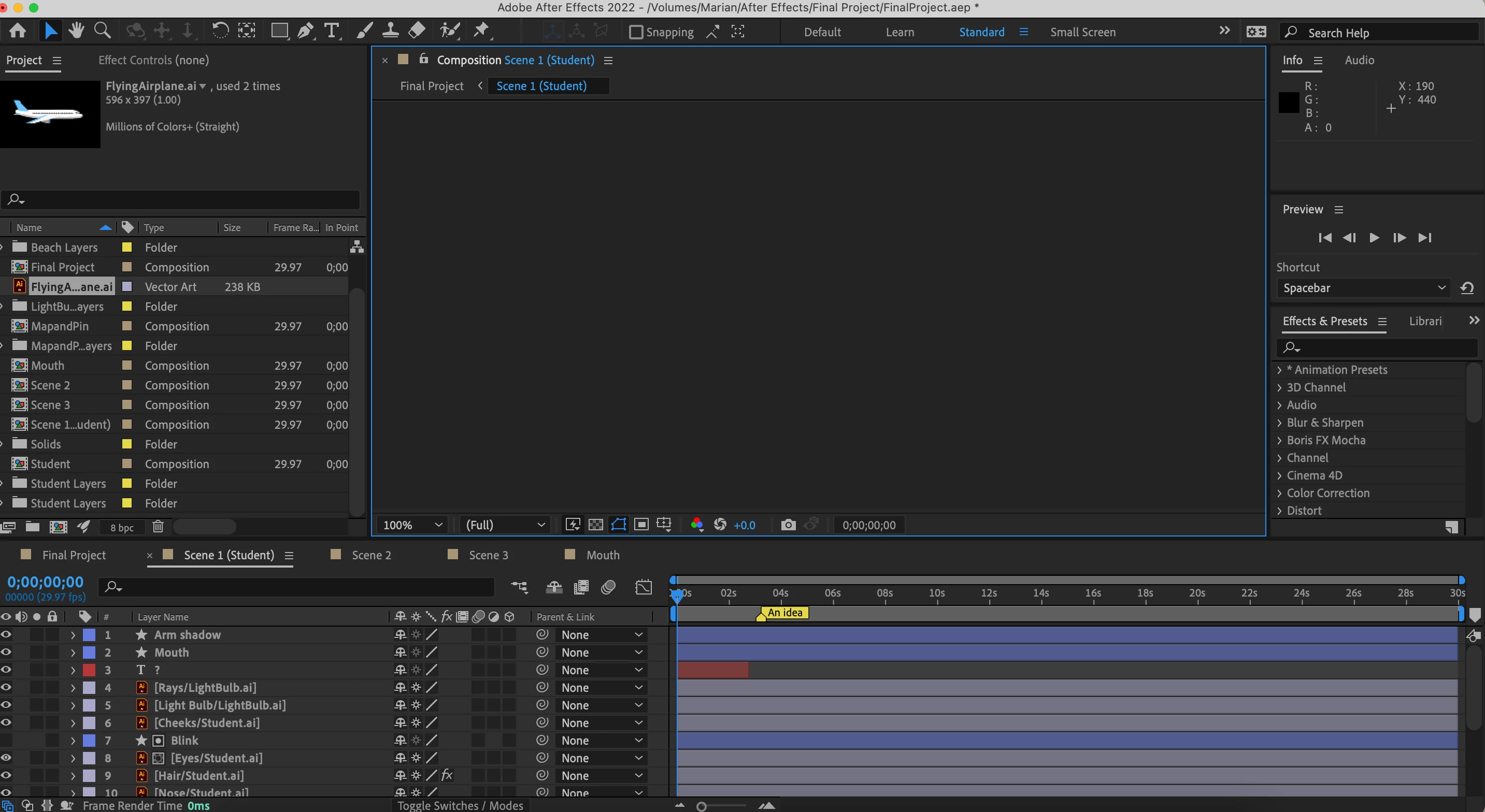
Why can't I view my composition? I was able to save it and the layers are there and can be moved but it won't show up. I've tried to clear the cache and reboot the program but it still doesn't work. My other compositions can be seen though. It is only this one that it is not working. Please help
This topic has been closed for replies.

3 replies

nishu_kush
Community Manager
Community Manager
April 18, 2022

Hi Marian23046979eppz,


Sorry for your issue.

I am assuming that it's project-specific as mentioned that it's happening with a particular comp. What happens if you import your project into a new one? What are your system specifications (CPU, GPU, RAM, OS version)?

Let us know, we're here to help.


Thanks,

Nishu

Participant
April 21, 2022

Hi Nishu.


If I import my project to a new one, it still shows the same error. I am using a Macbook Air 2021. 16GB of RAM. Mac OS Monterey. 8-core CPU 7-core GPU. Thanks!

nishu_kush
Community Manager
Community Manager
April 21, 2022

Thanks for sharing the details.

Please try disabling Hardware Accelerated Composition, Layer, and Footage Panels in After Effects Preferences > Display.

Let us know the outcome.


Thanks,

Nishu

Mohammad.Harb
Community Expert
Community Expert
April 17, 2022

Another help would be  Edit -> purge -> all memory and disk cache 

Mylenium
Legend
April 17, 2022

Start by turning off Fast Draft and check your hardware acceleration settings. most of the time this indicates a problem with GPU acceleration.


Mylenium