
My composition window in After Effects shows bl
Ever since I got my new laptop (Victus by HP Gaming Laptop 16-r0xxx (Extra info at the bottom)) My After Effects will show a black screen in the composition window. I can add elements, but I can't see them or do anything with them. 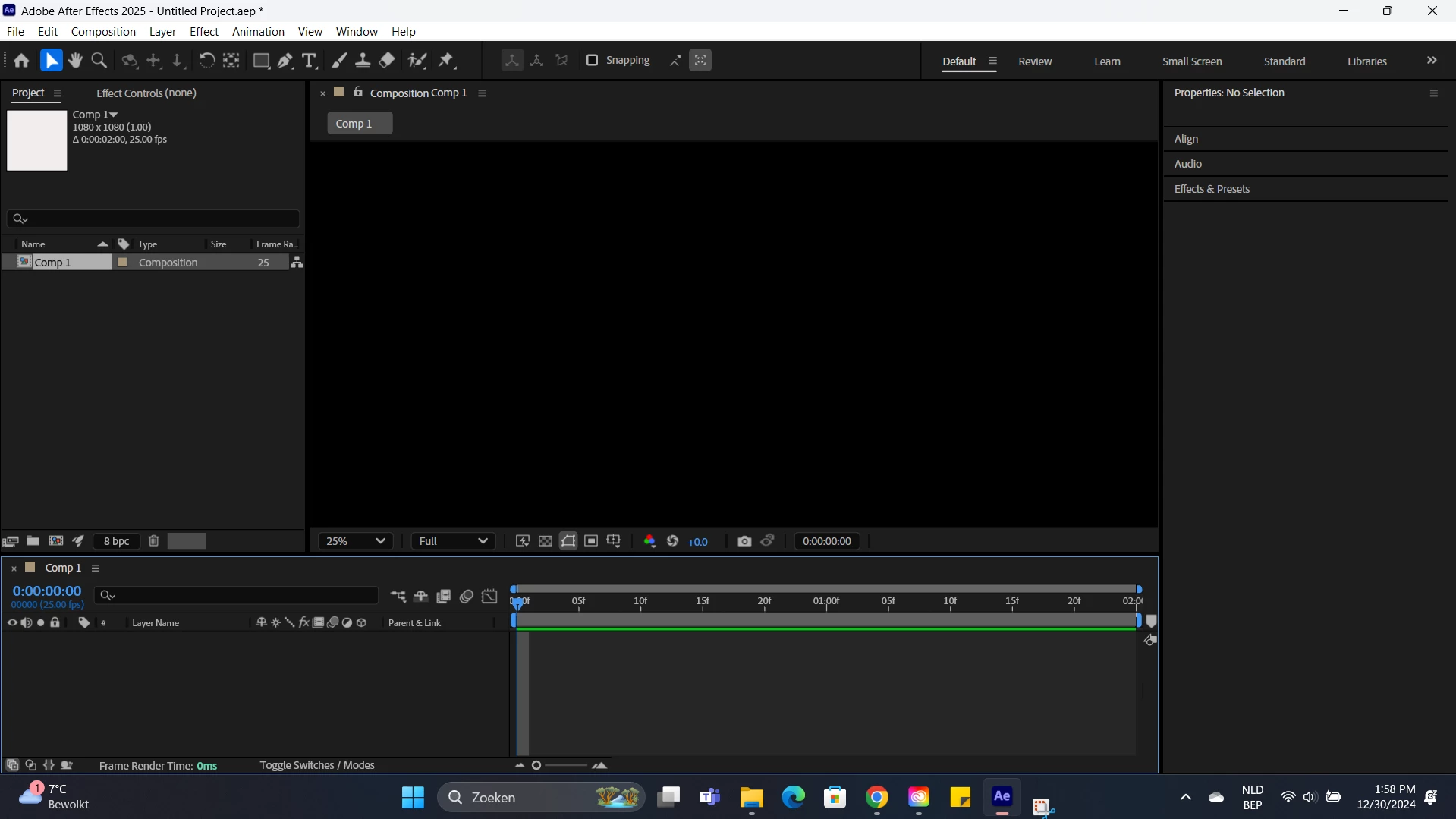
Things I've done to try and solve this:
-Disabled hardware accelleration
-Using older versions of AE
-Downloaded the most recent Nvidia driver ( the studio one, since I've read that the game ready one also caused glitches)
- Probably other things which I can't remember since it's been a while
Any ideas what this could be?
Here are my sytem details:
NVIDIA system information report created on: 01/26/2025 12:52:19
NVIDIA app version: 11.0.1.189
Operating system: Microsoft Windows 11 Home, Version 10.0.22631
DirectX runtime version: DirectX 12
Driver: Studio Driver - 566.36 - Tue Dec 10, 2024
CPU: 13th Gen Intel(R) Core(TM) i7-13620H
RAM: 16.0 GB
Storage: SSD - 476.9 GB
Graphics card
GPU processor: NVIDIA GeForce RTX 4070 Laptop GPU
Direct3D feature level: 12_1
CUDA cores: 4608
Graphics clock: 1980 MHz
Max-Q technologies: Gen-5
Dynamic Boost: Yes
WhisperMode: No
Advanced Optimus: No
Maximum graphics power: 120 W
Memory data rate: 16.00 Gbps
Memory interface: 128-bit
Memory bandwidth: 256.032 GB/s
Total available graphics memory: 15202 MB
Dedicated video memory: 8188 MB GDDR6
System video memory: 0 MB
Shared system memory: 7014 MB
Video BIOS version: 95.06.1e.00.34
IRQ: Not used
Bus: PCI Express x8 Gen3
Device ID: 10DE 2820 8BBE103C
Part number: 3757 0010
 AdChoices