Inspiring
October 21, 2020
Answered

My Projects Won't Open after Updating to AE 17.5

  • October 21, 2020
  • 3 replies
  • 2929 views

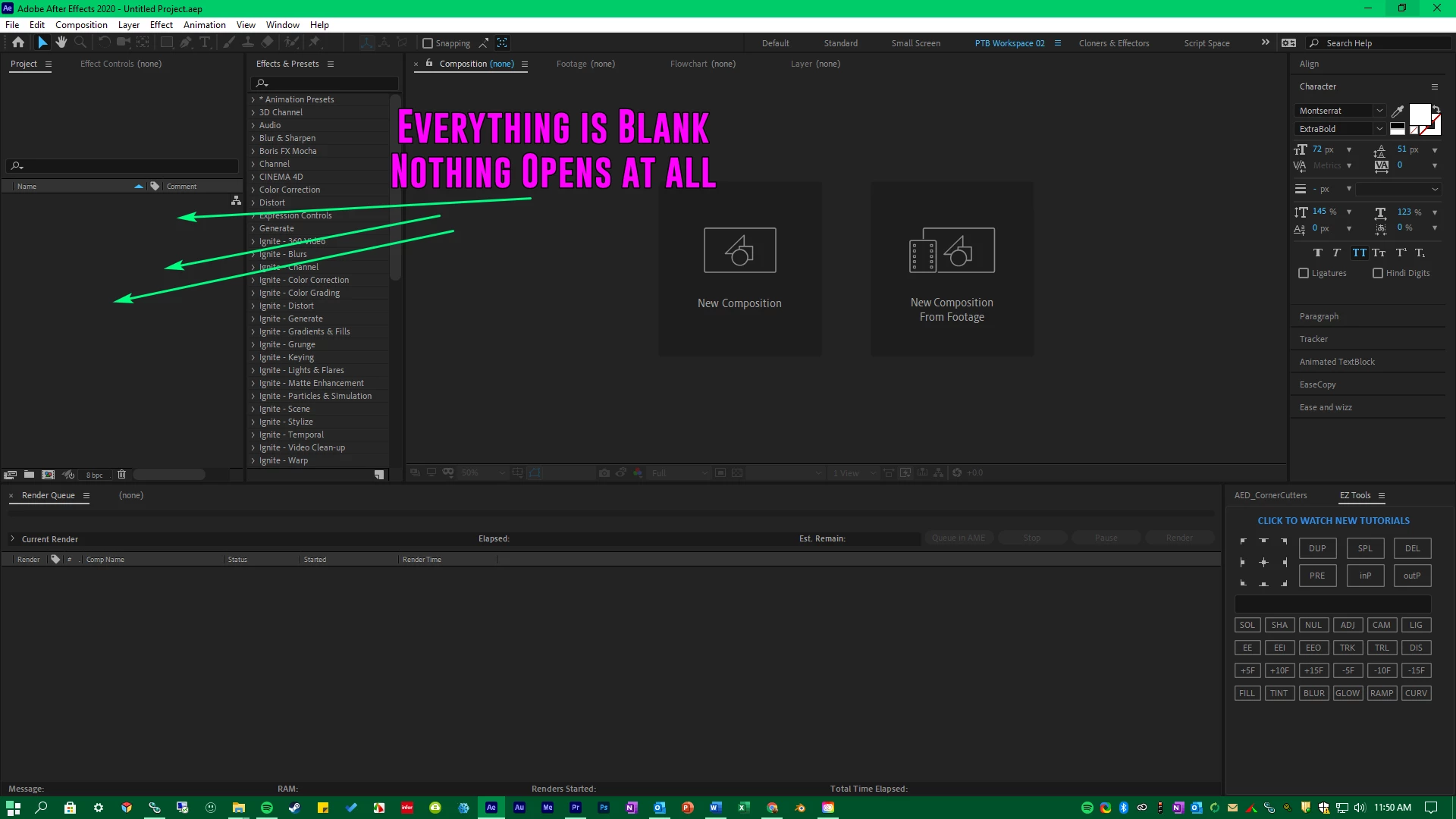
After Effects won't load my projects. It is acting as if I am creating a new project each time I open my previous work. 


After updating to 17.5 today, none of my exisiting projects will open.


I've tried uninstalling and rolling back to the previous After Effects version that WAS working, but now I can't open any of my projects. 


This topic has been closed for replies.
Correct answer patb26050481

Good Morning, just got into work and seen your response. IEverything I've accumulated is over years and years worth of time. A LOT of the plugins I still have I don't use anymore.


However, can you be more specific as to where you're seeing the "Zoom Blur" amd "Glow" plugins? And I will attempt to remove them.


Nevermind, I gigured out what you were referencing and I uninstalled that plugin. I then tried reopeneing some of the files I showed in my Screen Recording, and it seems like everything is opening up correctly now. 

3 replies

Participant
March 25, 2021

Another thing that can cause projects to not open is Mpeg2 encoded media.

If you know your project contains Mpeg2 or M2V media and you have issue loading any projects please convert all M2V media used in the project to MP4, Pro res or whatever you know that works, then replace the M2V media with the converted files in the project folder.


After this you should be able to open the projects. Then you'll need to connect the missing media to the new media files you converted.

Participant
December 14, 2020

Hello, 


Very frustrating time for me too! I have spent hours and hours to figure out why I could'nt open any files on AE after updating from 2019 to 2020 (17.5.1)...at the end I'm back using 2019 again which works just fine with all my plugins.


AE 2020 17.5.1 doesn't even want to load...it stays stuck to "initializing required components".

Is there some compatibilty issues with plugins such as Trapcode ?


I have even tried the method of renaming different folders into AppData - Roaming etc... by adding "old" word on some forlder. After that AE 2020 has loaded once (yay!) to then stop working again after restrating my computer...(duh!)


I hope you can help...massive headache

Participant
March 25, 2021

Does your project contain Mpeg2 or M2V Media? if so please see my comment below.

Rameez_Khan
Legend
October 21, 2020

Super frustrating! Sorry to hear about this, patb26050481.

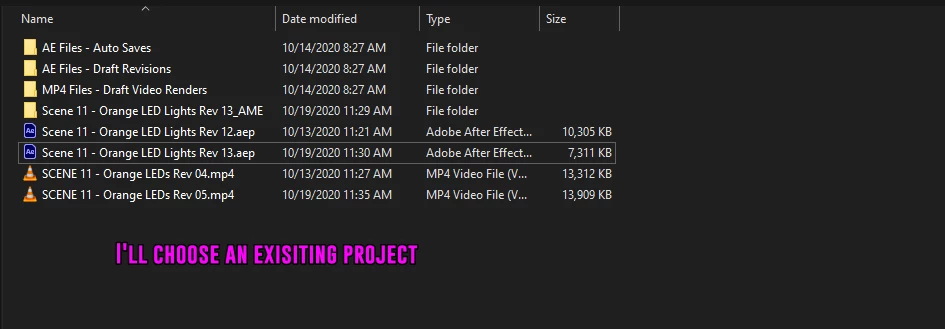
Do you double-click the project file in the Windows Explorer to open it or do you launch After Effects first and then open the project from the app?

What happens if you create a new project and then import an existing project into it?


Let us know.

Rameez


Inspiring
October 22, 2020

I've tried opening my projects everyway I know how and I get the same results as before.


Ways that I've tried to open projects:

- File > Open Project from inside After Effects


- File > Import File (I get an error message saying "Unable to execute Script at Line 0. After Effects Error: Can not run a script while a modal dialog is waiting for response"


- Dragging a project into an opened instance of After Effects (This creates a folder in the Project Panel, but the folder is entirely empty)


Inspiring
October 22, 2020

The only way i can get my old files to open is by using After Effects 2019