
Need Help using Adobe After Effects - Template Adjustments
Hello
I am completely new to using Adobe After Effects, so I apologize in advance for potentially not using the correct terminology.
I purchased and downloaded this template: https://motionarray.com/after-effects-templates/magic-book-slideshow-251937/
I am creating my own art book and this template is perfect. Following the video instructions by Motionarray, I was able to upload my images to all of the pages and make some changes.
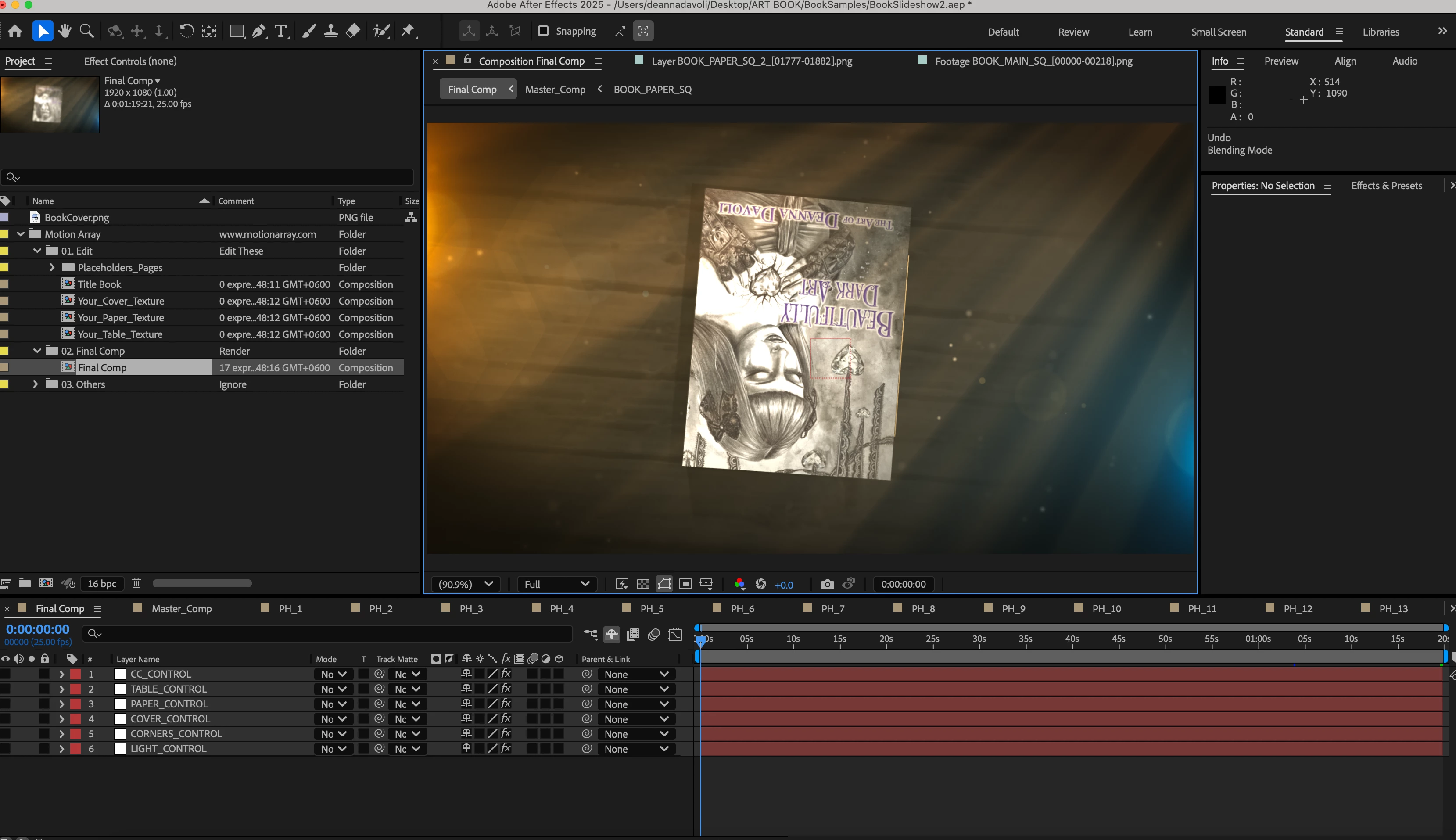
However, I am coming across issues with making further alterations to the various effects. Also, for some reason the image for the cover of the book is upside down and I don't know how to rotate it correctly.
Can anyone offer some advice and tips on how to make changes to a template?
I would like to change/edit the following things:
1. Rotate the cover image 180 degrees
2. Change the book edge color
3. Change the hue of the lighting on the left side as it is very yellow
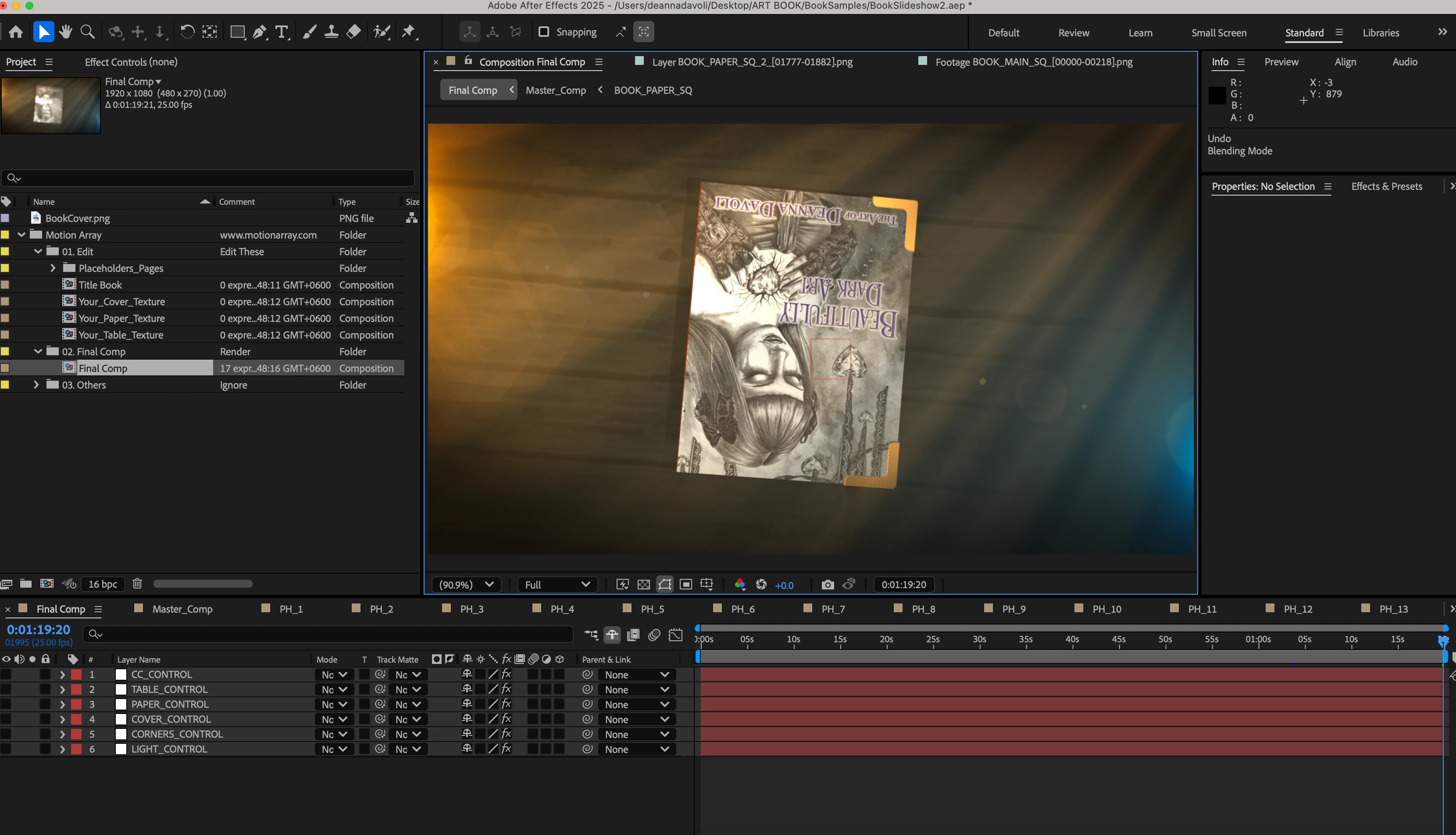
4. Remove the gold corner embellishments that show up at the end of the video (see 2nd screenshot)
Below is a screenshot of the beginning of the movie
 AdChoices