Participant
July 21, 2018
Answered

No option for 'Composition - retain layer size' in After Effects CC 2017

  • July 21, 2018
  • 1 reply
  • 5143 views

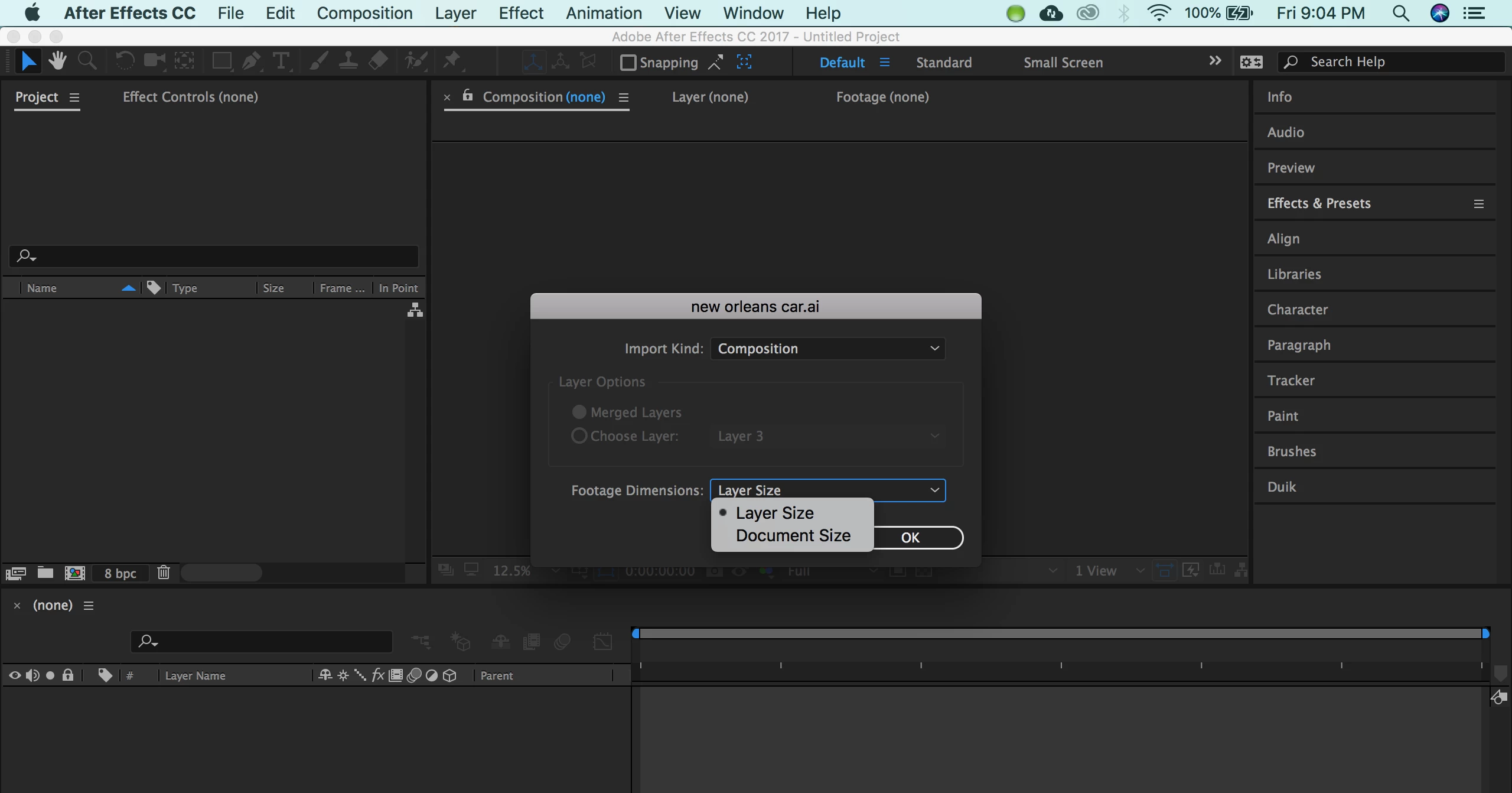
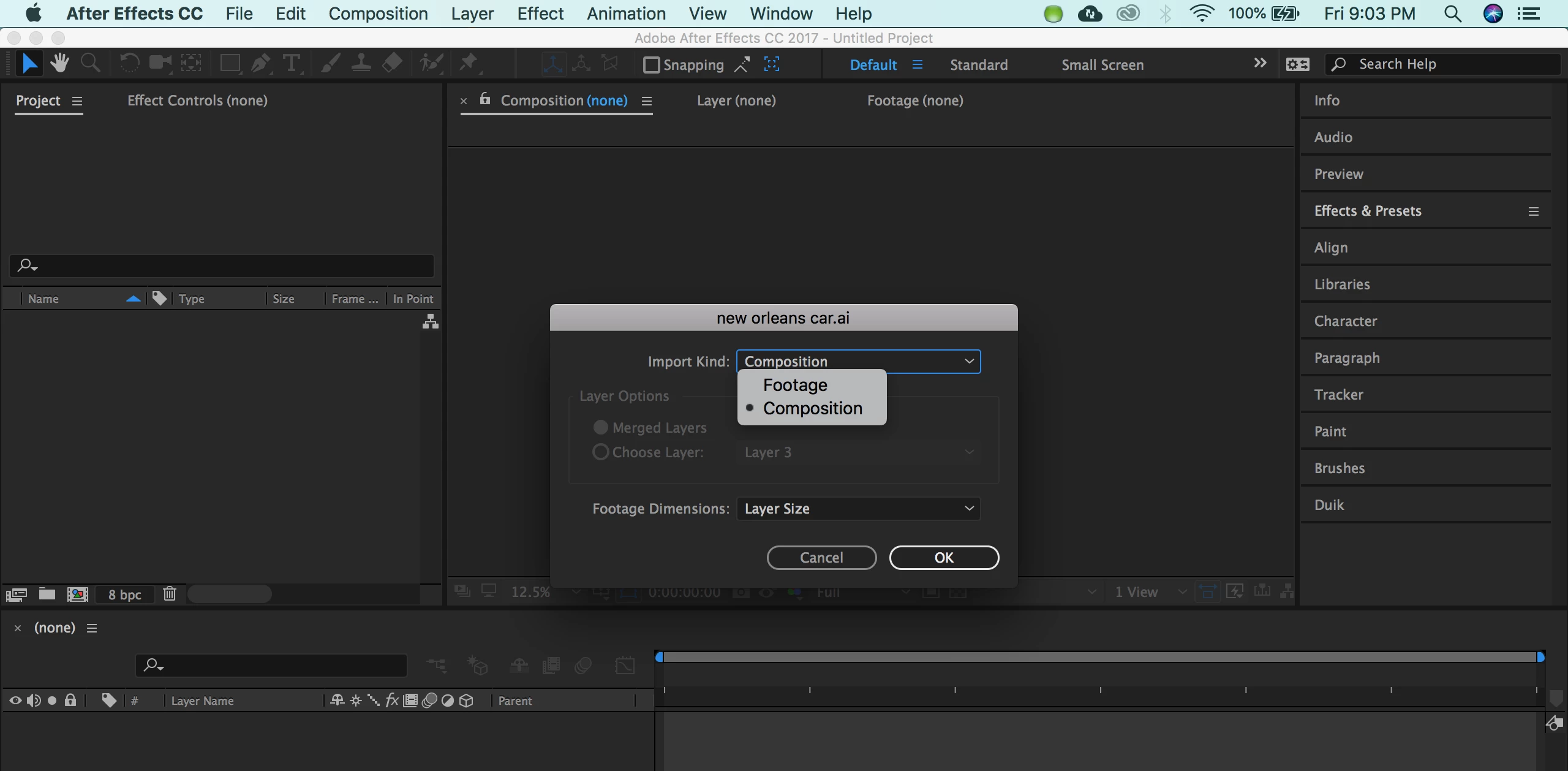
I've made several short animations by importing files from illustrator into after effects.  I used to be able to use the composition - retain layer size option when I imported into after effects but now I am only given two options for the import kind: footage or composition. I cannot figure out how to get the retain layer size option back. I've attached a screenshot of what I see when trying to import an illustrator file. Any suggestions for how to fix this issue are welcome!
[Here is the list of all Adobe forums... https://forums.adobe.com/welcome]

[Moved from CS6 and earlier Creative Suite to correct forum... Mod]
Correct answer Roei Tzoref
Unfortunately, that doesn't solve the issue that I've run into when I don't have the 'retain layer size' option.  I've seen tutorials and other users who have that option when importing illustrator files and I used to be able to do it as well.

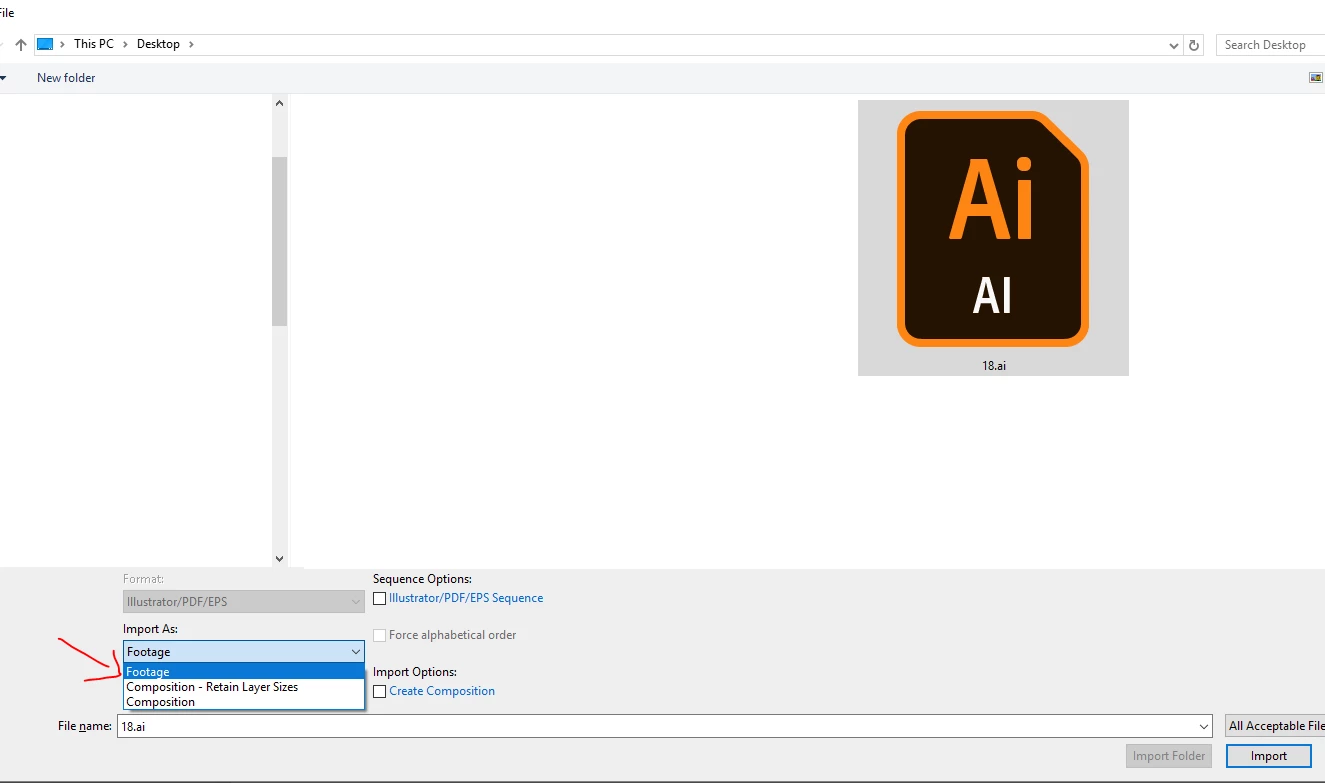
I see now what you mean. yes, you can have for both Ai and Ps files a retain layer size option and it's in the import file dialog:

if you choose this you for Ai files, you won't get another dialog box (for Ps you will). the end result though will be exactly the same if you choose "footage" and in the additional dialog box set it to layer size.

some of the elements of my illustrator file that were outside of the artboard keep getting cut off once the file is put into after effects. Any other ideas on how to fix this problem?

this is unrelated to the import issue you mentioned. all Ai layers will be cut from the artboard area by default, unless you add another artboard to contain the artwork. that's why it's recommended to use Ai presets (HDTV) that comes by default with 2 artboards. if it's after the fact, you could simply expand your artboard to contain the whole elements and they wont be cut off. or add another artboard that contains the cut off parts (it can overlap or contain the 1st artboard)

you should read this:

Preparing and importing still images in After Effects

1 reply

Roei Tzoref
Legend
July 21, 2018

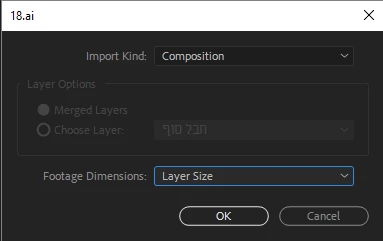
Retain layer size is an option when you import a Psd document. The Ai import equivalent is setting composition and layer size (on footage dimensions)

Participant
July 21, 2018

Thank you for your response. Unfortunately, that doesn't solve the issue that I've run into when I don't have the 'retain layer size' option.  I've seen tutorials and other users who have that option when importing illustrator files and I used to be able to do it as well. Only recently did the option disappear for me.  It's important for me to have that option because when I'm trying to make animations, some of the elements of my illustrator file that were outside of the artboard keep getting cut off once the file is put into after effects. Any other ideas on how to fix this problem?

P.M.B
Legend
July 21, 2018

It's the same thing.   Have you tried importing it with "layer size" option selected?  What happens?  What's the problem?

~Gutterfish