Exit
  • Global community
    • Language:
      • Deutsch
      • English
      • Español
      • Français
      • Português
  • 日本語コミュニティ
  • 한국 커뮤니티
0

Noise effect not rendering

New Here ,
Feb 05, 2023 Feb 05, 2023

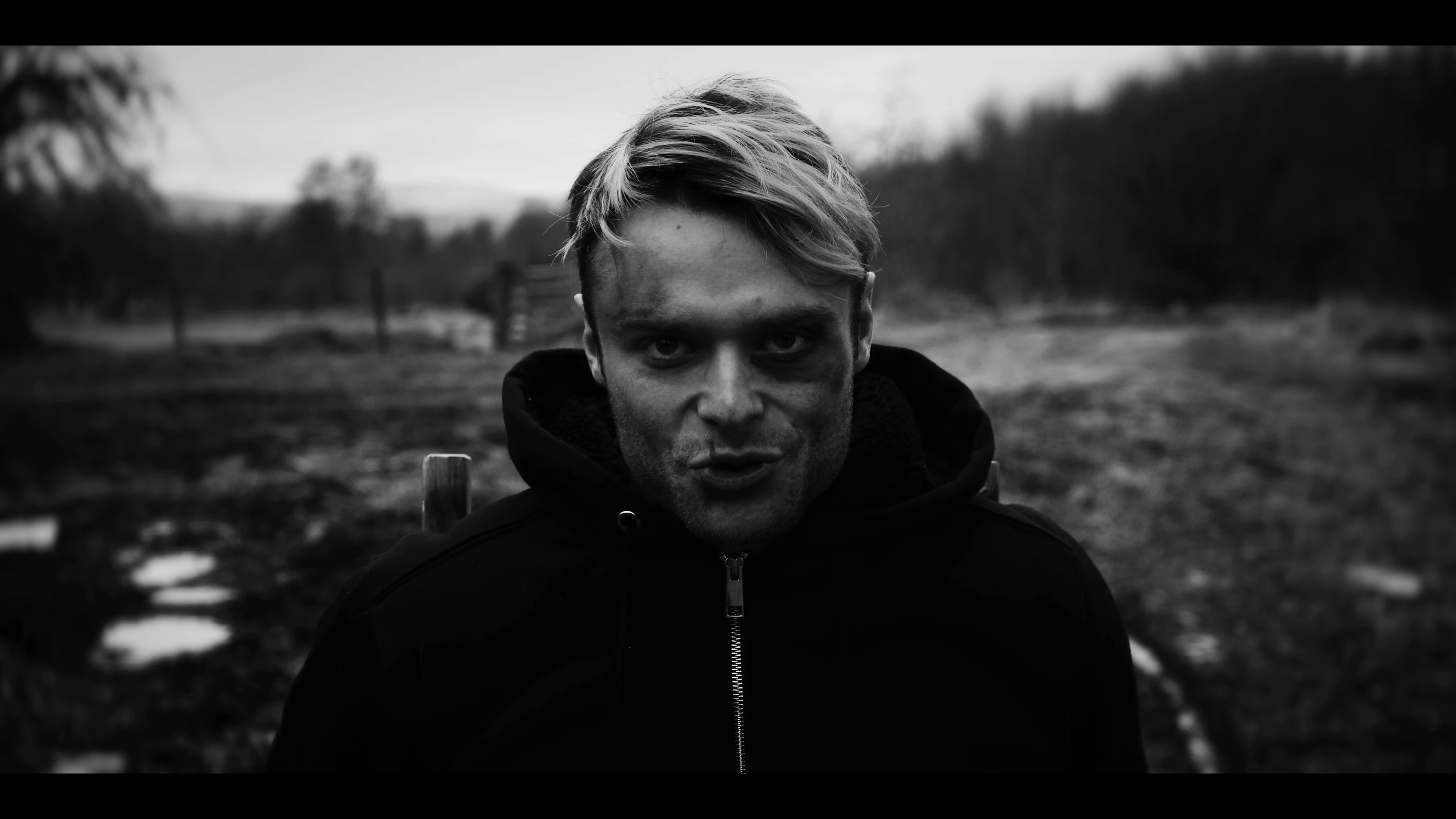
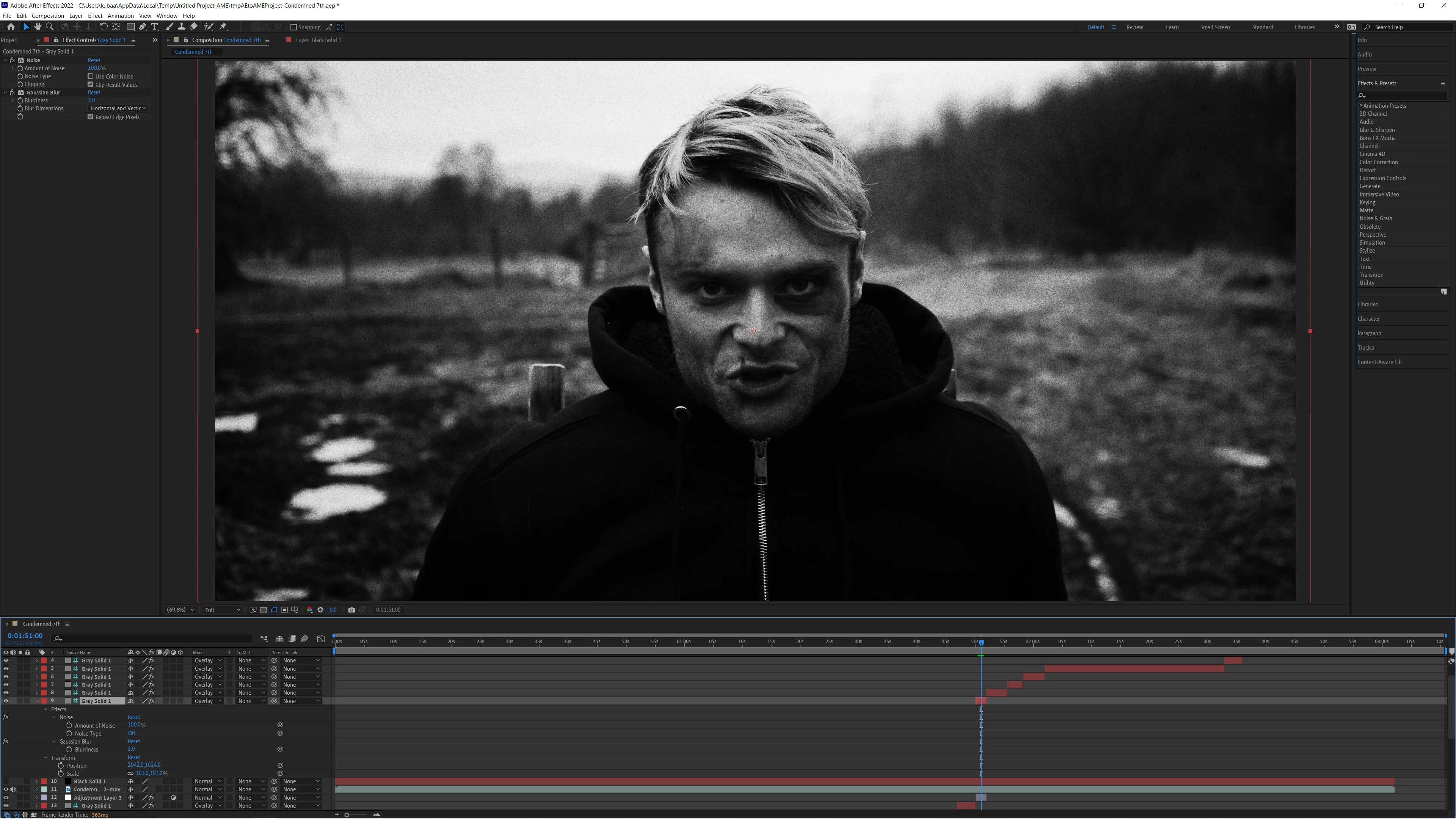
Hi, Im tryin to add some noise to my composition but I cant get it to render. please do ask for any details that im unaware are variables that may effect the export. ( attatched photo, added loads of noise to show its definetely not rendering)Screenshot (98).pngScreenshot (99).png
TOPICS
Error or problem , How to , Import and export , User interface or workspaces
970
Translate
Report
Community guidelines
Be kind and respectful, give credit to the original source of content, and search for duplicates before posting. Learn more
community guidelines

correct answers 1 Correct answer

Community Expert , Feb 05, 2023 Feb 05, 2023

Your layer 9 Gray Solid with the Noise Effect is set as a Guide layer. Note the green #. Guide layers do not render. The first 9 layers are guide layers so none of them will render. They preview so you can use them as guides, but they do not render.

Translate
Community Expert ,
Feb 05, 2023 Feb 05, 2023

Your layer 9 Gray Solid with the Noise Effect is set as a Guide layer. Note the green #. Guide layers do not render. The first 9 layers are guide layers so none of them will render. They preview so you can use them as guides, but they do not render.

Translate
Report
Community guidelines
Be kind and respectful, give credit to the original source of content, and search for duplicates before posting. Learn more
community guidelines
New Here ,
Feb 06, 2023 Feb 06, 2023

Awesome! im sure that will fix it, I was sure it would be somthing obvious as its my first time using after effects. kindof odd that its the default though, especialy with a symbol that doesnt feel like can be switched on and off.

Translate
Report
Community guidelines
Be kind and respectful, give credit to the original source of content, and search for duplicates before posting. Learn more
community guidelines
Community Expert ,
Feb 06, 2023 Feb 06, 2023

Spend some time with the User Guide. Premiere Pro requires some training to use effectively. After Effects requires a lot more before you solo.

RickGerard_0-1632541107307.png

Your flight instructor's first tip: Right-click on the Guide layer and press the letter G to jump to the Guide Layer option and turn it off.

Translate
Report
Community guidelines
Be kind and respectful, give credit to the original source of content, and search for duplicates before posting. Learn more
community guidelines
New Here ,
Feb 06, 2023 Feb 06, 2023
LATEST

yeahh im very familiar with Premiere but completely new to after effects, was surprised how different it is.

Translate
Report
Community guidelines
Be kind and respectful, give credit to the original source of content, and search for duplicates before posting. Learn more
community guidelines