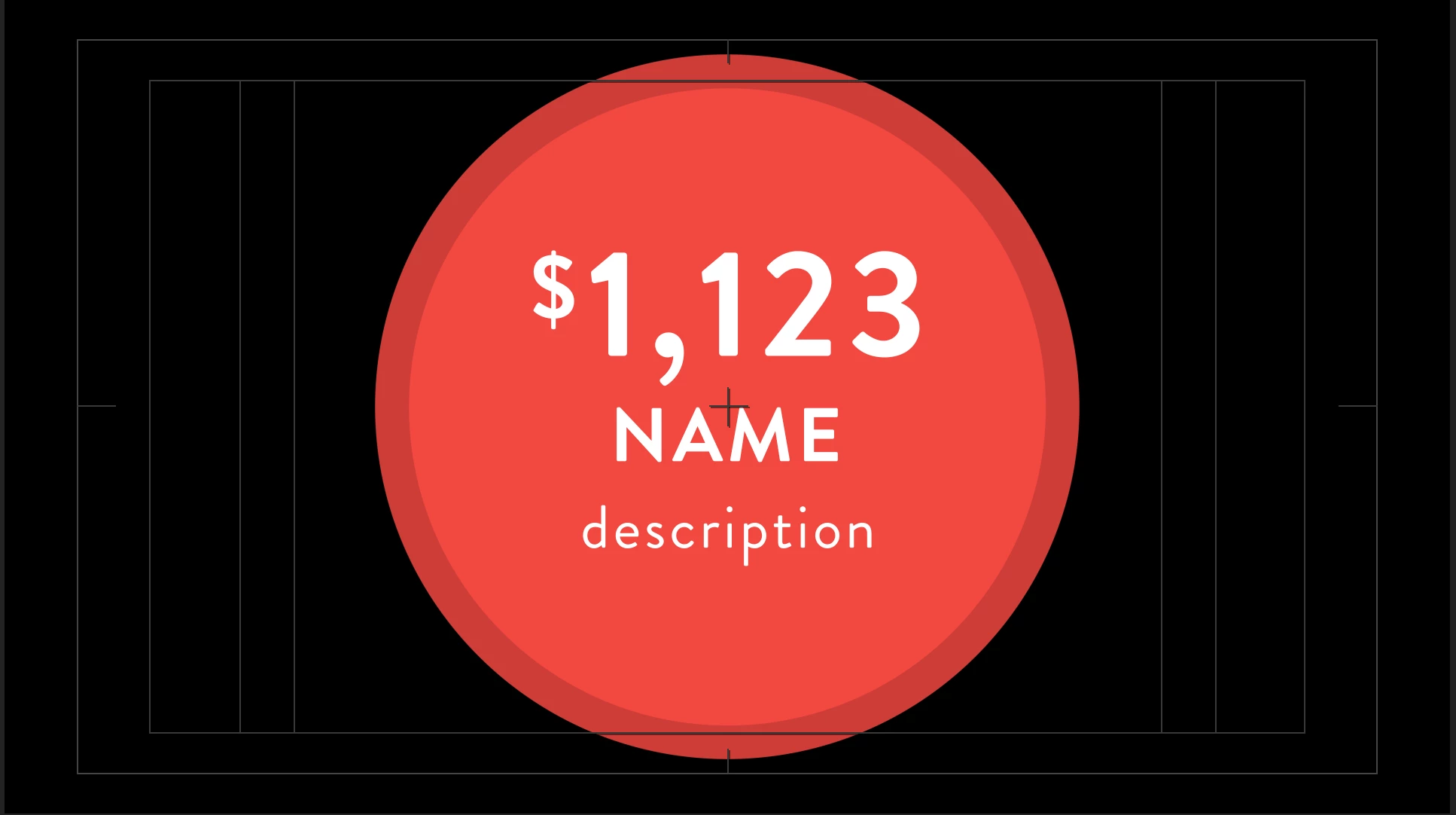
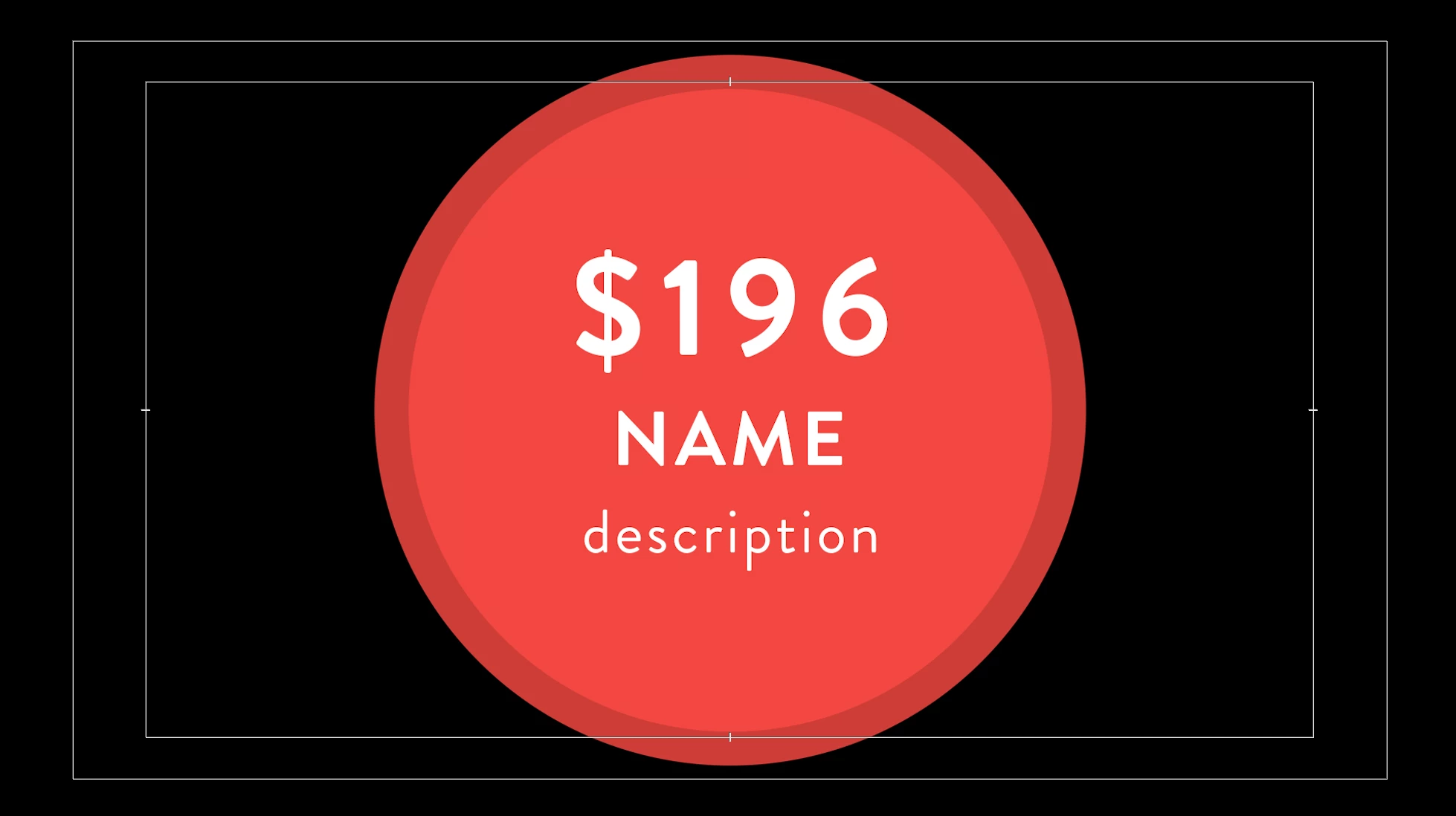
Thanks for the reply, it sounds like a part of the solution but I still have to keep the same distance between the $ symbol and the numbers. I'm looking for a script or something that helps me to keep them in place. Thanks again.
The Expression method sourceRectAtTime should do the trick. Lutz's recommendation to use a Text Animator with a Scale and Position Text Animation Operators should also work.
With the sourceRectAtTime solution you'll need to know how many pixels you want to offset the $ sign, from the first number AND you require two Text Layers in AE. For the Text Animator solution, you will only require one Text Layer with one Text Animator Group which is used to select the first character and scales and positions it to suit your needs in AE and this alignment and sizing will hold through in PPro. Let us know if you require specifics.

 AdChoices