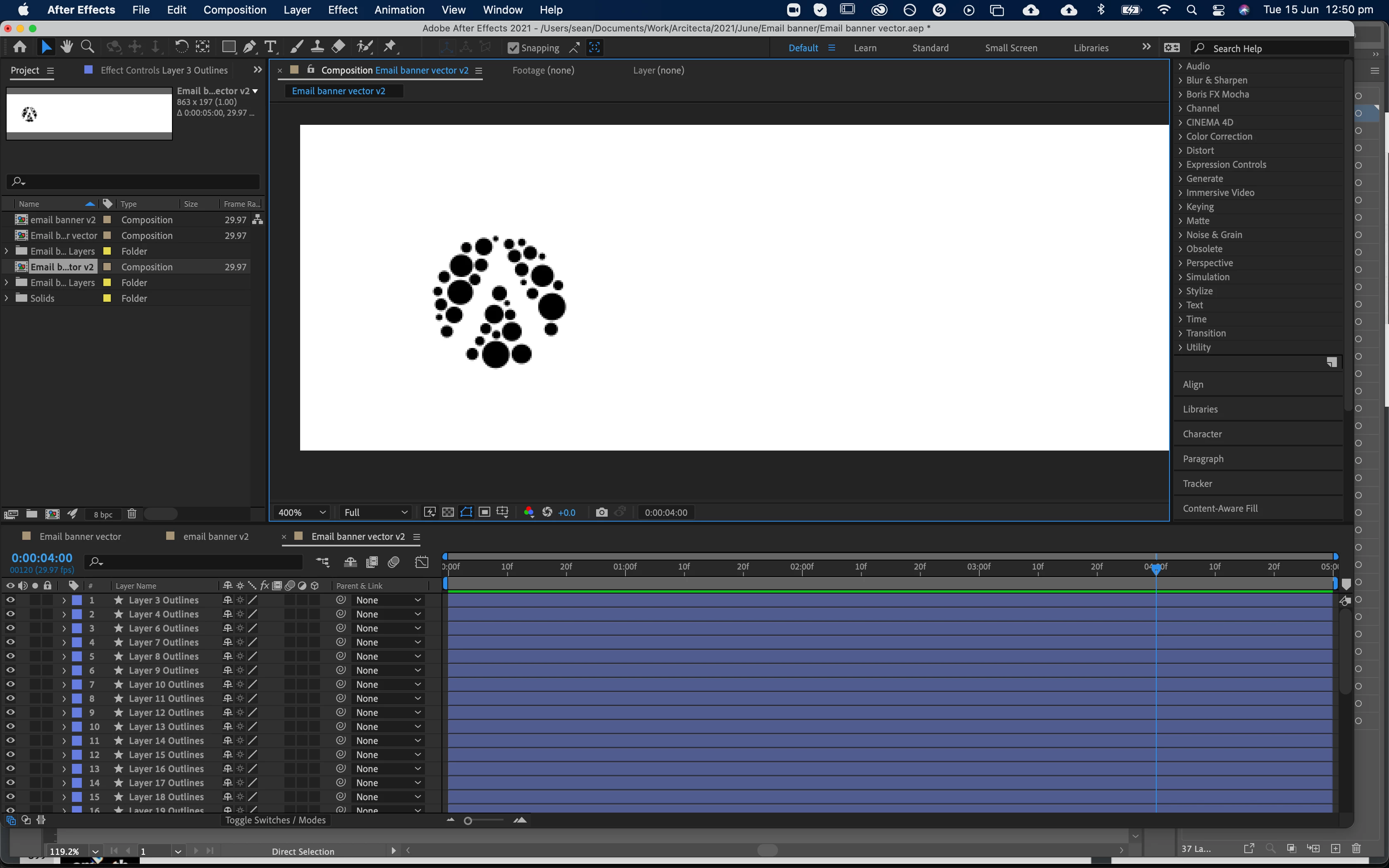
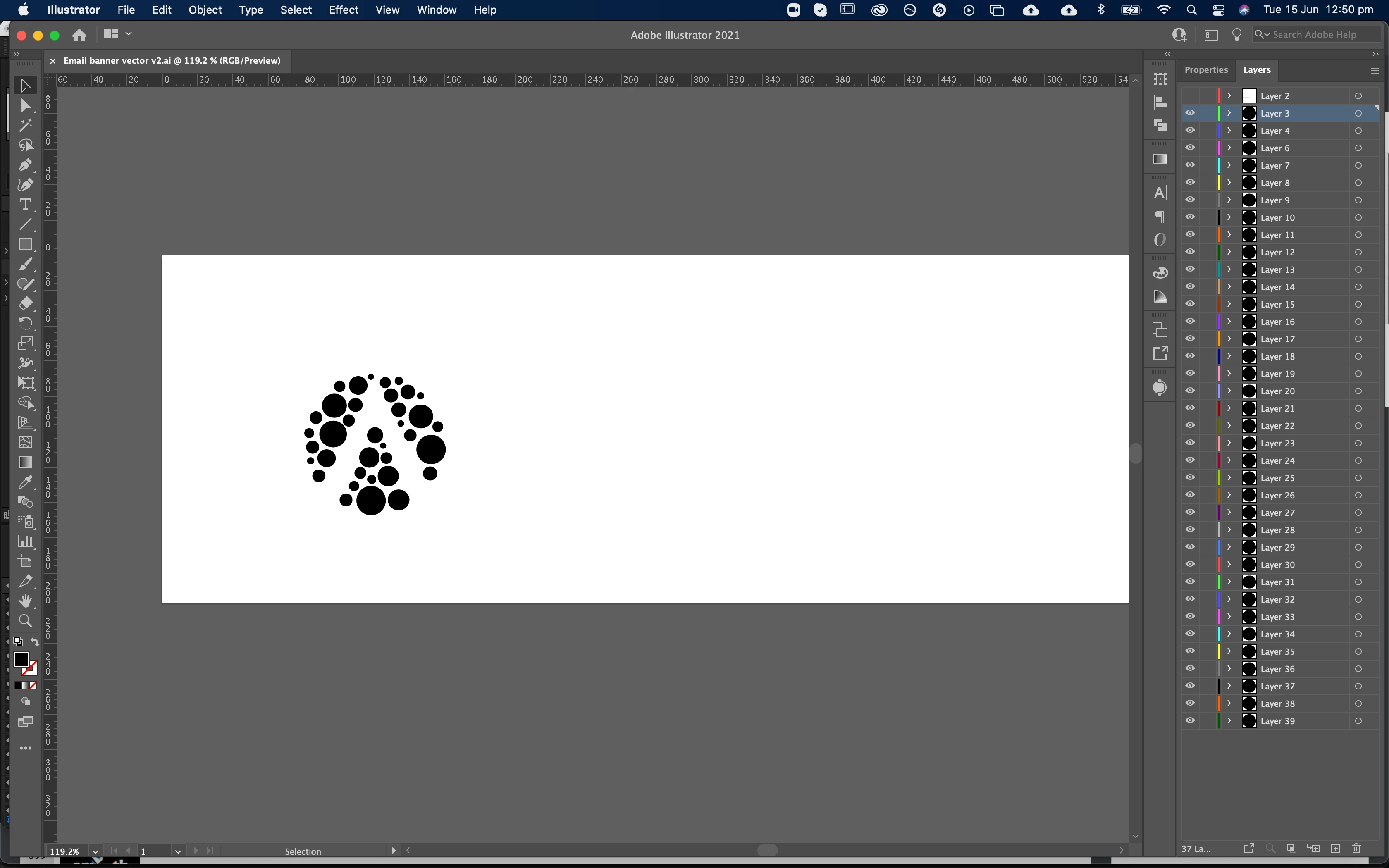
They are not pixelated. You simply have zoomed in 400%. Unlike AI, AE does not dynamically re-rasterize vector content on zoom. All that matters is how it looks at 100%, no matter whether with our without continuous rasterization enabled. You may want to read the online help on some of these basics. As for your animation - not really a more efficient way. You are going to need some keyframes no matter what, so whether those are ultimately applied to sliders that control wiggle() expressions that make your dots swirl around or direct position keyframes is secondary. It's going to be a lot of manual labour one way or the other. and in your case chances are that before even moving on to adding automated animation in some form you would have to spend time adjusting your shape layers' centers and possibly the underlying grouping and transforms because you converted your artwork directly from an AI file, which in this case is not an ideal workflow. So there you have it - really not much in the way of potential optimizations as any attempt to do so would take just as long as just grabbing a cup of coffee and patiently chewing trhrough your project.
Mylenium

 AdChoices